B-Roll for Online Courses Made With AI Video
Make AI cutaway shots for an online course: pick one object and one action, keep the camera calm, fit the clip to narration and check the price first.
 Piotr Olszewski2026-10-222 minPolski
A cutaway in a lesson has one job: to show what the narrator is talking about while they talk. It should not replace the teacher or cover the whole topic. The simplest good brief is one object doing one thing, for example coffee dripping into a glass carafe while you explain extraction. Step numbers, labels and instructions go on in your editor, where you can proofread each word.
Costs and the model I use
For this kind of shot I use Kling 3.0, currently from $0.0963 per second. The pricing page and the cost calculator show what your exact settings cost. Your balance does not expire, nothing renews monthly, and a failed render costs nothing. A successful clip is charged even if you never use it.
From narration to shot
- Pick the sentence in your script that needs a visual, and note where the cutaway should start and end.
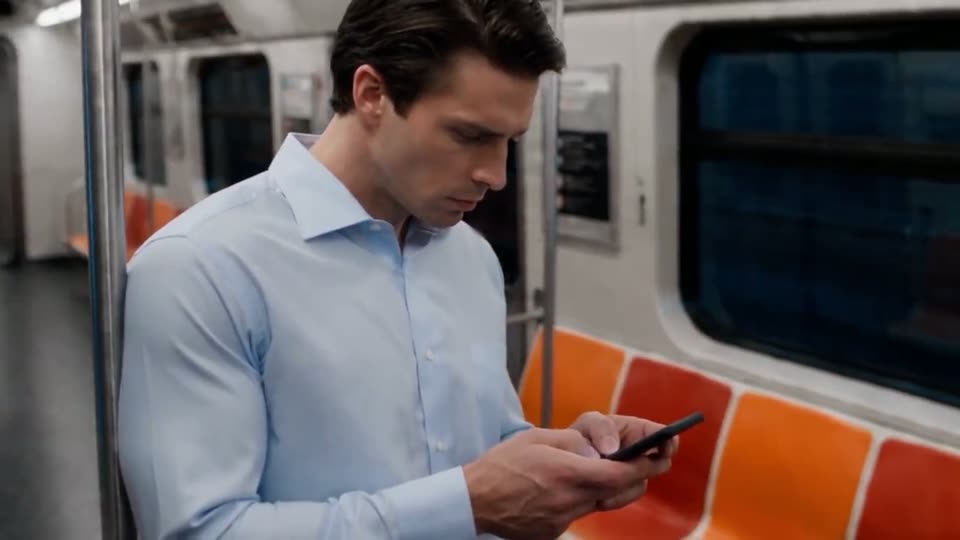
- If a face adds nothing to the explanation, show an object, not a person.
- Ask for a locked camera or a single slow move. Panning, orbiting and zooming in one shot is too much.
- Render one silent test first. Look at the object's shape, any hands, text on packaging and whether things stay continuous.
- Drop the clip under the recorded voiceover and keep a calm second at each end as trimming room.
- Watch the exported lesson on a phone. The cutaway must leave space for captions.
The request body
Send this JSON to POST /v1/generate. If a model needs a reference image, use a URL that is publicly reachable.
{
  "model": "kling-3.0",
  "input": {
    "prompt": "Close-up of coffee slowly dripping into a glass vessel, static camera, soft daylight, neutral background, no text",
    "duration": 5
  }
}
Last check before publishing
- What is on screen matches what the narrator says at that moment.
- The object keeps the same shape from the first frame to the last.
- Captions stay readable on a phone screen.
Questions
Why not let the model write the step text into the shot?
Generated lettering often contains errors, and fixing one word would mean rendering the clip again. A text layer in the editor can be corrected in seconds.
How do I know the price before I run a job?
Studio shows it on the form before you send anything, and the API returns estimated_cost in its response. Check the model schema first so the request uses valid values.
Where can I see every supported setting?
The Kling 3.0 model page and the generation API docs list all inputs. More video models are on the AI video generator page.