























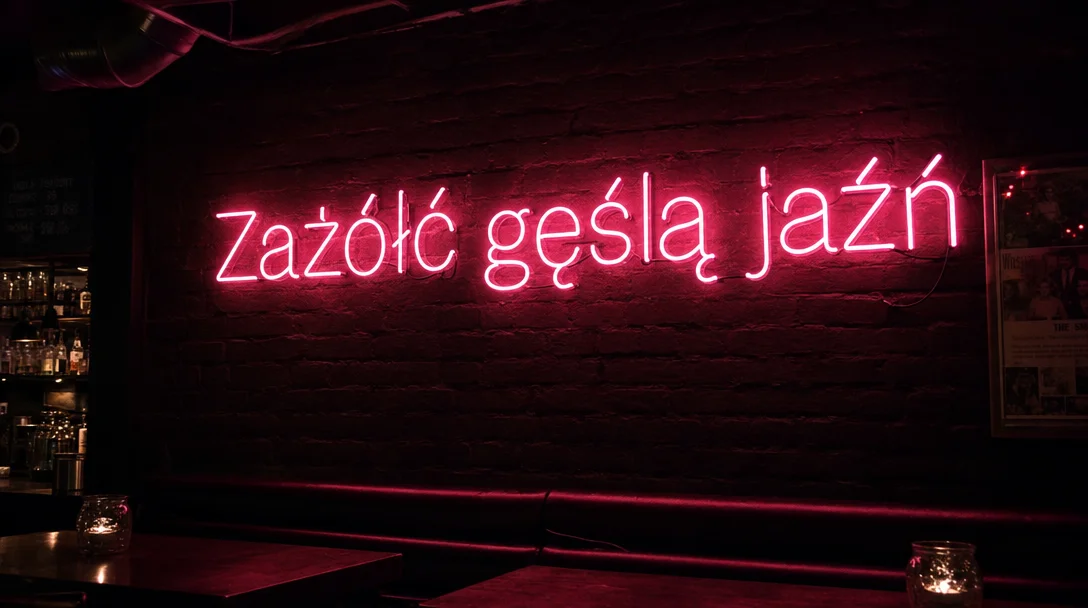
GPT Image 2 is the OpenAI model to use when the format is unusual or the file has to be big: a 3:1 website banner, a 21:9 hero, a 4K wallpaper. OpenAI released it in April 2026, and it powers ChatGPT Images 2.0. It creates images from text or reworks them from up to 16 reference pictures.
Prompts can be up to 32,000 characters in English or Chinese, enough to describe a layout section by section.
What you can make
- Panoramic site headers and banners at 21:9 or 3:1
- Posters and desktop wallpapers in 4K
- One design exported in several social formats
- Edits steered by a product photo or a style sample
Settings that matter
aspect_ratio: 16 named ratios, including 1:1 (default), 16:9, 21:9, 3:1 and 1:3. Pixel strings are not accepted here.resolution:1k(default),2kor4k. At 4k, 16:9 means 3840x2160 and square means 2880x2880.autoratio fails at 4k, so pick an explicit ratio for 4K renders.- When editing with
image_urls, set a ratio that matches your photo or useautobelow 4k. - For layouts, describe the image in zones: headline on top, product in the middle, footer at the bottom.
Starter prompt
3:1 website banner for a mountain bike shop: rider on a
ridge at sunrise on the right, empty sky on the left for
text, crisp detail, warm orange light, no lettering
Change the scene and keep the empty side if your site places its own headline over the image.
Questions
What does a GPT Image 2 picture cost?
from $0.0625 per image. The estimate comes back before the job starts, and a failed image costs $0.
GPT Image 2 or the newer GPT Image 2.5?
GPT Image 2.5 adds quality levels up to max but offers three sizes up to 1536 px on Kadraris. GPT Image 2 keeps the long list of ratios and the 4k tier, so use it for large output. The GPT Image 2.5 vs GPT Image 2 page compares them.
Can I write the prompt in another language?
The 32,000-character limit is stated for English and Chinese. For other languages, run a few tests before a big batch.
GPT Image 2 in your code
curl https://kadraris.com/v1/generate?wait=60 \
  -H "Authorization: Bearer $KADRARIS_API_KEY" \
  -H "Content-Type: application/json" \
  -d '{
  "model": "gpt-image-2",
  "input": {
    "prompt": "Packshot of a white linen sneaker on a concrete block, hard midday sun, crisp shadow, 85mm",
    "aspect_ratio": "1:1",
    "resolution": "1k"
  }
}'
import os, time, requests
API = "https://kadraris.com/v1"
H = {"Authorization": f"Bearer {os.environ['KADRARIS_API_KEY']}"}
task = requests.post(f"{API}/generate", headers=H, json={
"model": "gpt-image-2",
"input": {
"prompt": "Packshot of a white linen sneaker on a concrete block, hard midday sun, crisp shadow, 85mm",
"aspect_ratio": "1:1",
"resolution": "1k"
}
}).json()
while task["status"] in ("queued", "running"):
time.sleep(3)
task = requests.get(f"{API}/tasks/{task['id']}", headers=H).json()
print(task["status"], task["cost"], [o["url"] for o in task["output"]])const API = "https://kadraris.com/v1";
const headers = { Authorization: `Bearer ${process.env.KADRARIS_API_KEY}`, "Content-Type": "application/json" };
let task = await (await fetch(`${API}/generate`, {
method: "POST",
headers,
body: JSON.stringify({
"model": "gpt-image-2",
"input": {
"prompt": "Packshot of a white linen sneaker on a concrete block, hard midday sun, crisp shadow, 85mm",
"aspect_ratio": "1:1",
"resolution": "1k"
}
}),
})).json();
while (task.status === "queued" || task.status === "running") {
await new Promise((r) => setTimeout(r, 3000));
task = await (await fetch(`${API}/tasks/${task.id}`, { headers })).json();
}
console.log(task.status, task.cost, task.output.map((o) => o.url));Input fields
| Parameter | Type | Allowed | Default |
|---|---|---|---|
prompt * | string | ≤ 32000 chars | |
aspect_ratio | string | auto 1:1 16:9 9:16 4:3 3:4 3:2 2:3 5:4 4:5 2:1 1:2 21:9 9:21 3:1 1:3 | 1:1 |
resolution | string | 1k 2k 4k | 1k |
image_urls | array | max 16 |
Fetch this list as JSON with GET /v1/models/gpt-image-2.