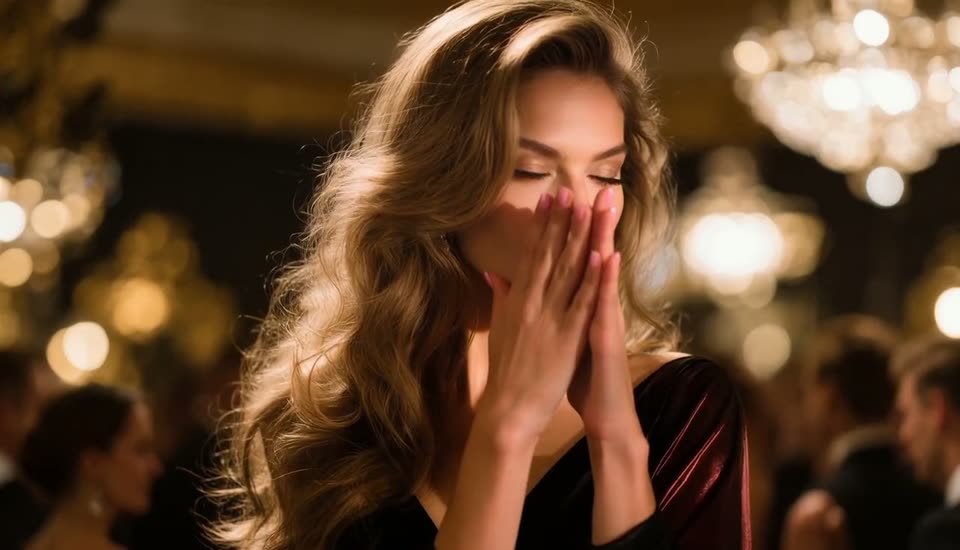
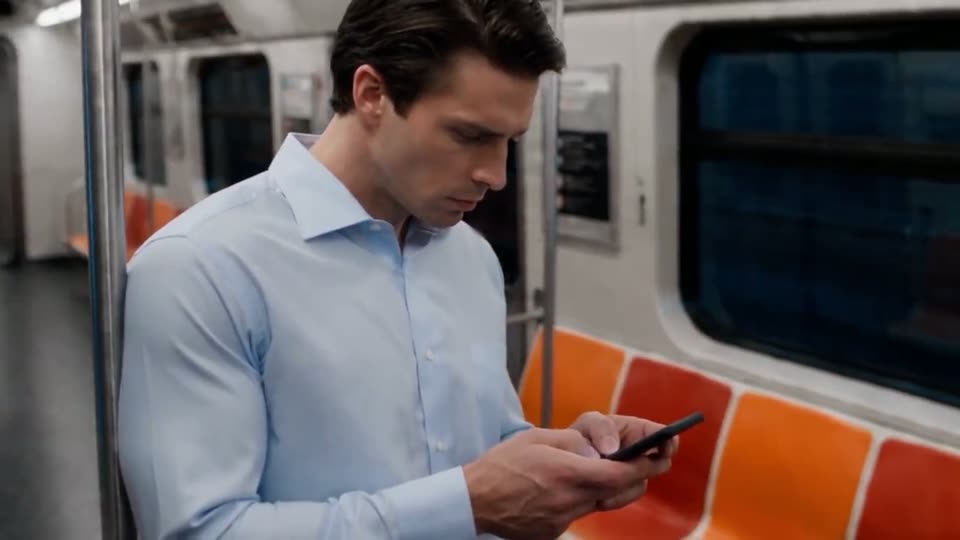
Make a Still Photo Speak - AI Lip Sync From One Picture
Turn one photo into a talking clip with AI: which video models generate the voice and mouth movement, a prompt pattern, API call, cost per clip and limits.
 Piotr Olszewski2026-10-227 minPolski
You have a portrait and a sentence you want it to say: a welcome line for your shop, a teaser for a course, a greeting card. Today's video models handle this in one job. The photo becomes the first frame, the sentence goes into the prompt in quotes, and with sound switched on the model renders the whole shot: voice, lips, facial expression, small gestures and room tone. On Kadraris the model whose maker explicitly promises dialogue with synced lips is Kling 3.0 (from $0.0963 per second silent, more with audio). Grok Imagine Video 1.5, Vidu Q3 Turbo and MiniMax H3 also make a photo speak, with sound included in their rate.
What has changed since the old talking-photo apps
The first generation of these tools moved only the mouth area of a still to match a recording you uploaded. Current video models generate an entire scene with its soundtrack from the photo. The voice is synthetic and comes from your description, such as "a warm female voice" or "a low, calm male voice". It is not a clone of anyone.
That has two effects on how you work:
- The words live in the prompt. You type the line and the model speaks it. No speech file is needed, except on models that accept audio references (see below).
- The picture decides the format. Most models copy the photo's aspect ratio, so a 9:16 Reel needs a vertical photo.
Writing the prompt
My pattern has four parts: who speaks and how, the exact words, small movement, and the sound environment.
The woman in the photo looks into the camera and says in a warm, calm voice:
"Hi, I'm Anna. Today I'll show you how to repot a cactus without gloves."
Natural head movement and blinking, subtle hand gesture at the end.
Static camera, soft daylight, quiet room tone, no music, no subtitles.
Do not skip "no music" and "no subtitles". In my video tests, several models added a soundtrack nobody asked for.
How I prepare each part:
- The photo. Face clearly visible, from the front or slightly angled, mouth closed or slightly open, nothing covering it (no microphone, hand or mug). Same ratio as the clip.
- The words. One or two short sentences for 5 to 8 seconds. Longer text gets rushed or cut off.
- Voice and camera. Describe tone and what the camera does. A locked camera or a slow push-in keeps the face steadiest.
- A cheap first try. I render the first attempt at the lowest resolution and only re-render the keeper at full quality.
Which models can do it
Taken from the Kadraris catalog, so it reflects what the forms and API really accept:
| Model | Photo input | Sound and speech | Length |
|---|---|---|---|
| Kling 3.0 | first (and last) frame | lip-synced dialogue with generate_audio, surcharge | 3-15 s |
| Grok Imagine Video 1.5 | exactly one image | synced dialogue, included | 6-15 s |
| Vidu Q3 Turbo | first frame | dialogue and effects on by default, included | 1-16 s |
| MiniMax H3 | first frame or up to 9 references | always stereo, up to 3 voice references | 4-15 s |
| Seedance 2.5 | first frame or up to 30 references | speech, effects, music (mono), audio refs | 4-30 s |
| Wan 3.0 | first frame or up to 10 references | on by default, audio refs | 2-30 s |
Prices: from $0.0963 per second, from $0.088 per second, from $0.081 per second, from $0.161 per second, from $0.261 per second and from $0.0777 per second, each at the lowest resolution. Kling is the only one whose maker states lip sync outright, which is why I start with it. The others produce speech along with the picture, but I have not measured how closely the mouth follows the words.
Two models I leave out here. Veo 3.1 (Quality) is built by Google with audio in mind, but the Veo form on Kadraris has no sound switch. MiniMax H3 Max does not mention an audio track in its catalog description.
Kuaishou's own Kling demo, a dialogue between several people with native sound:
Doing it in Kadraris Studio
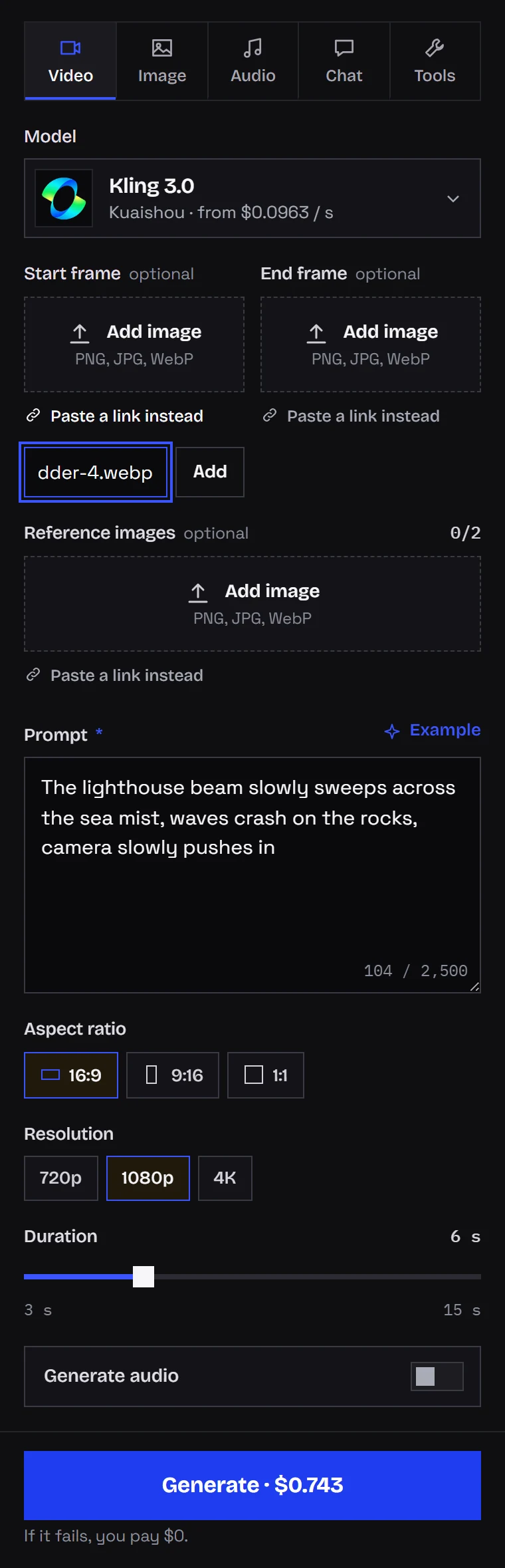
Open the Video tab in Kadraris Studio and choose Kling 3.0. Put the photo in the start frame field (upload or URL), tick the sound box, set length and resolution. The price shows under the form before you press Generate.
Doing it through the API
image_url is the first frame and generate_audio: true switches on speech:
curl https://kadraris.com/v1/generate \
  -H "Authorization: Bearer $KADRARIS_API_KEY" \
  -H "Content-Type: application/json" \
  -d '{
    "model": "kling-3.0",
    "input": {
      "prompt": "The woman in the photo looks into the camera and says in a warm, calm voice: \"Hi, I am Anna. Today I will show you how to repot a cactus.\" Natural blinking, static camera, quiet room tone, no music, no subtitles.",
      "image_url": "https://your-site.com/files/anna.jpg",
      "duration": 6,
      "resolution": "720p",
      "generate_audio": true
    }
  }'
The response contains an id and estimated_cost, and the file comes from GET /v1/tasks/{id}.
Need a particular voice? MiniMax H3 takes recordings in audio_urls, but only together with a reference picture or clip, for example the character in image_urls. The first five reference images and all audio references are free. A complete request is in MiniMax H3 and Hailuo API.
Price of one clip
Seconds of video times the rate. One clip at the lowest resolution with sound:
| Model | Length | Cost |
|---|---|---|
| Vidu Q3 Turbo, sound included | 8 s | 8 × from $0.081 per second |
| Grok Imagine Video 1.5, minimum 6 s | 6 s | 6 × from $0.088 per second |
| MiniMax H3, 768P, stereo included | 6 s | 6 × from $0.161 per second |
| Seedance 2.5, 480p | 5 s | 5 × from $0.261 per second |
| Kling 3.0, 720p with sound | 6 s | 6 × the sound rate (silent from $0.0963 per second, with sound roughly 1.4x) |
Kling's figure is an estimate because its audio surcharge varies with resolution. Studio shows the exact number, and the API returns it as estimated_cost. Count on two or three attempts per usable take. Failed jobs cost $0; top-ups start at $10 and never expire. You can price any mix in the AI cost calculator.
Speech in languages other than English
English is the safe bet. Kling 3.0 officially speaks Chinese, English, Japanese, Korean and Spanish. On 28 September 2026 I tested a difficult Polish sentence (through other API providers, not Kadraris), and Kling 3.0 Pro mispronounced 10 of 12 words while the picture and lip motion looked fine:
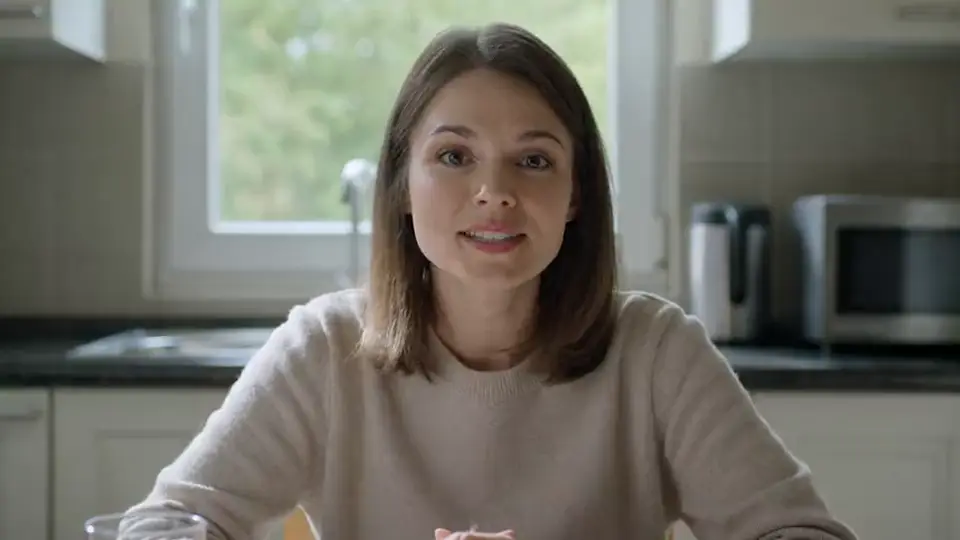
In that same test MiniMax H3 (one word wrong out of 12) and Grok Imagine Video 1.5 (none wrong) did best. The full results and workarounds are in AI video with non-English speech.
Permission, disclosure and weak spots
- Get consent. Animate your own photos or those of people who agreed. A clip where someone "says" things they never said can break personality and publicity rights, and impersonation can be a criminal matter.
- Disclose it. When publishing, mention that the clip is AI-made. Platforms have their own rules for this.
- Long speeches. Most of these models top out at 15 seconds (Seedance 2.5 and Wan 3.0 reach 30). Build longer talks from several clips.
- Teeth, profiles, fast turns. That is where artifacts gather. Front-facing photos and a still camera reduce them.
For animating photos without speech, see my image-to-video guide. PixVerse V6 also has optional sound; here is its maker's demo:
Questions
Which photo gives the best result?
A sharp, well-lit portrait with the face toward the camera, nothing covering the mouth, and some space around the head. Avoid wide grins and profile shots; a closed or slightly open mouth gives the model the cleanest starting point.
How long can the talking clip be?
Up to 15 seconds on Kling 3.0, Grok Imagine Video 1.5 and MiniMax H3, 16 on Vidu Q3 Turbo and 30 on Seedance 2.5 and Wan 3.0. For anything longer, split the text and join the clips in an editor.
Can the photo speak with my own voice?
Not by cloning. MiniMax H3 accepts up to three recordings as a voice reference together with a reference picture. Or generate a silent clip and lay your own recording over it in an editor.
Is there a free version to try?
No, Kadraris has no free plan or welcome credit, and the first top-up is $10. A failed generation costs nothing, so a short low-resolution test is the cheapest way to start.