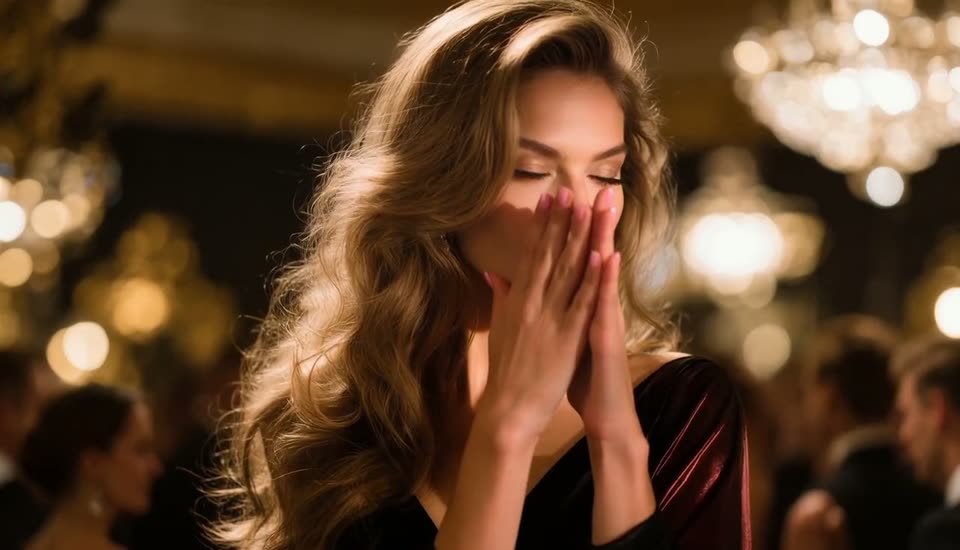
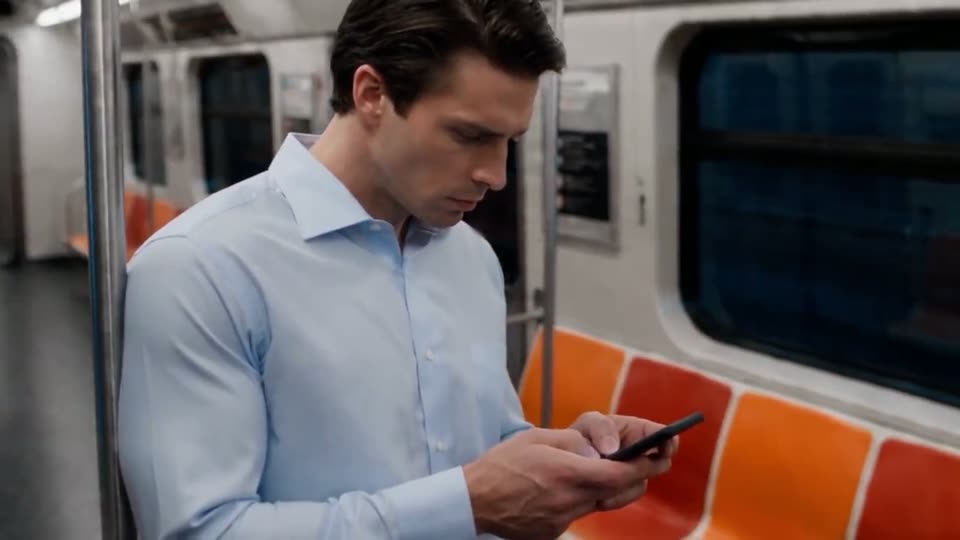
Making 9:16 Shorts With AI - From Hook to Final Cut
Plan and render vertical AI video for TikTok, Reels and Shorts: 9:16 models and limits, a 2-second hook, safe zones for captions and what 15-30 seconds costs.
 Piotr Olszewski2026-10-227 minPolski
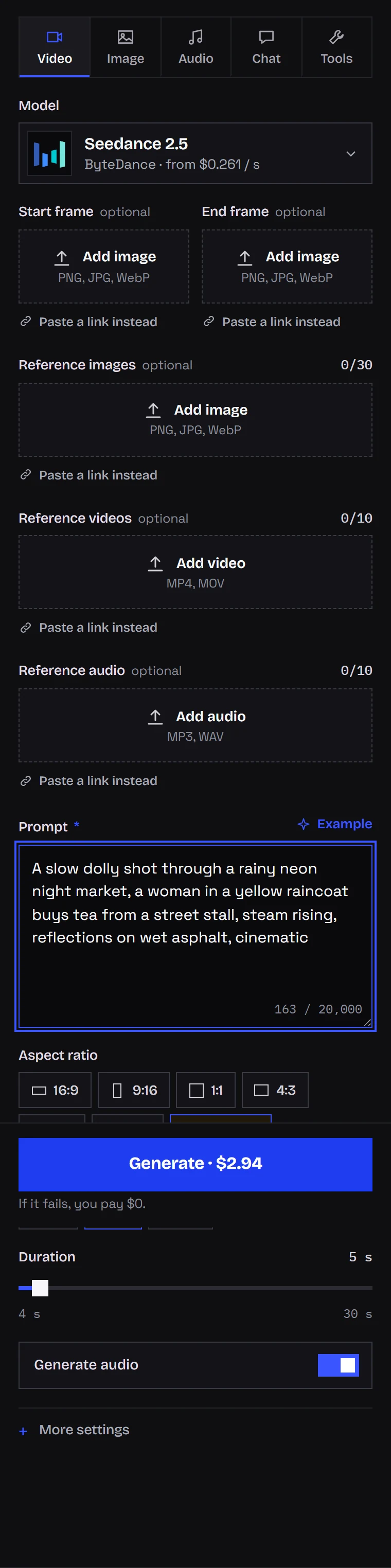
Think of a short as a sequence: two to four shots, each doing one thing, rendered vertically from the start, with a hook in the first two seconds and captions added in the edit. Nearly every video model on Kadraris can output 9:16. Two I use a lot: Seedance 2.5 (from $0.261 per second), which holds a single shot for up to 30 seconds, and the cheaper Seedance 2.0 Mini (from $0.0784 per second) for drafts and daily posting.
Plan a 20-second short in four beats
My default template:
| Seconds | Beat | On screen |
|---|---|---|
| 0-2 | hook | your best visual, or a question typed over it |
| 2-12 | body | a shot or two that deliver what the hook promised |
| 12-18 | payoff | the result, a before and after, the punchline |
| 18-20 | end | a shot that leads back to the start, or a call to action |
Building the hook
People decide almost immediately whether to stay, so the first shot gets special treatment:
- begin with movement or change, never a calm wide shot,
- show the best frame (the effect, the result, the emotion) first rather than saving it,
- describe movement that is already happening at frame one:
the camera rushes forward from the first frame,immediate,sudden, - in the editor, put a question or a promise on screen within the first second.
Video models sometimes need a beat to get moving, so I render the hook a bit long (5 seconds rather than 3) and cut the slow opening frames. Testing three or four hook ideas on a cheap model at 480p costs little before you commit to the final render.
Let it loop
Shorts repeat automatically. If the final shot leads straight into the first, the restart is invisible. Seedance, Kling and Wan accept a closing image (end_image_url); give them the picture your opening shot starts from.
Here is a MiniMax H3 Max demo in the fast, punchy style that fits short video. It happens to be 3:4, but the model does 9:16 too:
Vertical from the first frame
TikTok, Reels and Shorts fill a phone screen at 9:16, and you export at 1080 by 1920 pixels. Turning a landscape clip into a vertical one discards about two thirds of the image and often pushes the subject out. Choose 9:16 in the form before generating, or send "aspect_ratio": "9:16" through the API.
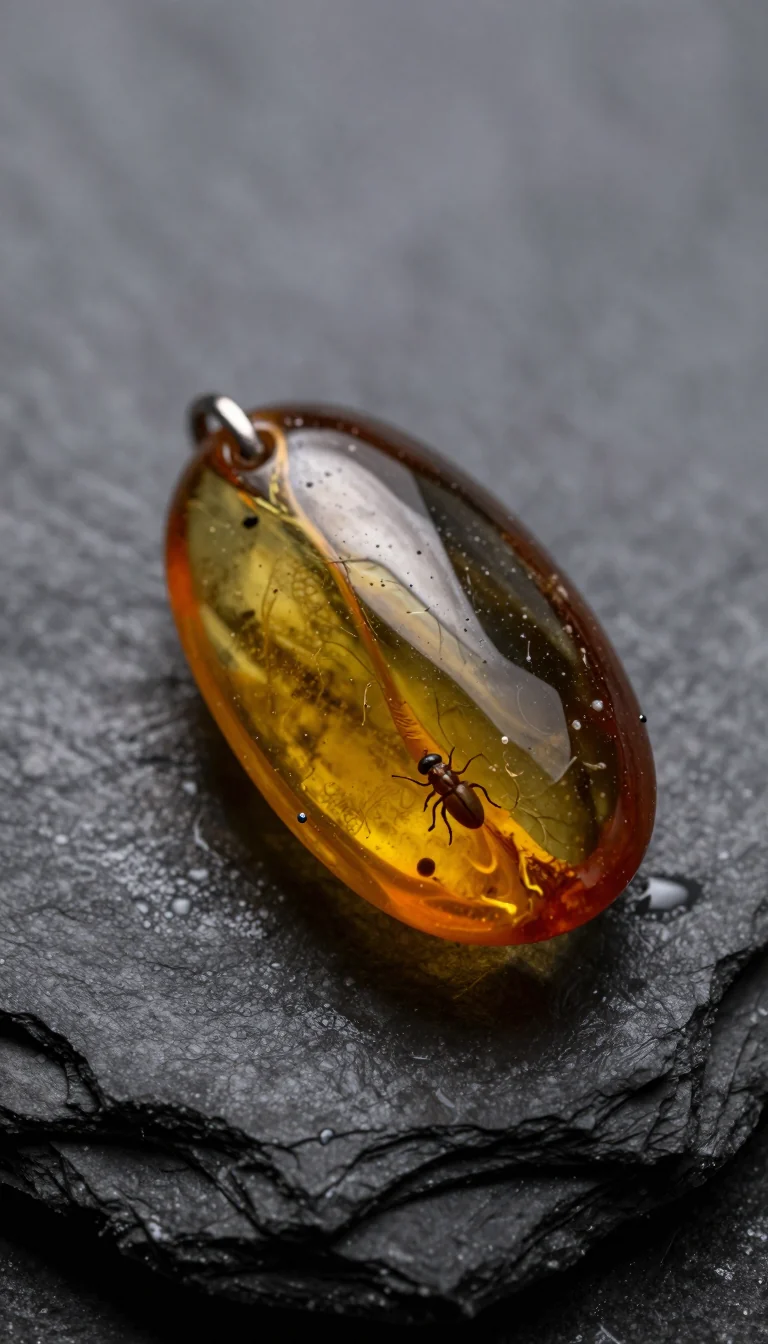
The same goes for start images. When I tried this with Z-Image Turbo, one prompt and one seed produced a different object in vertical than in horizontal, so make start frames in 9:16 as well:
Which models render 9:16
Below is what each model accepts according to the Kadraris catalog. Length is per shot; the price is per second at the lowest resolution:
- Seedance 2.5: single takes of 4 to 30 seconds, up to 1080p, sound generated unless you turn it off. from $0.261 per second.
- Seedance 2.0 Mini: 4 to 15 seconds at 480p or 720p, silent unless you enable sound. from $0.0784 per second.
- Kling 3.0: 3 to 15 seconds, 720p up to 4K, sound as an option. from $0.0963 per second.
- Wan 3.0: anywhere from 2 to 30 seconds, 480P up to 4K, sound included by default. from $0.0777 per second.
- MiniMax H3: 4 to 15 seconds in 768P or 2K, always with a stereo track. from $0.161 per second.
- Veo 3.1 Fast: a fixed 8-second clip, 720p up to 4K, and the Kadraris form has no sound toggle. from $0.354 per video.
- Vidu Q3 Turbo: 1 to 16 seconds, 540p up to 1080p, sound on unless disabled. from $0.081 per second.
- PixVerse V6: 1 to 15 seconds, 360p up to 1080p, sound available for a surcharge. from $0.0405 per second.
- Grok Imagine Video 1.5: 6 to 15 seconds at 480p or 720p, animates exactly one image and adds sound. from $0.088 per second.
Your exact settings are priced under the Studio form. Motion Control models are the exception with no ratio choice: they copy the format of the video you feed them.
How I choose:
- a single take of 15 to 30 seconds that needs audio: Wan 3.0 or Seedance 2.5,
- low-cost tests and an everyday series: Vidu Q3 Turbo, or Seedance 2.0 Mini below 1080p,
- crisp, brief product clips: Kling 3.0 in 1080p,
- a person speaking into the lens: Vidu Q3 or Kling 3.0, sound enabled.
Alibaba's official Wan 3.0 example builds a vertical video around a product given as a reference image:
Starting from a photo
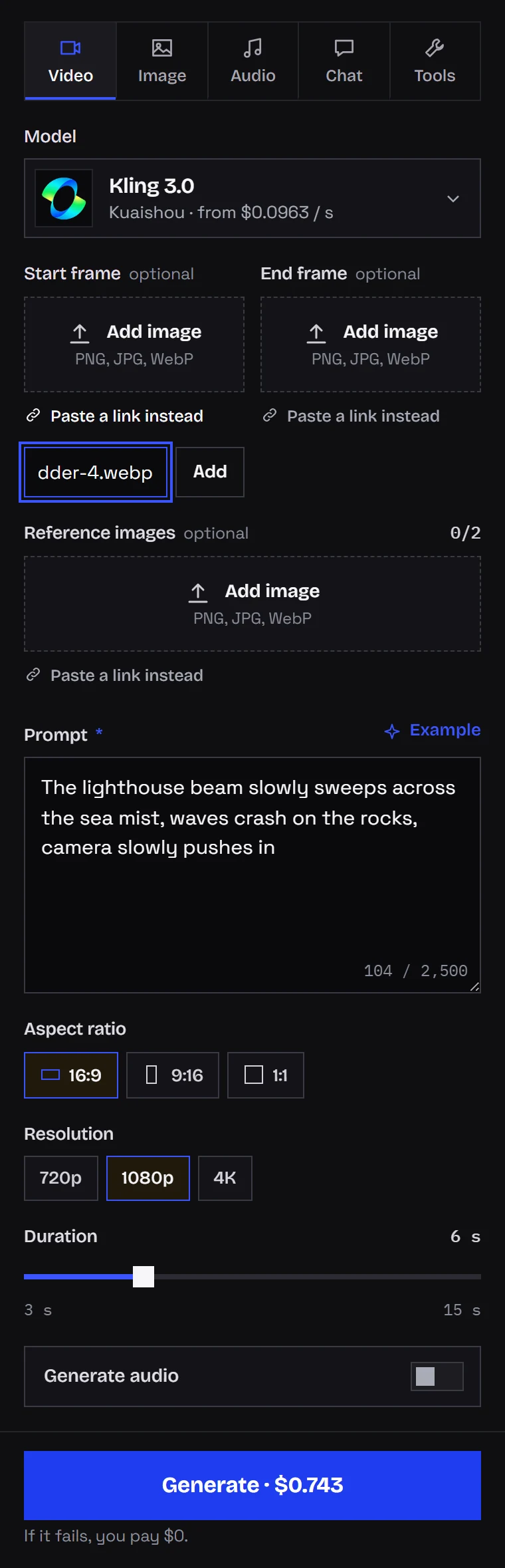
Already have a picture of the product, the character or the place? Use it as frame one by uploading it (or linking it) in Studio's start frame slot. On Kling the clip inherits the photo's shape, so shoot or crop it vertically first.
I walk through animating stills in the image-to-video guide. For moves that suit vertical video, see camera moves for AI video.
Where captions go
Put text on in post, whether in CapCut, DaVinci Resolve or the platform's editor. Do not ask the video model for it:
- video models warp text in motion, letters wobble between frames,
- a typo in an editor layer is a ten-second fix; a typo inside the render costs a new generation,
- auto-generated subtitles work best on footage with no text already in it.
Keep text and logos away from:
- the bottom, where the description, handle and music line cover about a fifth of the screen,
- the right edge, where like, comment and share buttons sit,
- the very top, with tabs and status icons.
The usable band is roughly 15% to 70% of the height. I hint at it in the prompt: subject centered, empty space above the subject.
Cost of a 15-30 second short
Seconds × rate × attempts:
| Version | Billed | Cost |
|---|---|---|
| 15-second clip on Seedance 2.0 Mini, two takes | 30 s | 30 × from $0.0784 per second |
| 20 seconds from three Kling 3.0 shots, two takes | 40 s | 40 × from $0.0963 per second |
| 30-second take on Seedance 2.5, two takes | 60 s | 60 × from $0.261 per second |
| 32 s, four 8 s Veo 3.1 Fast clips | 4 clips | 4 × from $0.354 per video |
Every step up in resolution costs more per second. My habit: test hooks small, then re-render only the chosen one in 1080p. Want music? One Mureka V9 song is $0.15 per song. A job that fails is not billed. For voiceover and music in the same budget, read AI video cost per second.
Posting daily: automate the renders
Clicking through Studio is fine for a weekly post. For a daily one, I script the renders. The smallest useful request:
curl https://kadraris.com/v1/generate \
  -H "Authorization: Bearer $KADRARIS_API_KEY" \
  -H "Content-Type: application/json" \
  -d '{
    "model": "seedance-2.0-mini",
    "input": {
      "prompt": "The camera rushes forward from the first frame into a steaming bowl of ramen, chopsticks lift noodles, vertical framing, subject centered, empty space above the subject",
      "aspect_ratio": "9:16",
      "resolution": "720p",
      "duration": 6,
      "generate_audio": true
    }
  }'
The reply gives you an id plus estimated_cost; the video itself arrives via GET /v1/tasks/{id} or your webhook. Running many jobs? The signed-webhook setup is described in AI video pipelines with webhooks, and n8n, Make and Zapier setups are in the no-code docs. Captions, the final cut and posting I still leave to a person.
Questions
How many shots should a 30-second short have?
Two to four. One long Seedance 2.5 or Wan 3.0 take can carry the body, but a separate hook shot at the start and a short payoff at the end usually hold attention better than a single uncut clip.
Can one video work on TikTok, Reels and Shorts at once?
Yes, all three use 9:16 at 1080 x 1920. Keep captions in the middle band so no platform's buttons cover them, and add platform-specific text only in each app.
Why does my hook start slowly?
Many models ease into motion during the first second. Render the hook a little longer than needed, write that the motion starts "from the first frame", and trim the opening frames in the editor.
Which model is cheapest for daily shorts?
For drafts and simple daily posts, Seedance 2.0 Mini at 480p or 720p (from $0.0784 per second) and Vidu Q3 Turbo (from $0.081 per second) are the low-cost options. There is no free plan, but failed generations are not charged and you can start with $10.