
























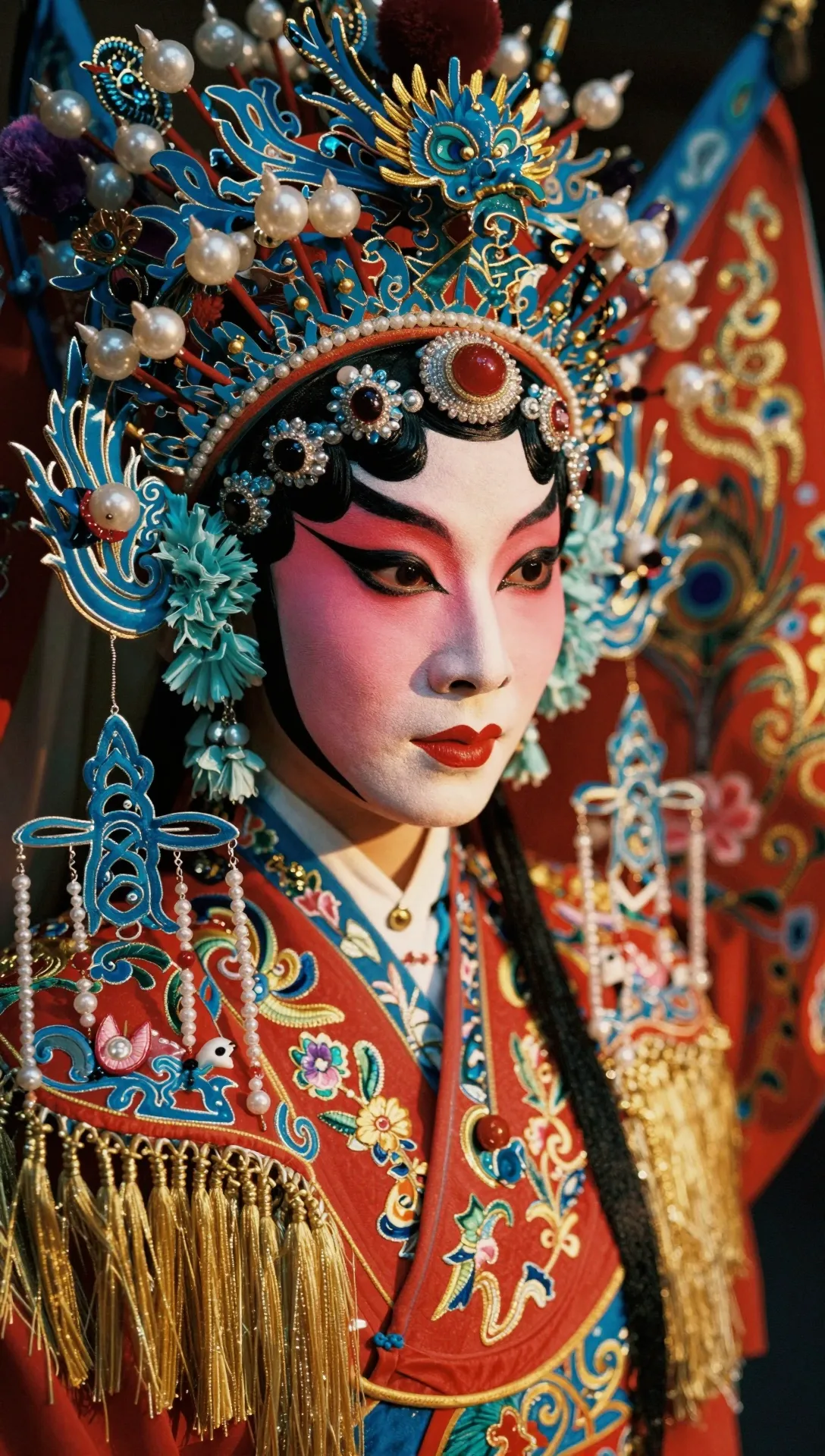
Z-Image Turbo, released by Alibaba Tongyi in November 2025, keeps things deliberately simple: a short prompt in, one photoreal picture out, quickly and cheaply. It can also put short captions in English or Chinese into the image. With so few options there is little to tune, which is exactly why it suits bulk work.
What you can make
- Large batches of illustrations for blogs and content sites.
- Placeholder and mockup images while you build an app.
- Social posts with a short English or Chinese caption in the picture.
- Fast photoreal drafts before a final render on a bigger model.
Settings that matter
- Aspect ratio: 1:1 (default), 4:3, 3:4, 16:9 or 9:16. Set it every time if you do not want squares.
- Resolution: there is no setting; the size follows the chosen ratio.
- Prompt: up to 1,000 characters, so keep it tight.
- Text in the image: short and in quotes, English or Chinese.
- Output: one image per request, text input only.
- Seed: not available here; Z-Image Pro has it.
Starter prompt
Photo of a cozy reading corner with a green armchair, a floor lamp and a stack of books, sign on the wall says "QUIET PLEASE", soft afternoon light, 16:9Swap the room and the sign text; keep the caption to two or three words for the cleanest lettering.
Questions
How cheap is Z-Image Turbo?
$0.02 per image. The estimate is visible before you submit, and failed generations cost nothing.
Can I upload a photo and change it?
No, it has no image input. For edits try Qwen Image 2 or FLUX.1 Kontext [pro].
Where can I learn more about using it through the API?
The Z-Image Turbo API guide has request examples, and Z-Image vs FLUX.2 Pro shows how it stacks up.
Z-Image Turbo in your code
curl https://kadraris.com/v1/generate?wait=60 \
  -H "Authorization: Bearer $KADRARIS_API_KEY" \
  -H "Content-Type: application/json" \
  -d '{
  "model": "z-image",
  "input": {
    "prompt": "Packshot of a white linen sneaker on a concrete block, hard midday sun, crisp shadow, 85mm",
    "aspect_ratio": "1:1"
  }
}'
import os, time, requests
API = "https://kadraris.com/v1"
H = {"Authorization": f"Bearer {os.environ['KADRARIS_API_KEY']}"}
task = requests.post(f"{API}/generate", headers=H, json={
"model": "z-image",
"input": {
"prompt": "Packshot of a white linen sneaker on a concrete block, hard midday sun, crisp shadow, 85mm",
"aspect_ratio": "1:1"
}
}).json()
while task["status"] in ("queued", "running"):
time.sleep(3)
task = requests.get(f"{API}/tasks/{task['id']}", headers=H).json()
print(task["status"], task["cost"], [o["url"] for o in task["output"]])const API = "https://kadraris.com/v1";
const headers = { Authorization: `Bearer ${process.env.KADRARIS_API_KEY}`, "Content-Type": "application/json" };
let task = await (await fetch(`${API}/generate`, {
method: "POST",
headers,
body: JSON.stringify({
"model": "z-image",
"input": {
"prompt": "Packshot of a white linen sneaker on a concrete block, hard midday sun, crisp shadow, 85mm",
"aspect_ratio": "1:1"
}
}),
})).json();
while (task.status === "queued" || task.status === "running") {
await new Promise((r) => setTimeout(r, 3000));
task = await (await fetch(`${API}/tasks/${task.id}`, { headers })).json();
}
console.log(task.status, task.cost, task.output.map((o) => o.url));Input fields
| Parameter | Type | Allowed | Default |
|---|---|---|---|
prompt * | string | ≤ 1000 chars | |
aspect_ratio | string | 1:1 4:3 3:4 16:9 9:16 | 1:1 |
Fetch this list as JSON with GET /v1/models/z-image.