Background Music for a Voice-Over Reel, Made with AI and No Vocals
Make an instrumental AI music bed for a voice-over reel in Mureka v9: pick instruments and tempo, leave room for speech, trim the track in your editor.
 Piotr Olszewski2026-10-223 minPolski
Music under narration has one job: stay out of the way of the voice. A track can sound great on its own and still fight the speaker with a busy melody or heavy drums. With Mureka V9 there is one technical detail to know: the lyrics field cannot be empty. For an instrumental, put [Instrumental] there and also write "no vocals" in the prompt. Then listen to the whole result, because the instruction is a request, not a guarantee.
Start from the edit, not the music
I cut the reel with the voice-over first. Only then do I know how long the bed must be and where music can get louder, for example in a pause between sentences or over the final logo. Writing the music prompt before the edit usually means a second round of generation.
Writing the prompt
- Name two or three instruments, not ten. Soft piano and light percussion leave more room than a full band.
- Give the tempo and feel: calm, steady, slow build.
- Say "room for narration" and "no vocals".
- Do not ask for an imitation of a named artist.
The request body for POST /v1/generate:
{
  "model": "mureka-v9",
  "input": {
    "prompt": "Calm instrumental lo-fi, soft piano and gentle percussion, room for narration, no vocals",
    "lyrics": "[Instrumental]"
  }
}
In Studio you fill in the same two fields in the Audio tab. Other audio models are listed on the AI music generator page.
Listening before you use it
Play the full track, not just the first 20 seconds. Humming, a sung phrase or a spoken fragment can appear later in the song. If it shows up only at the end, you can often use the earlier part.
Fitting the track to the reel
- Pick the passage that matches the mood of the edit.
- Cut at the end of a musical phrase so the ending does not sound chopped.
- Lower the music under the voice. Under speech it should sit clearly below.
- Export and play the reel on a phone speaker. That is where most viewers hear it, and where a muddy mix shows first.
Before publishing, I check three things: the chosen part has no vocals, every word of narration is clear on the phone, and the music ends on a phrase.
If a finished song has vocals you do not want, a separate tool can strip them; see remove vocals from a song.
Cost
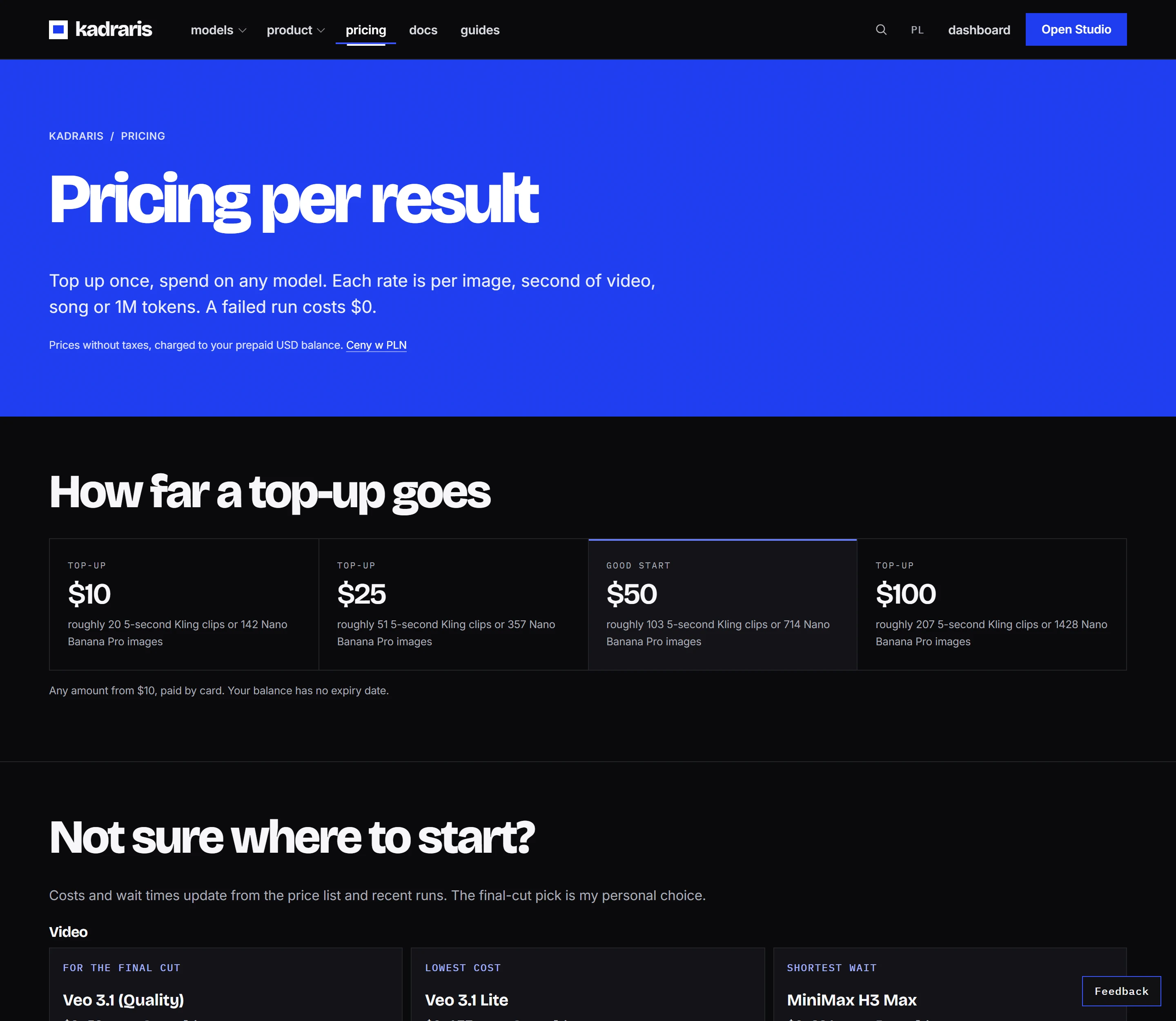
Mureka V9 currently costs $0.15 per song. The pricing page and cost calculator show the rate for your settings. You pay from a balance that does not expire, with no subscription, and failed generations are free. A track that generates correctly is charged even if you end up not using it.
Questions
Does Mureka make the track exactly as long as my reel?
Do not count on it. Choose a section of the track and trim it in your editor to the length you need.
What if a few words of singing still appear?
Use a part of the track without them, or generate again with a simpler prompt. Repeating "no vocals, instrumental only" sometimes helps.
Where is the list of Mureka v9 fields?
On the Mureka v9 model page and in the generate docs.