Karaoke Track or Acapella: Taking Vocals Out of a Song With AI
Take the voice out of a song for karaoke with Music Extractor, or keep only the voice with Vocal Remover. Per-minute cost, Studio steps, API code and limits.
 Piotr Olszewski2026-10-227 minPolski
Want a karaoke version of a song, or a backing track to sing a cover over? Upload the file to Music Extractor and you get the music with the voice taken out. Need the reverse, just the singing for a remix? That is Vocal Remover. Both bill $0.50 per minute of source audio, counted per started minute, so a 3:30 track is billed as 4 minutes.
Below: running each tool in the browser and from code, how the cost is held and settled, what a full karaoke set costs, and what the tools cannot do yet.
Two tools for two opposite jobs
People say "remove vocals" for two different requests. A singer is after the backing. A producer is after the isolated singing. Kadraris has a separate model for each, and both take the same single input.
| Goal | Model | What you get | Price |
|---|---|---|---|
| karaoke, cover backing, practice | Music Extractor | the mix minus the vocal | $0.50 per minute |
| acapella for remix, lip sync, study | Vocal Remover | the vocal alone | $0.50 per minute |
| vocals, drums, bass apart | Multistem Splitter | three stems, one task | $1.50 per minute |
Want both the backing and the acapella? Run the two tools on the same file. A 3-minute song then costs 3 × $0.50 per minute plus 3 × $0.50 per minute. Need drums and bass on their own tracks too? Read AI stem separation.
Prepare the file before you upload
The model only has the mix to work from. Detail that heavy compression already discarded will not come back. So, before uploading:
- Start from the best copy you own. Lossless audio taken from a master or CD separates more cleanly than a low-bitrate MP3. Studio takes MP3 and WAV uploads; for FLAC, pass a link through the API.
- Do not convert MP3 to MP3 again. Each round of lossy encoding adds artifacts, and they come out as a watery, swirling sound in the backing track.
- Cut silence and parts you do not need. Since every started minute is billed, a short silent tail can push you into an extra minute.
- Break long recordings into parts. Long concerts are fine in one go, yet smaller chunks are quicker to review.
In the browser: Kadraris Studio
Nothing to install. Both tools sit in the Audio tab.
- Sign up and add funds by card (from $10).
- In Studio, go to Audio and choose Music Extractor for the backing or Vocal Remover for the voice in the Model list.
- In the Source audio (URL) field, use Upload file to send an MP3 or WAV (25 MB max), or paste a publicly reachable link.
- Look at the Cost line (explained in the next section) and click Generate.
- The result appears in the gallery beside the form. Save it straight away.
There is no prompt field and no settings to tune. The tools run on default settings, so the source file decides most of the quality.
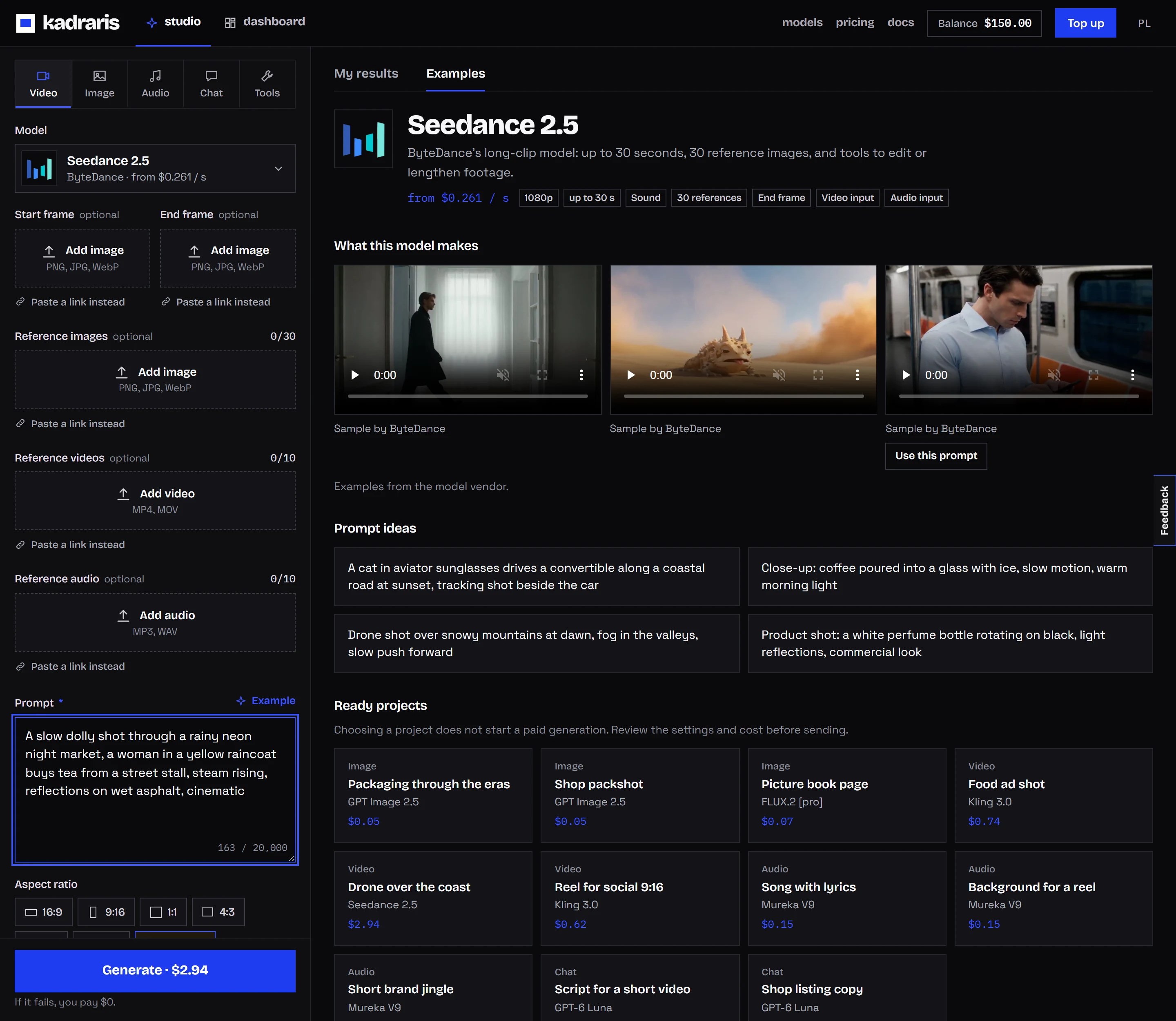
Why Studio shows a 10-minute price
These tools charge by the length of your file, and that length is only known after the file is fetched. So before starting, Kadraris holds the cost of 10 minutes, 10 × $0.50 per minute. That reserve is what Studio shows under Cost, and what the API returns as estimated_cost. After processing, the charge drops to the real number of started minutes, and the unused part of the reserve is returned.
One practical effect: your available balance must cover the 10-minute hold even for a short song.
From code: the API
Processing a back catalog, or adding a karaoke feature to an app? Call POST /v1/generate with one input field, audio_url, pointing at a publicly reachable http(s) audio file that needs no login.
curl https://kadraris.com/v1/generate \
  -H "Authorization: Bearer $KADRARIS_API_KEY" \
  -H "Content-Type: application/json" \
  -d '{
    "model": "music-extractor",
    "input": {
      "audio_url": "https://your-server.com/audio/track.wav"
    }
  }'
You get 202 with id, poll_url and estimated_cost, which equals the reserve. Ask for the result like this:
curl https://kadraris.com/v1/tasks/task_8f2k... \
  -H "Authorization: Bearer $KADRARIS_API_KEY"
Once status reads succeeded, output holds the backing track (type: "audio") and cost is the final charge. A task that ends failed costs $0.
Batch script: backing and acapella for every song
Node 18 or newer, no packages needed. It makes both versions of each song and writes them to disk:
import { writeFile } from "node:fs/promises";

const API = "https://kadraris.com/v1";
const headers = {
  Authorization: `Bearer ${process.env.KADRARIS_API_KEY}`,
  "Content-Type": "application/json",
};

const tracks = {
  "track-01": "https://your-server.com/audio/track-01.wav",
  "track-02": "https://your-server.com/audio/track-02.wav",
};

const jobs = [
  ["music-extractor", "karaoke"],
  ["vocal-remover", "acapella"],
];

async function run(model, audio_url) {
  let task = await fetch(`${API}/generate`, {
    method: "POST", headers,
    body: JSON.stringify({ model, input: { audio_url } }),
  }).then((r) => r.json());
  while (!["succeeded", "failed"].includes(task.status)) {
    await new Promise((r) => setTimeout(r, 5000));
    task = await fetch(`${API}/tasks/${task.id}`, { headers })
      .then((r) => r.json());
  }
  return task;
}

for (const [name, url] of Object.entries(tracks)) {
  for (const [model, suffix] of jobs) {
    const task = await run(model, url);
    if (task.status === "failed") {
      console.log(name, model, task.error);
      continue;
    }
    const link = task.output[0].url;
    const ext = link.split("?")[0].split(".").pop();
    const data = await (await fetch(link)).arrayBuffer();
    await writeFile(`${name}-${suffix}.${ext}`, Buffer.from(data));
    console.log(name, suffix, task.cost);
  }
}
Notes for bigger runs:
- Webhooks instead of polling. Add
webhook_urlto receive the completed task as a signed HMAC request (webhooks). - Save files at once. Output links expire after some time, which is why the script downloads immediately.
- No-code. For n8n or Make, follow the no-code docs.
Prices for real jobs
The source length is rounded up to whole minutes: 2:30 bills as 3 minutes, 3:01 as 4.
| Job | Minutes billed | Total |
|---|---|---|
| 3:30 song, backing only | 4 | 4 × $0.50 per minute |
| same song, backing + acapella | 4 + 4 | 4 × $0.50 per minute + 4 × $0.50 per minute |
| karaoke night, 12 songs of ~3:40 | 48 | 48 × $0.50 per minute |
| 0:45 clip for a short video | 1 | 1 × $0.50 per minute |
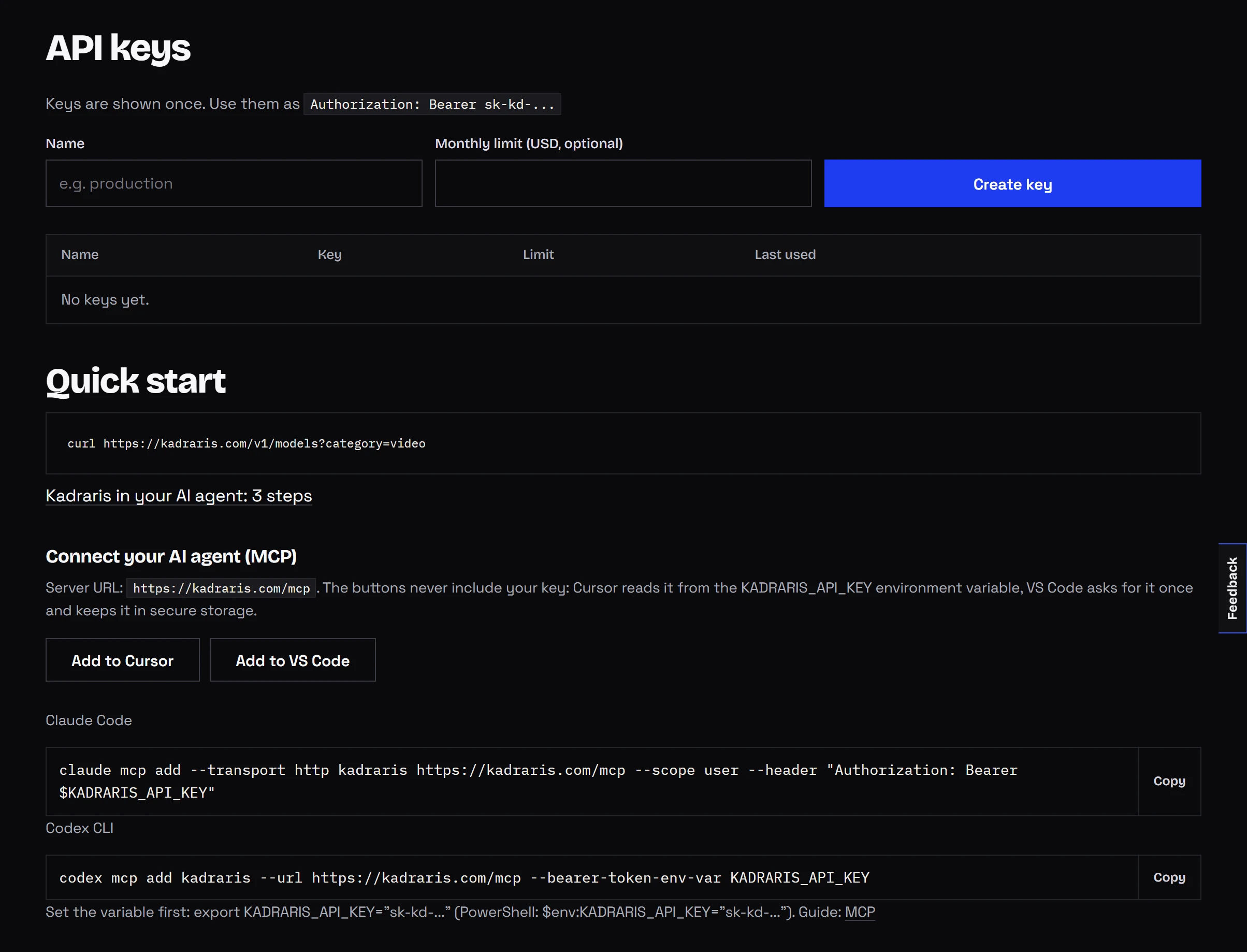
Funds are prepaid in dollars, with $10 as the smallest top-up, no subscription and no expiry date. If a job fails, the full reserve comes back and you pay $0. Current rates for all models: pricing.
What the tools do not do yet
- Lead and backing vocals are not split. Backing vocals come out together with the lead.
- No dereverb, no engine choice. Every job runs on defaults.
- No format picker. You get the default output format; convert locally if you need another.
- No streaming links. YouTube or Spotify URLs do not work.
audio_urlhas to point at an actual audio file. - Effects can stay in the backing. Echo and reverb tails from the vocal frequently live inside the music bed, and some of that can survive. Check by ear first.
Who owns the result
Separating a track does not change its rights. Singing along at home over a backing you separated is one thing. Publishing a cover, a karaoke video or a remix of a song you do not own requires consent from whoever holds the rights, or a platform licence that includes it.
No such question arises with tracks you recorded or generated. You can make one with Mureka V9 (see the Mureka V9 guide), and the Suno alternative guide lists other options. A backing track also sits well under narration in an AI music video.
Questions
Why was 10 minutes held for a 3-minute song?
Length is unknown until the file has been fetched, so a 10-minute reserve goes on first. Once processing ends you pay for the real started minutes, and the difference is credited back.
Do backing vocals stay in the karaoke version?
No. Harmonies and choir parts are treated as vocals and leave the mix with the lead. If you need the choir or harmonies in your backing, this tool will remove them too.
My file is 40 MB. Can I still use it?
Studio uploads stop at 25 MB. Shorten it, cut it into pieces, or host it publicly and give Studio the URL.
Can I process FLAC files?
Yes, over the API with a link to the FLAC file. In Studio, convert to WAV first, since uploads accept MP3 and WAV.