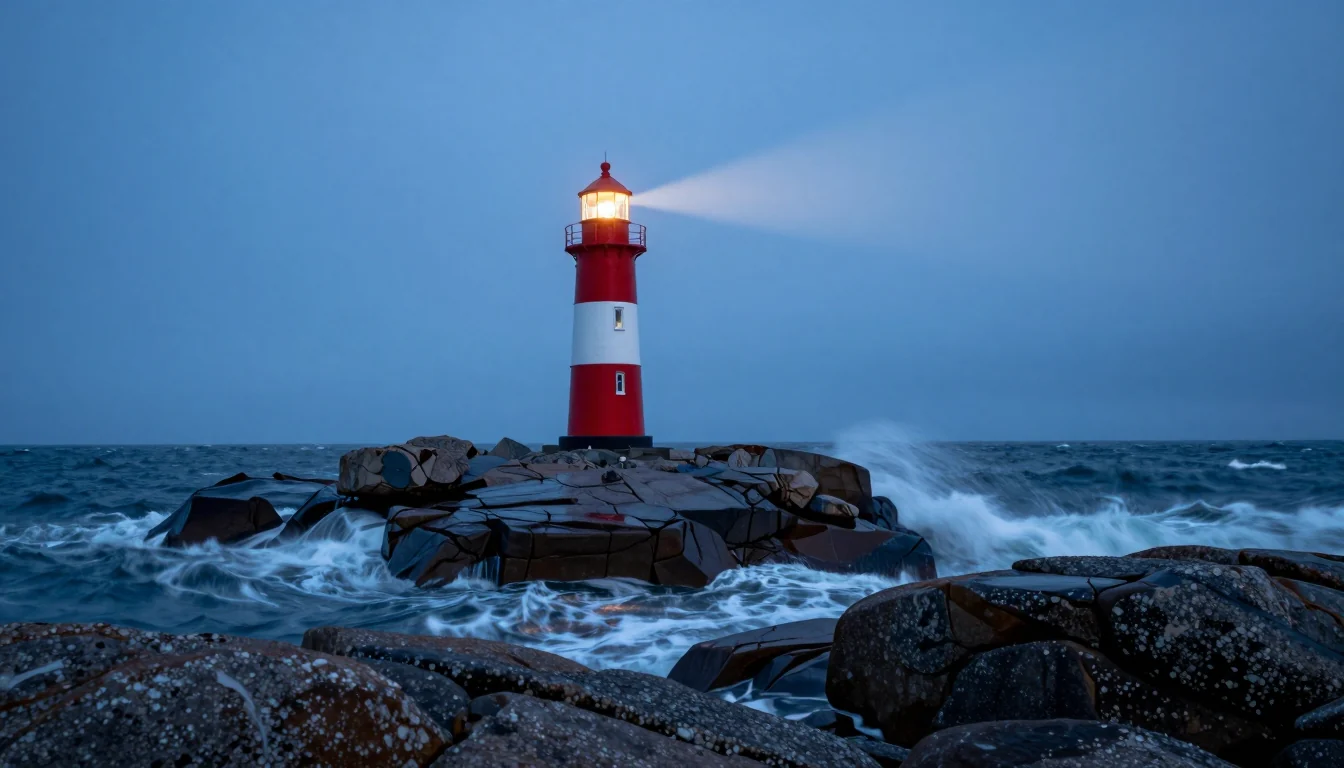
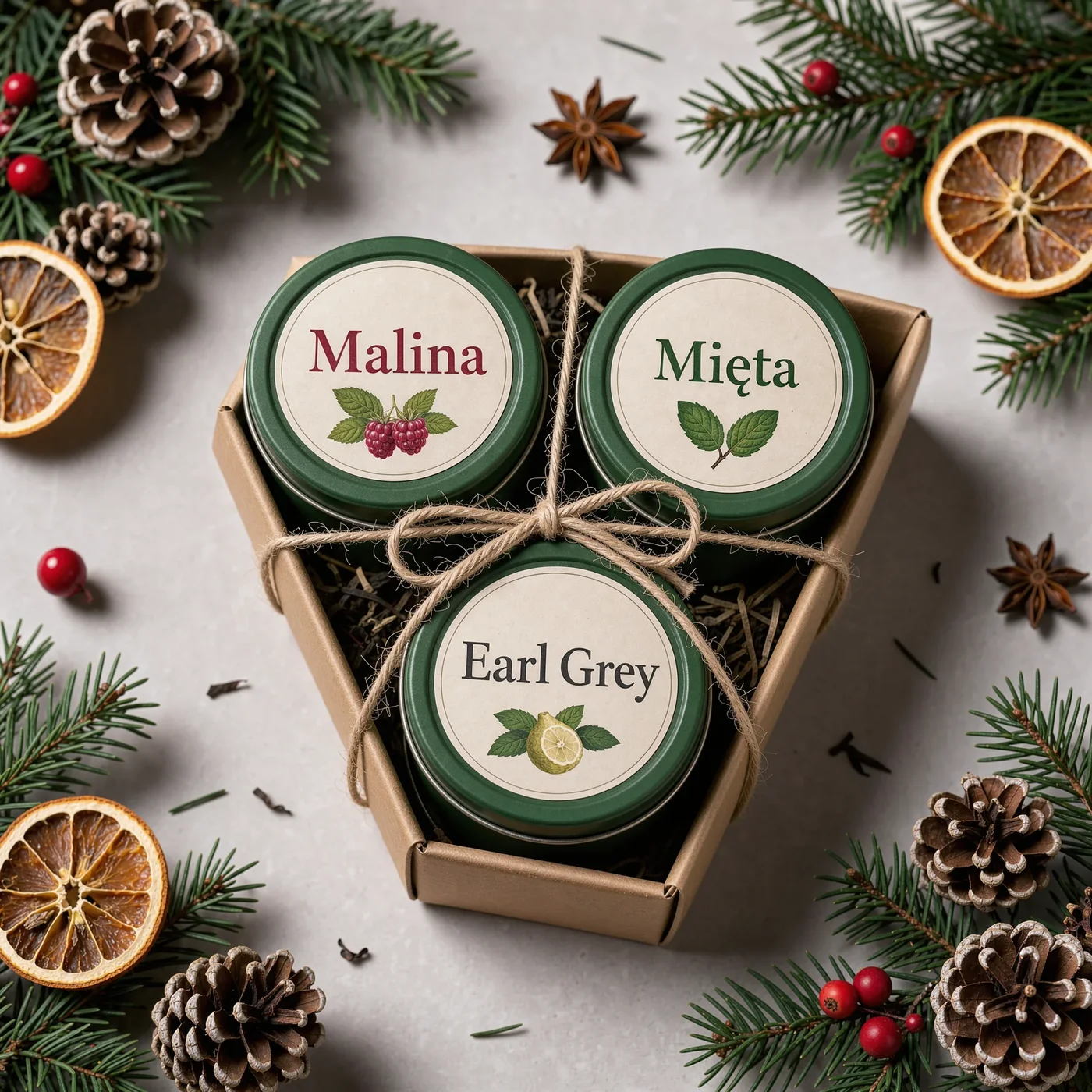
Catalog, Lifestyle and Close-Up: Three Backgrounds for One Product
Make a catalog shot, a lifestyle scene and a detail view of the same product with AI while keeping color, shape and parts true to the real item.
 Piotr Olszewski2026-10-222 minPolski
Three backgrounds, one product: the setting changes, the item does not. Its material, color and proportions stay fixed from image to image. A text prompt alone is fine for exploring an idea. For a shop listing, start from your own product reference and confirm that every output shows the item as it really is.
Model and price
This works with GPT Image 2.5, currently $0.05 per image. Confirm the cost of your settings on the pricing page or in the calculator.
- No subscription, and the balance has no expiry date.
- Failed generations cost nothing.
- Successful images are billed whether you use them or not.
Write the fixed part of the brief first
Before any background, list what must never change:
- Color and finish
- Parts (handles, lids, straps, closures)
- Texture and material
- Logo placement
- Shape and proportions
Paste that list into every prompt in the series.
The three variants
- Catalog: plain background, soft shadow, crisp edges.
- Lifestyle: a real setting with one object that shows scale. Do not add props that a buyer could take as part of the package.
- Detail: close view of material or a feature. Reject any made-up quality badges or labels the model invents.
A starting request
The body for POST /v1/generate. When you use a reference, give a URL the API can open.
{
  "model": "gpt-image-2.5",
  "input": {
    "prompt": "A matte enamel water bottle on a smooth warm gray backdrop, gentle shadow, catalog product shot, no branding, no text"
  }
}
Check the set side by side
Put all three images next to each other and look for:
- Color drift compared with the real product.
- Geometry changes in handles, caps and closures.
- Misleading extras that suggest accessories are included.
- A clear job for each image: listing thumbnail, mood shot, detail.
Then export everything at the same aspect ratio and write alt text that names the product and the view.
Questions
Can I list a product using only text-generated images?
Not without checking them against the real item. A prompt alone does not describe what you are selling, and the model can add details that do not exist.
How do I know the cost before generating?
Studio shows the price before you send, and the API response carries it in estimated_cost. Look at the model schema too.
Which inputs does GPT Image 2.5 accept?
See the GPT Image 2.5 page and the generate docs.