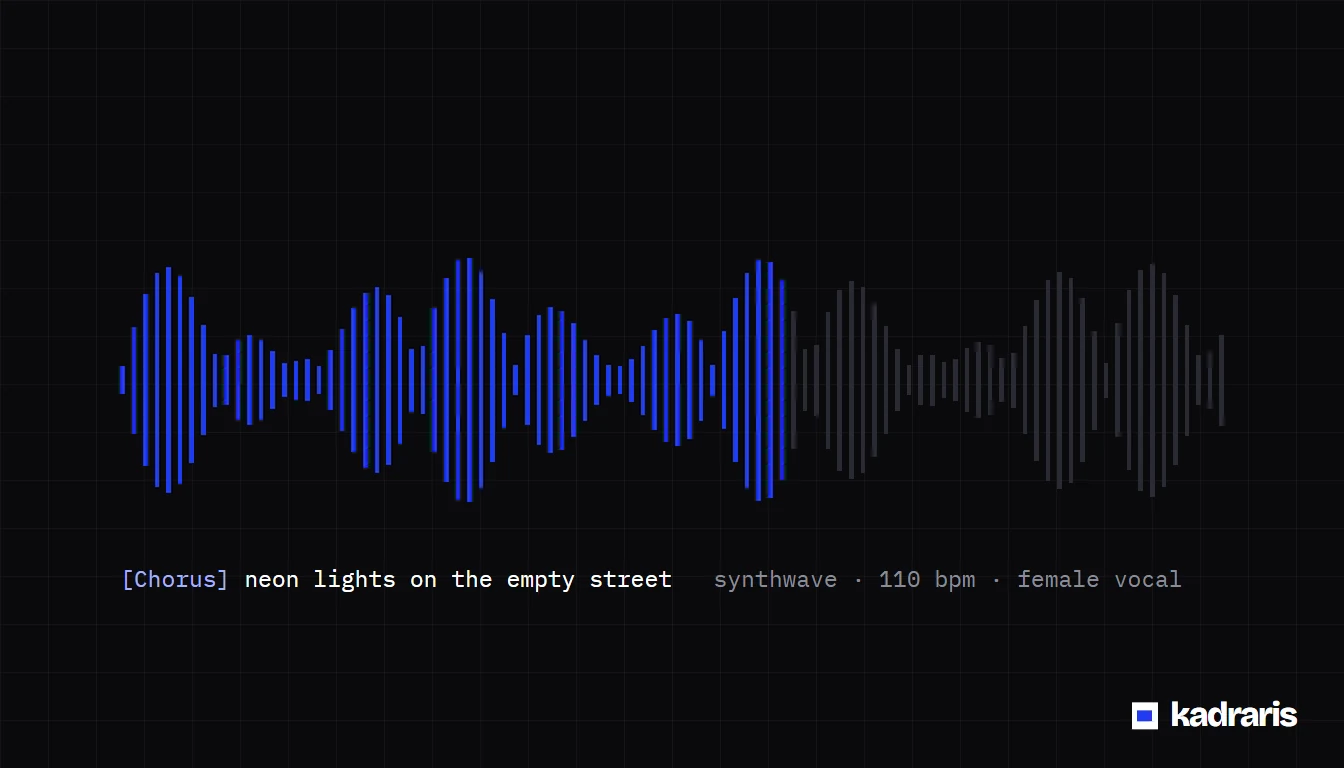
Songs From Code Without Waiting for a Suno API: Mureka V9
No public Suno API yet. Mureka V9 turns your lyrics and a genre description into a sung track through REST, priced per song. Code, tools and rights.
 Piotr Olszewski2026-10-226 minPolski
You want an app, a bot or a content pipeline that turns out finished songs with vocals, and you searched for the Suno API. There is no public one. If you need that today, Mureka V9 in Kadraris takes your lyrics and a style description and returns a complete track. Each one costs $0.15 per song, deducted from money you added up front, with no plan. The same balance pays for audio tools that split vocals, backing tracks and stems.
This guide covers where Suno's API stands, how Mureka V9 compares, a Node.js script where a chat model writes the lyrics and Mureka sings them, related audio tools, costs and rights.
Where the Suno API stands (October 2026)
- Nothing public. You cannot get a key, read documentation or see API prices.
- Plans, not a product. Suno's head of product said on 1 July 2026 that a developer API is under consideration and would open to chosen partners first. There is no date.
- Search hits called "Suno API" come from outside companies that automate ordinary Suno app accounts. Suno did not make them, so look at Suno's terms before you rely on one.
Suno is used through its website and phone apps. Free accounts may only use songs non-commercially; the paid Pro and Premier tiers add commercial rights. Since tiers and limits moved around in 2026, confirm current terms on suno.com. If you write songs by hand in the app and enjoy it, keep doing that. An API matters when the songs have to come out of your own code, workflow or product.
Mureka V9 and Suno side by side
| Mureka V9 in Kadraris | Suno | |
|---|---|---|
| Access | browser Studio and a REST endpoint | Suno's own apps |
| Developer API | POST /v1/generate, open now | none yet, partners first |
| Paying | each song from your balance | free level, then credit plans |
| Words | you must send them, max 3,000 chars | you write them or Suno does |
| Genre text | optional, max 1,024 chars | supported |
| Music without voice | second step: Music Extractor | one toggle |
| Separate stems | second step: Multistem Splitter | inside the app on some plans |
The model comes from Kunlun Tech / Skywork AI, who offer it through their own developer platform as well. In Kadraris the model shares a key and balance with image, video and chat models.
One difference matters most in practice: Mureka V9 never makes up words. Whatever is in lyrics is what gets sung. Coming from a tool that turns a one-sentence idea into a song? Then something has to draft the text before Mureka runs. The script below adds that step with a chat model.
Script: a chat model writes, Mureka V9 sings
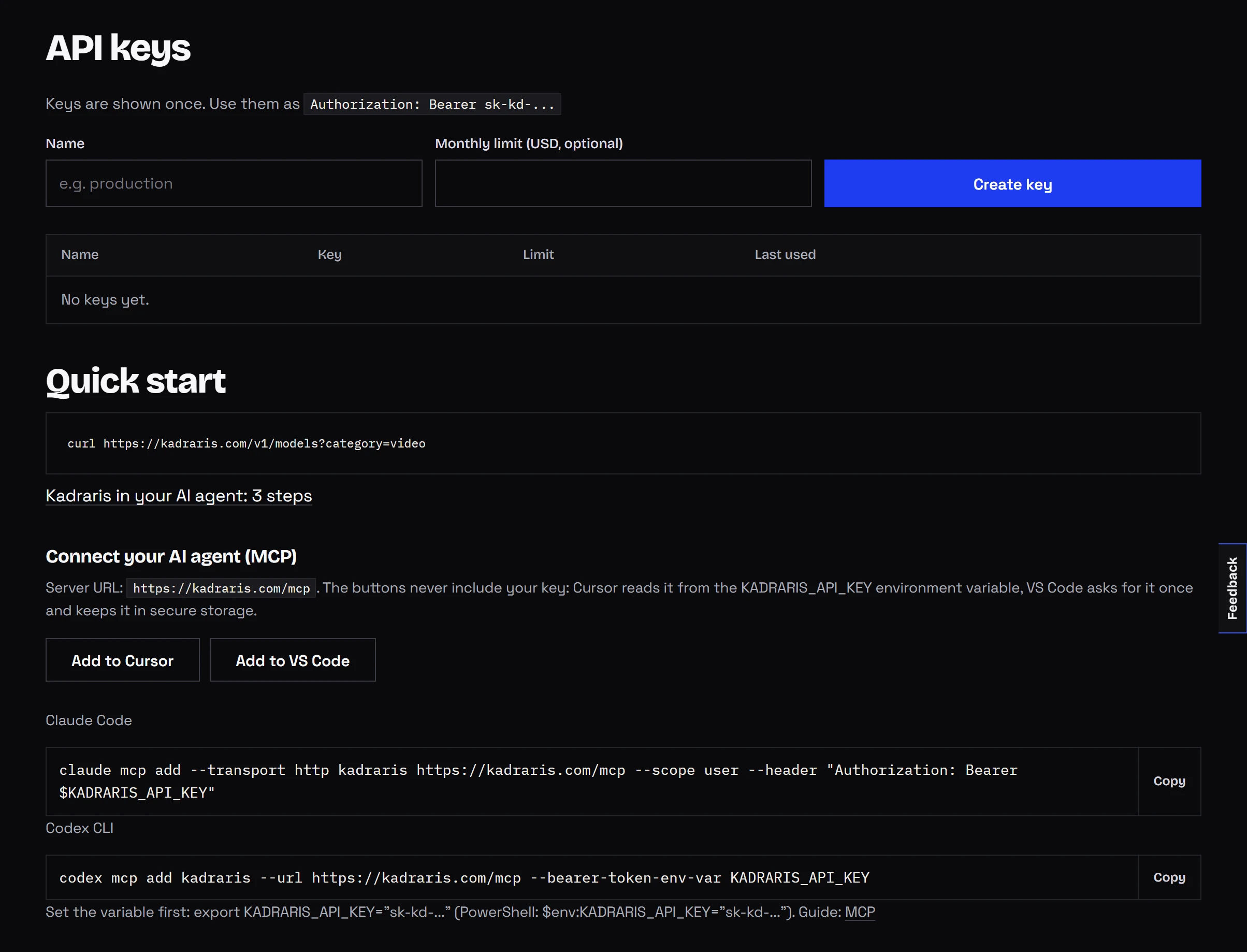
Node.js 18 or newer, no packages. One key covers both calls.
const API = "https://kadraris.com/v1";
const headers = {
  "Authorization": `Bearer ${process.env.KADRARIS_API_KEY}`,
  "Content-Type": "application/json",
};

// step 1: lyrics from a chat model (OpenAI format)
const chat = await fetch(`${API}/chat/completions`, {
  method: "POST",
  headers,
  body: JSON.stringify({
    model: "gemini-3.6-flash",
    messages: [{
      role: "user",
      content: "Write short pop lyrics about a dog waiting " +
        "by the door every evening. Use [Verse], [Chorus], " +
        "[Verse], [Chorus]. Write the chorus out in full " +
        "both times. Lyrics only.",
    }],
  }),
}).then((r) => r.json());
const lyrics = chat.choices[0].message.content;

// step 2: Mureka V9 sings them
let task = await fetch(`${API}/generate?wait=120`, {
  method: "POST",
  headers,
  body: JSON.stringify({
    model: "mureka-v9",
    input: {
      lyrics,
      prompt: "warm acoustic pop, male vocal, " +
        "fingerpicked guitar, light drums, 100 bpm",
    },
  }),
}).then((r) => r.json());

// step 3: keep polling if `wait` ran out first
while (!["succeeded", "failed"].includes(task.status)) {
  await new Promise((r) => setTimeout(r, 5000));
  task = await fetch(`${API}/tasks/${task.id}`, { headers })
    .then((r) => r.json());
}

if (task.status === "failed") {
  throw new Error(task.error?.message ?? "generation failed");
}
console.log("song:", task.output[0].url, "cost:", task.cost);
Before you put this into production:
- Price up front. The
POSTresponse includesestimated_costbefore the song is made. - Webhooks for batches. Swap the loop for
webhook_url; every callback carries an HMAC-SHA256 signature. Read the webhooks docs or the longer write-up on async jobs with webhooks. - Download straight away. Output URLs are temporary.
- No extra fields. Sending
durationorinstrumentalreturns422, since Mureka V9 does not have those parameters. - Same key in other tools. Because chat speaks the OpenAI format, n8n, Make and the official OpenAI library can call it too; see no-code setup and using the OpenAI SDK with other models.
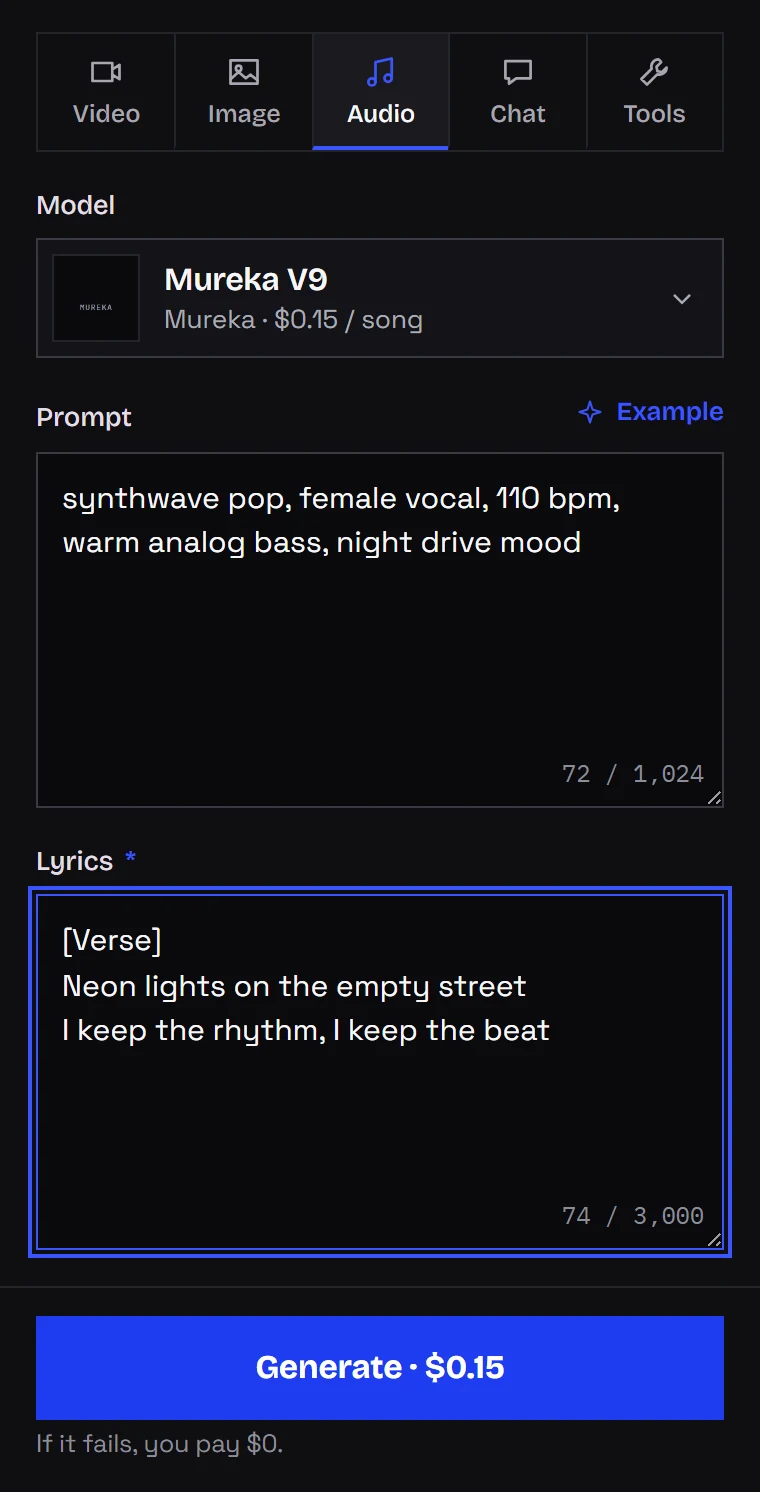
Or click it together in Studio
- Go to Audio and select Mureka V9 from the model list.
- Fill Prompt with the sound you are after: style, speed, singer, instrumentation.
- Fill Lyrics with your words, marked up with section tags.
- Read the price shown under the form, then hit Generate.
Writing style prompts, using [Verse] and [Chorus] tags and controlling song length get their own walkthrough in the Mureka V9 API guide. Here the focus stays on what people coming from Suno ask: API access, automation and rights.
Audio tools for after the song
Point any of them at a publicly reachable audio file via audio_url:
| Tool | Job | Price |
|---|---|---|
| Vocal Remover | voice only (acapella) | $0.50 per minute |
| Music Extractor | backing only, voice removed | $0.50 per minute |
| Multistem Splitter | vocals, drums and bass, all three per minute | $1.50 per minute |
| Voice Cleaner | noise removal for speech | $0.50 per minute |
| Music Video 1.0 | clip for a song: an MP3 of 10-300 s plus a few pictures | from $0.11 per second |
The tools charge per started minute of the input, so cut silence first. Common combinations:
- Music under narration: generate with Mureka V9, strip the voice with Music Extractor.
- Remixing: split with Multistem Splitter, finish in your DAW.
- Clip for Reels or TikTok: Music Video 1.0 set to 9:16.
None of these tools change who owns a recording. Split and publish only tracks you hold the rights to.
Which languages it sings
Officially supported: English, Chinese, Japanese, Korean, Spanish, Portuguese, French, German, Italian, Russian. Lyrics in further languages still get sung, though an accent is likely. English lyrics are not a problem.
Rights to the songs
I will not claim a license I have not seen in writing. What can be said:
- Ownership: you own what you generate, as far as the law and Mureka's own terms allow.
- Training: nothing you send or receive is used by Kadraris for model training.
- Streaming release: distributors have their own rules for AI-generated music, and they differ. Check yours first.
- Lyrics: whatever you submit must be your own or licensed.
Costs
Every Mureka V9 song is $0.15 per song, short or long. One possible month of a creator's usage:
| Item | Amount | Cost |
|---|---|---|
| Songs | 20 | 20 × $0.15 per song |
| Backing tracks | 5 × 3 min | 15 × $0.50 per minute |
| Chat-written lyrics | 20 calls | a few cents in tokens |
Top-ups begin at $10; the money stays until spent, and a failed job is not charged. See pricing for every rate, and the AI product ad workflow for combining music with pictures and video.
Questions
Why does Mureka V9 return 422 when I send only a description?
Because lyrics is required. Mureka V9 sings the words you give it and does not write them. Generate lyrics with a chat model first, as in the script above.
Can I get a song without vocals?
Yes, in two steps. The model always needs words and has no vocal-off option, so create the sung version and then let Music Extractor remove the voice.
Does a longer song cost more?
No. The price is per song, $0.15 per song, regardless of length. The audio tools are different: they bill per started minute.
Are the unofficial "Suno API" services safe to build on?
They are not Suno products; they operate accounts in Suno's app. Whether that is allowed is a question for Suno's terms, so read them before you depend on such a service.