























Comparison · Images
Seedream 5.0 Pro vs GPT Image 2.5
Seedream 5.0 Pro vs GPT Image 2.5: a tie on quality in my test, so price, speed and formats decide. 2K and 16:9 in Seedream, flat cheaper rate in GPT.
What each one accepts
| Seedream 5.0 Pro | GPT Image 2.5 | |
|---|---|---|
| Vendor | ByteDance | OpenAI |
| Type | Image | Image |
| Modes | text-to-image image-to-image | text-to-image image-to-image |
| Released | 2026-07 | 2026-09 |
| Resolutions | 1K, 1.5K, 2K | - |
| Aspect ratios | 1:1, 4:3, 3:4, 16:9, 9:16, 2:3, 3:2, 21:9 | auto, 1024x1024, 1536x1024, 1024x1536 |
| Reference images | up to 10 | up to 16 |
| Prompt length | up to 32,000 chars | up to 32,000 chars |
| Quality | - | auto, low, medium, high, xhigh, max |
Rates and clip costs
| Model | Variant | Rate |
|---|---|---|
| Seedream 5.0 Pro | 1K | $0.0783 / image |
| 2K | $0.157 / image | |
| GPT Image 2.5 | - | $0.05 / image |
Charged from a prepaid USD balance, no taxes added. A failed generation is $0.
On my five shared prompts these two scored almost identically. GPT Image 2.5 still has the edge for most work: it costs about 1.8 times less, has one price at every quality level, rendered faster and wrote Polish text cleanly. Seedream 5.0 Pro is the one to use when you need 2K or a format like 16:9, 9:16, 4:3 or 21:9, which GPT Image 2.5 does not offer in Kadraris.
When to pick Seedream 5.0 Pro
- A 2K file for print or a large display.
- Native 16:9 or 9:16 with no cropping.
- A 21:9 or 4:3 composition.
- A portrait or documentary-style frame with soft side light: it gave the best light in my portrait prompt.
When to pick GPT Image 2.5
- Graphics carrying text in a language with diacritics.
- A batch where each image's cost adds up.
- Photo edits that use up to 16 references.
- Working at
maxquality with no surcharge.
Differences you will notice
- Price. Seedream 5.0 Pro costs from $0.0783 per image at 1K, about 1.8x GPT Image 2.5 ($0.05 per image); at 2K about 3.6x. In Seedream the 1.5K tier matches 1K for some ratios, and each reference after the first adds a small fee. GPT Image 2.5 does not change price with quality, size or references.
- Formats. GPT Image 2.5: 1024x1024, 1536x1024 (3:2), 1024x1536 (2:3) and
auto. Seedream: 8 ratios (1:1, 4:3, 3:4, 16:9, 9:16, 2:3, 3:2, 21:9) at 1K, 1.5K or 2K. - Quality control. GPT Image 2.5 has
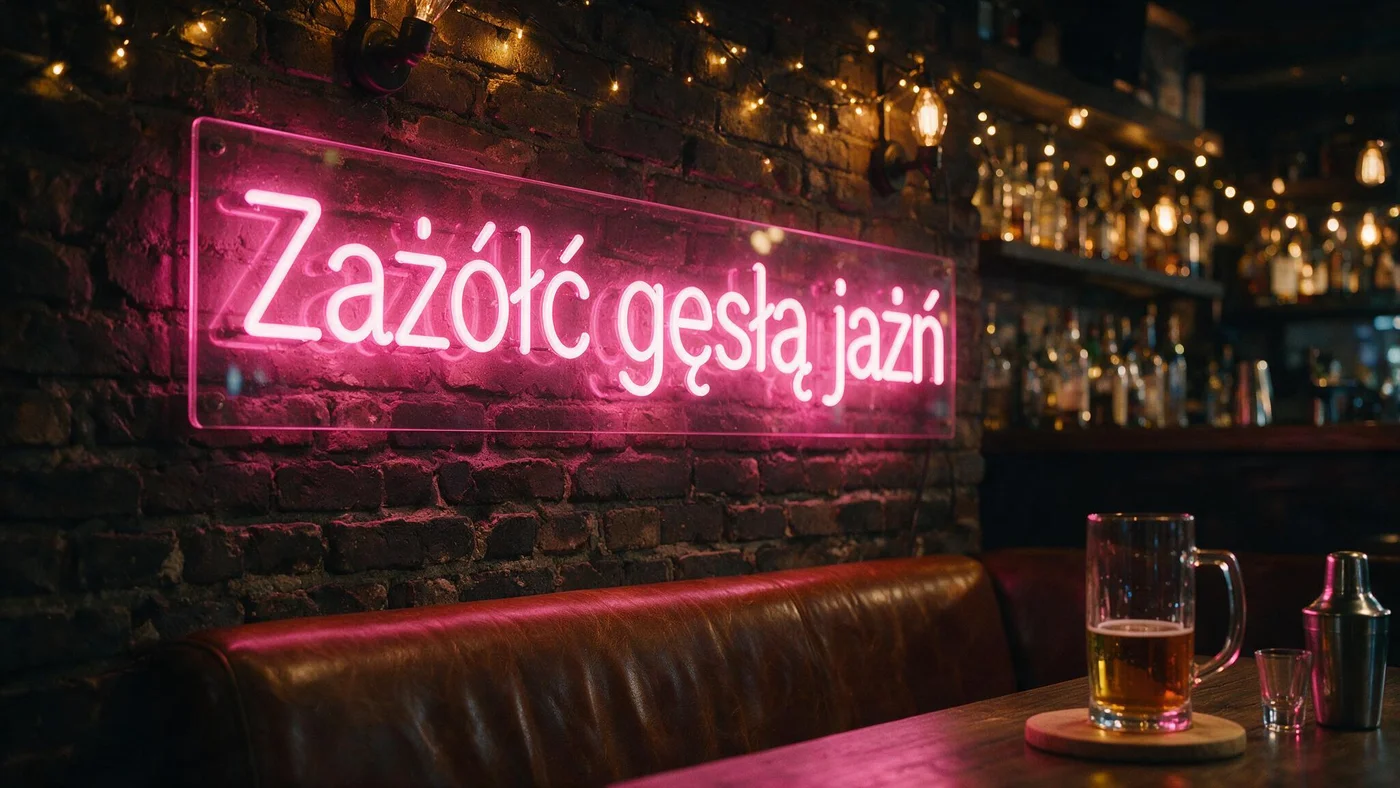
low,medium,high,xhighandmax. Seedream has no such dial; you choose a resolution tier. - Text. GPT Image 2.5 wrote a Polish shop sign correctly at every quality. Seedream got it right in the ranking but added stray accents in my typography test.
- Speed and limits. Seedream averaged 45.6 s per image, GPT Image 2.5 about 18 s at
highand 38 s atmax. References: 10 in Seedream, 16 in GPT Image 2.5. Both: one image per request, 32,000-character prompts.
How to decide
- Need 2K or a cinema or screen format: Seedream 5.0 Pro.
- Need text, volume or speed: GPT Image 2.5.
Scores on the same prompts at 16:9: Seedream 8.5/10, GPT Image 2.5 8.5 at high and 8.6 at max. A wider look is in GPT Image 2.5 vs Nano Banana Pro vs FLUX.2, and rates on /pricing.
Questions
How do I get a 16:9 thumbnail from GPT Image 2.5?
You would have to crop a 1536x1024 image. For a native 16:9 frame, Seedream 5.0 Pro is the better tool.
Is there a reason to choose a lower quality in GPT Image 2.5?
Only speed. The price is the same from low to max, so for finals I go straight to the top setting.
Should I proofread Seedream's lettering?
Yes, especially in languages with diacritics, where it tends to add accents to letters that should have none.
Samples from the makers
Seedream 5.0 Pro

GPT Image 2.5
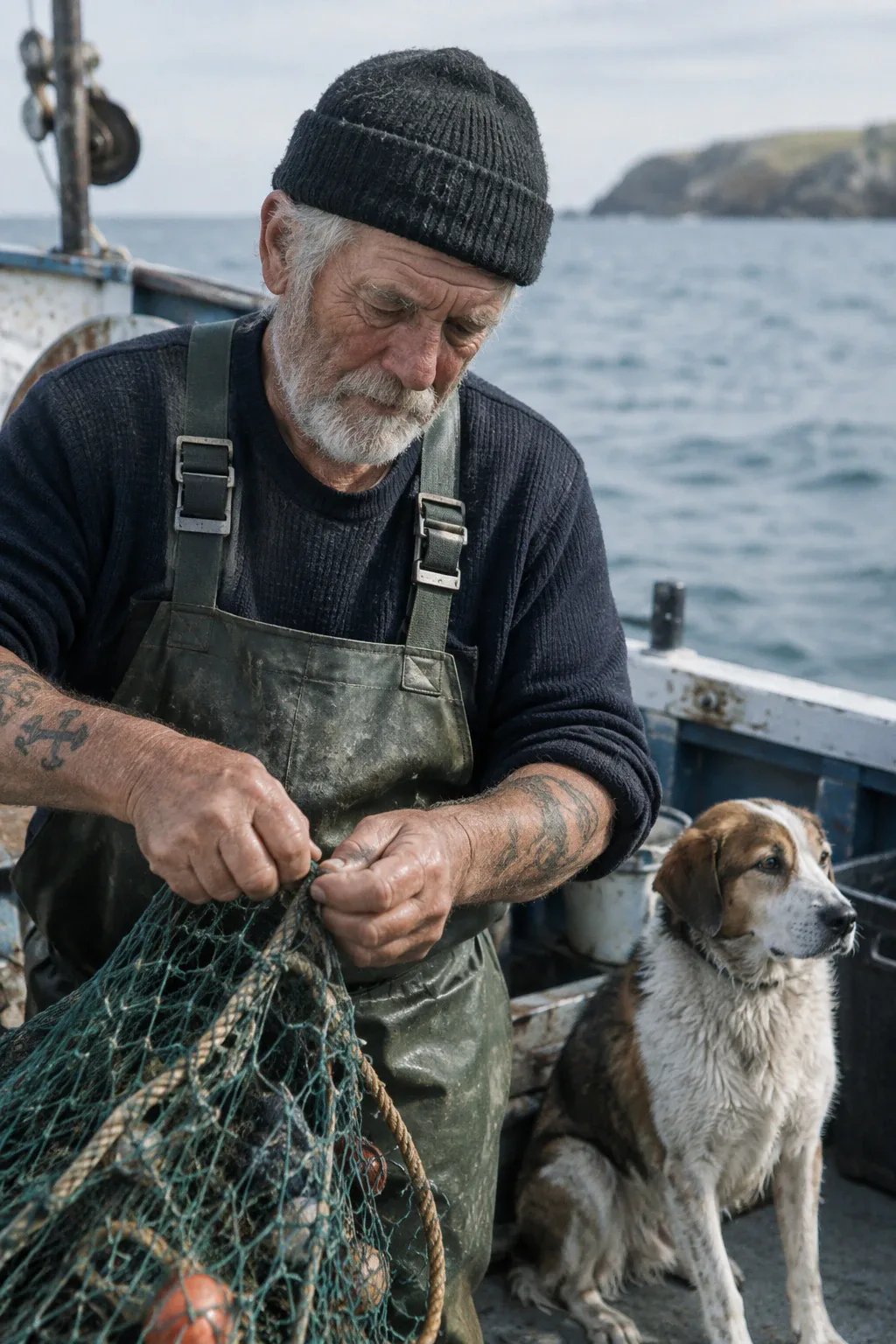

These clips and images come from the vendors, not from my runs.