























Comparison · Images
GPT Image 2.5 vs GPT Image 2.5 Sunburst
GPT Image 2.5 vs GPT Image 2.5 Sunburst: speed, detail, edit chains and price per image. See which OpenAI image tier to use for daily graphics and for print.
What each one accepts
| GPT Image 2.5 | GPT Image 2.5 Sunburst | |
|---|---|---|
| Vendor | OpenAI | OpenAI |
| Type | Image | Image |
| Modes | text-to-image image-to-image | text-to-image image-to-image |
| Released | 2026-09 | 2026-09 |
| Quality | auto, low, medium, high, xhigh, max | auto, low, medium, high, xhigh, max |
| Aspect ratios | auto, 1024x1024, 1536x1024, 1024x1536 | auto, 1024x1024, 1536x1024, 1024x1536 |
| Reference images | up to 16 | up to 16 |
| Prompt length | up to 32,000 chars | up to 32,000 chars |
Rates and clip costs
| Model | Variant | Rate |
|---|---|---|
| GPT Image 2.5 | - | $0.05 / image |
| GPT Image 2.5 Sunburst | - | $0.05 / image |
Charged from a prepaid USD balance, no taxes added. A failed generation is $0.
GPT Image 2.5 (served as the Flare tier) and GPT Image 2.5 Sunburst accept identical inputs, and the frames I got from them were nearly twins. Flare answers faster. OpenAI says Sunburst keeps things more consistent across long edit chains and refines fine detail. Flare is my everyday tier; Sunburst gets the covers, print jobs and visuals that will be revised again and again.
When to pick GPT Image 2.5 (Flare)
- You need a run of blog or social media graphics.
- You want several quick creative variants before picking one.
- Thumbnails and post covers must be ready fast.
- The image carries a short line of text. A Polish shop sign with four diacritics rendered correctly for me at all quality settings.
When to pick GPT Image 2.5 Sunburst
- A print cover or poster where every detail will be seen.
- A client revises the visual in stages, and the product or person has to look the same in each version.
- Portraits that show hands. My best hands came from Sunburst at
max. - A packshot goes through edit after edit with the same packaging.
Differences you will notice
- Speed. With another provider I timed Flare at
highat about 18 s an image, Sunburst at about 28 s; onmaxFlare needed 38 s and Sunburst 78 s. - Price. GPT Image 2.5 is billed at $0.05 per image and GPT Image 2.5 Sunburst at $0.05 per image. Each has one flat rate that does not change with
quality, size or the number of references, somaxonly costs you time. - Role. Flare is the quick tier for daily work. Sunburst is the slower tier meant for precise edits and long revision chains.
- Token use. My runs showed identical token counts per image on the two tiers.
- Same controls. A prompt can be 32,000 characters long, you can attach 16 references, the output is square, landscape or portrait (or
auto) at up to 1536 px, and quality runs fromlowtomax.
How to decide
In my GPT Image 2.5 test on the Polish blog (five prompts) Sunburst scored 8.7/10 at high and 8.8 at max, Flare 8.5 and 8.6. Four of the five prompts gave the same composition on both; Sunburst won on small details. So for one-off graphics, Flare is enough. In a long revision cycle, what counts is the price of the version the client signs off, so if Sunburst spares you one round of fixes, it wins. For rival models, read my three-way image model comparison; current rates sit on the pricing page.
Questions
Is Sunburst a separate model or a setting?
In the API they appear as two separate model names. Because my test frames were nearly identical, I suspect a shared base with extra work in Sunburst, but that is my reading, not something OpenAI has said.
Is Sunburst the better photo editor?
OpenAI pitches it that way. Still, when I asked for five changes at once, Sunburst altered more of the untouched areas than Nano Banana Pro did.
Can I switch tiers mid-project?
Yes. The inputs are the same, so you only change the model field and keep your prompt and references.
Samples from the makers
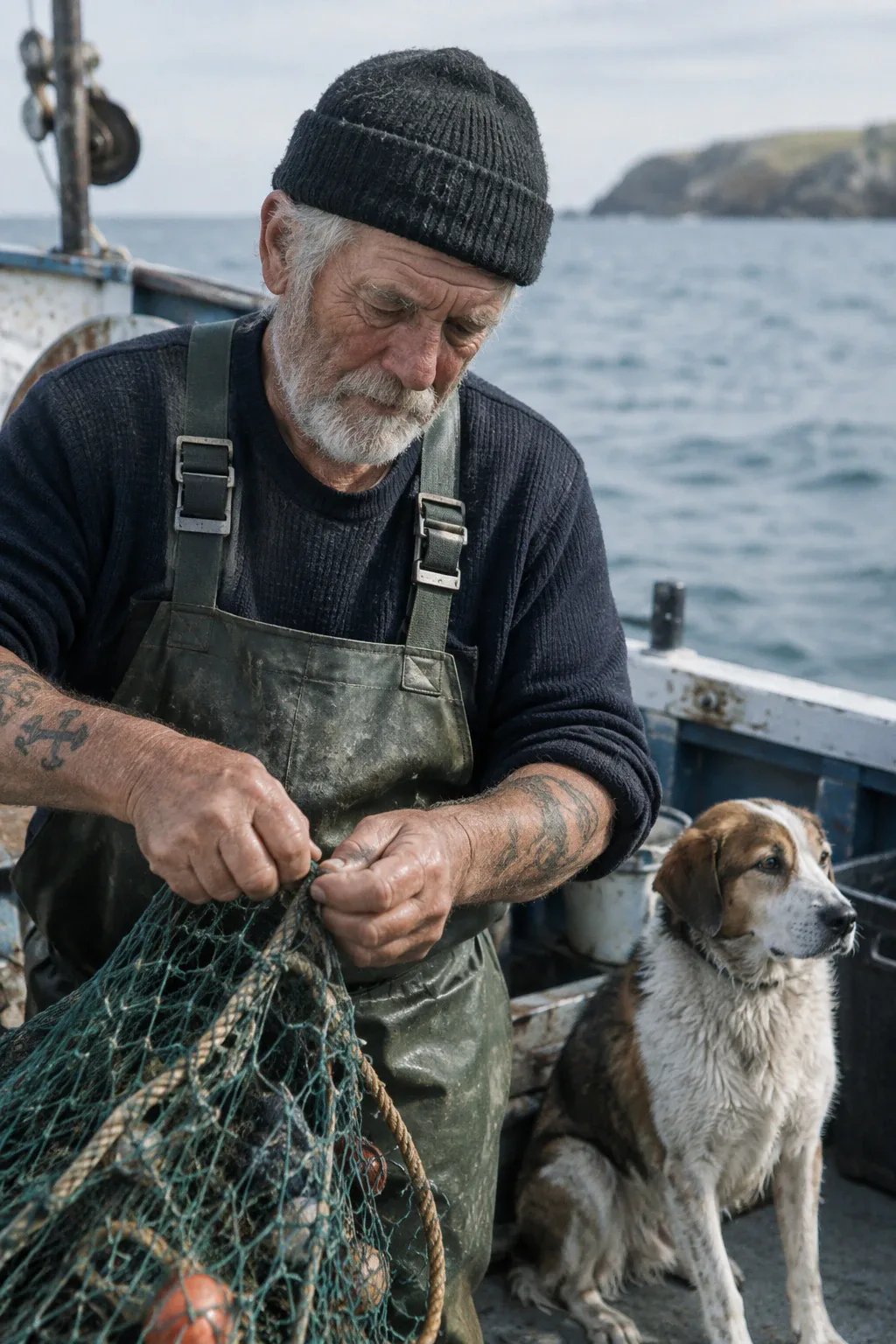
GPT Image 2.5

GPT Image 2.5 Sunburst
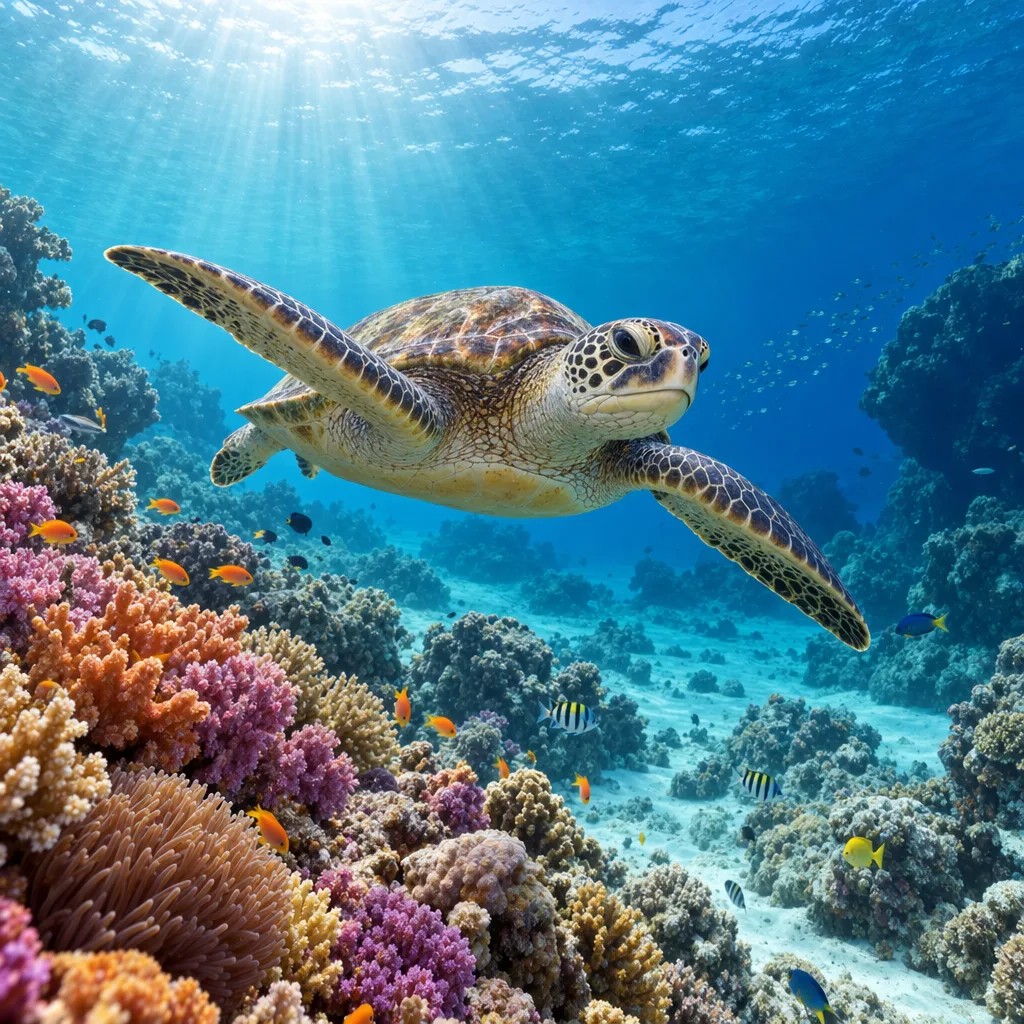
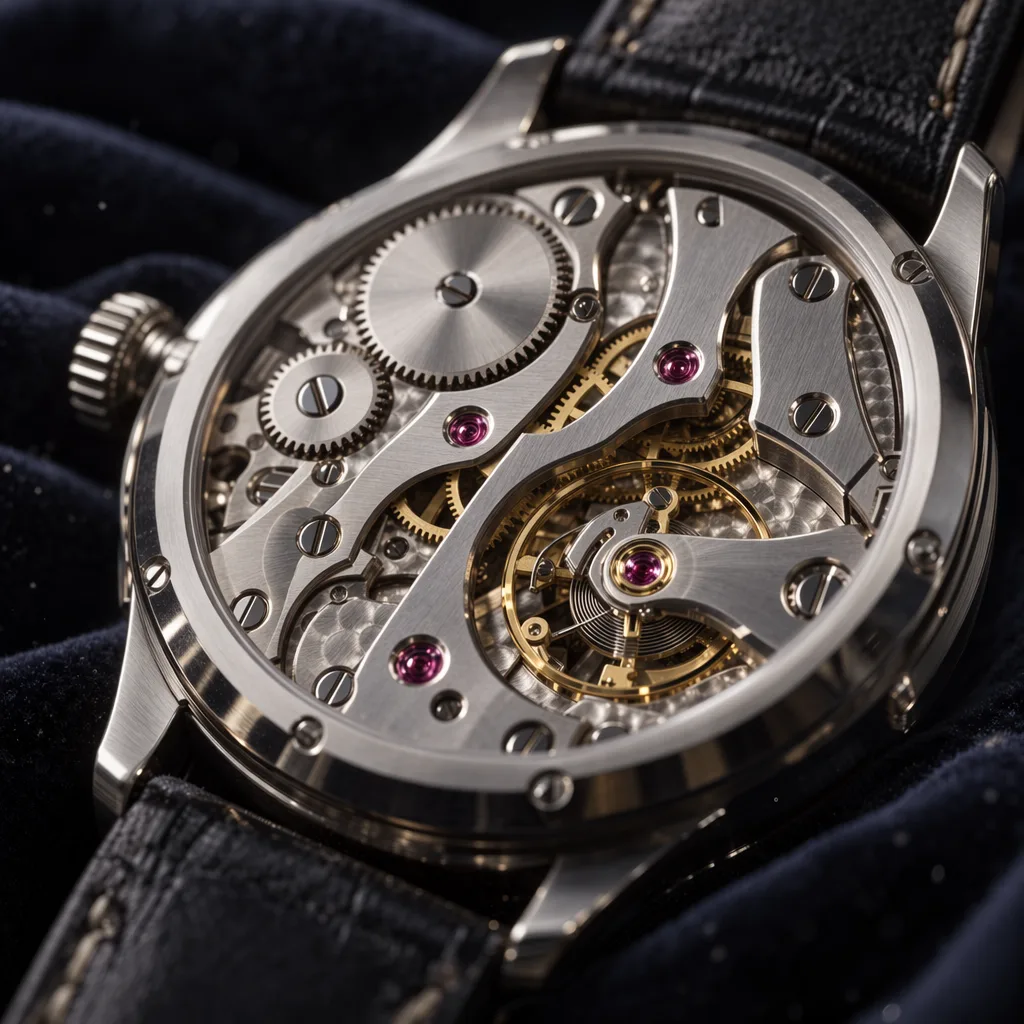
These clips and images come from the vendors, not from my runs.