Is There a Truly Free AI Video Generator? Honest Limits and Low-Cost Tests
Looking for a free AI video generator? What free plans limit, why Kadraris gives no free credits but shows the price first, and low-cost test clips.
 Piotr Olszewski2026-10-228 minPolski
Let me be straight about Kadraris first: there are no free credits, no trial and no free plan. What costs nothing is looking around: Studio opens without signing in, and once you choose a model and type your idea, the Generate button tells you the exact price before you commit. Generating itself needs an account and a balance, starting at $10. Free AI video does exist elsewhere, but almost always with strings attached: a logo on the frame, a small daily allowance, waiting in line, a capped resolution, or a ban on commercial use. Below: the real free sources, what they hold back, the low-rate models I open tests with, the price of a single test, and my routine for spending little.
Where free AI video actually comes from
There are three real sources:
- Trial pools and daily credits in the apps of model makers. Makers of video models frequently hand newcomers a few clips or a little allowance each day. The terms shift every few weeks, so check inside the app.
- Video generation built into tools you already use. Some editors and office suites now include clip generation as part of an existing account.
- Open-weight models on your own computer. A few video models, earlier Wan releases from Alibaba among them, have public weights. You trade the per-clip price for hardware and electricity, and you need a powerful GPU, some setup work and patience.
Through an API, I have not come across a free video model: everything in my video ranking charged per clip or per second.
The catch with free plans
I am not naming companies, because their limits change too often. These are the usual restrictions:
- a watermark in a corner that you are not allowed to remove,
- low resolution, typically 480p-720p, with no 1080p or 4K,
- very short clips, a few seconds rather than 10-15,
- waiting in line, at times for many minutes,
- an allowance per day that is gone after a few attempts,
- personal use only under the free terms,
- browser only, no API, so automation is out,
- an account and content rules you accept when signing up.
That is fine while you learn to write prompts. Paid work is another story: a visible mark or a licence that forbids commercial use normally makes the free tier unusable for clients.
How Kadraris handles it
Nothing is handed out for free here, and the first clip is already paid. In return:
- you can look before you pay. Studio opens without signing in; choose a model and settings and the Generate button shows the price,
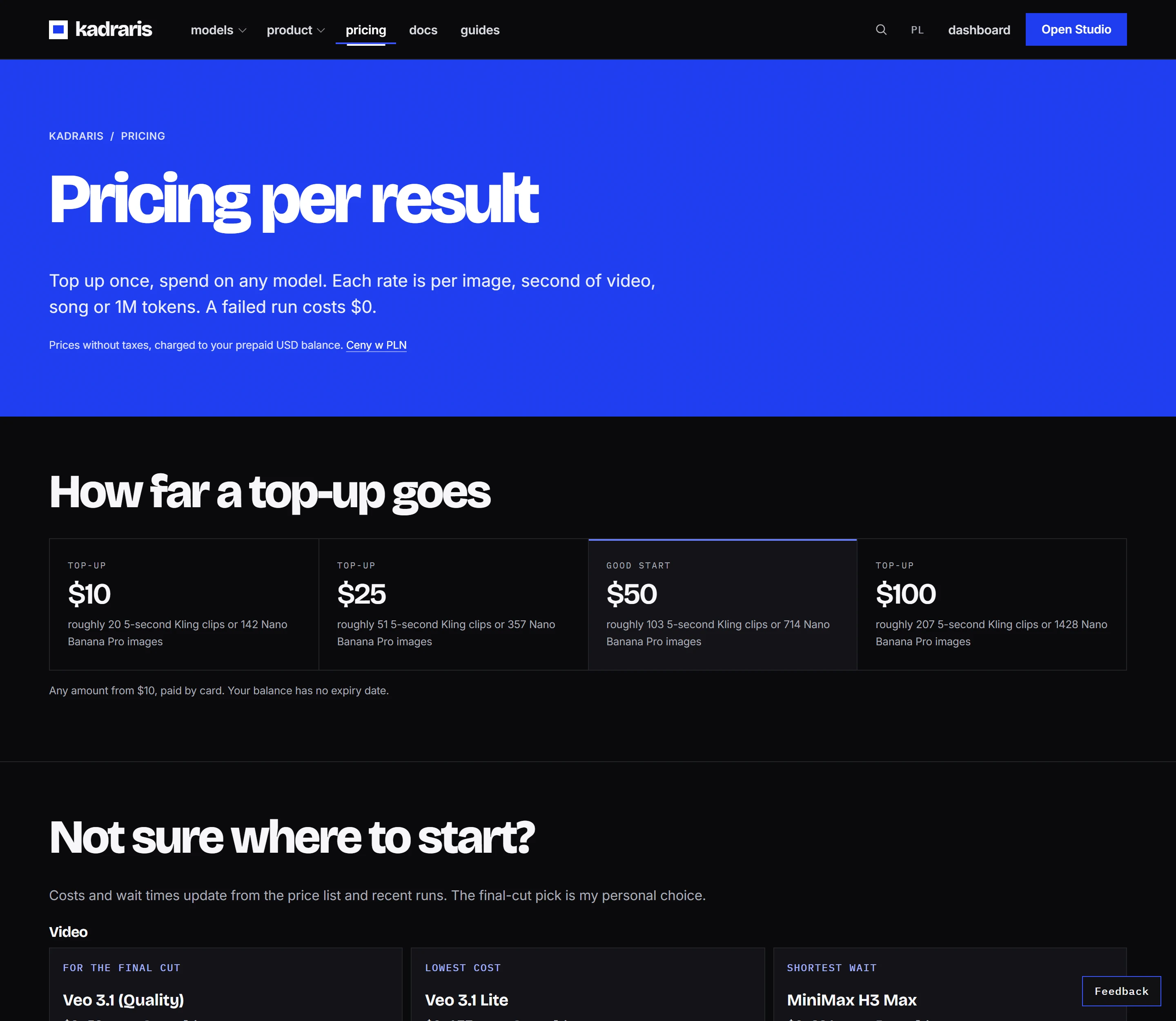
- a $10 minimum top-up, with preset amounts from $10 to $250,
- funds without an expiry date, so a small top-up can cover occasional tests for a long time,
- $0 for failed generations, because the held amount returns in full,
- the price before every job, on the Studio button and in
estimated_costin the API, - nothing recurring, and Kadraris stamps nothing on your video (a model's maker may embed its own mark, sometimes invisible).
Usage rights come from each model maker's terms. Nothing you send or receive goes into training.
Low-rate models to start with
At the time of writing, these models sat at the low end of the price list, each quoted at its smallest resolution. Rates move, and the table always shows the current figure:
| Model | Rate | What to know |
|---|---|---|
| Veo 3.1 Lite | from $0.177 per video | a whole 8-second clip from text; 720p and 1080p cost alike; audio cannot be toggled |
| Grok Imagine 1.0 Video | from $0.0299 per second | from 480p, clips of 6 to 30 seconds; the maker says nothing about sound |
| Seedance 2.0 Mini | from $0.0784 per second | from 480p, 4 to 15 seconds; sound can be added, it starts switched off |
| PixVerse V6 | from $0.0405 per second | from 360p, 1 to 15 seconds; sound is a paid extra |
| Veo 3.1 Fast | from $0.354 per video | a whole 8-second clip; 720p and 1080p cost alike; audio cannot be toggled |
| Seedance 2.0 Mini Eco | from $0.0789 per second | from 720p, 4 to 15 seconds; sound starts switched on |
| Wan 3.0 | from $0.0777 per second | from 480P, 2 to 30 seconds; sound starts switched on |
| Vidu Q3 Turbo | from $0.081 per second | from 540p, 1 to 16 seconds; sound comes with the price |
The two Veo tiers bill a flat amount per clip, which works out to that amount over 8 per second; all other rows bill by the second. Try any resolution and duration in the cost calculator or browse pricing.
How I choose from it:
- Only words, but full HD wanted: Veo 3.1 Lite gives 1080p at the 720p price and takes no images.
- A rough cut close to half a minute: Grok's 1.0 video model at its lowest size, or Wan if the draft needs audio.
- A still that should move: Seedance 2.0 Mini through
image_url, or the Fast tier of Veo throughimage_urls. - Checking how a spoken line lands: Vidu Q3 Turbo, whose rate already covers sound.
A low rate does not have to mean a weak picture. This producer sample comes from MiniMax H3 Max, another low-rate model (from $0.104 per second at 480P):
Pricing a test clip
A test, for me, is the briefest clip a model accepts at its smallest size. What one attempt costs:
| Test | Formula |
|---|---|
| one Veo Lite clip (8 seconds, either HD size) | 1 × from $0.177 per video |
| five seconds of Seedance Mini at 480p | 5 × from $0.0784 per second |
| five silent seconds of PixVerse at 360p | 5 × from $0.0405 per second |
| Grok 1.0 at its six-second minimum, 480p | 6 × from $0.0299 per second |
| five seconds of Wan with audio, 480P | 5 × from $0.0777 per second |
| five seconds of Vidu Turbo with audio, 540p | 5 × from $0.081 per second |
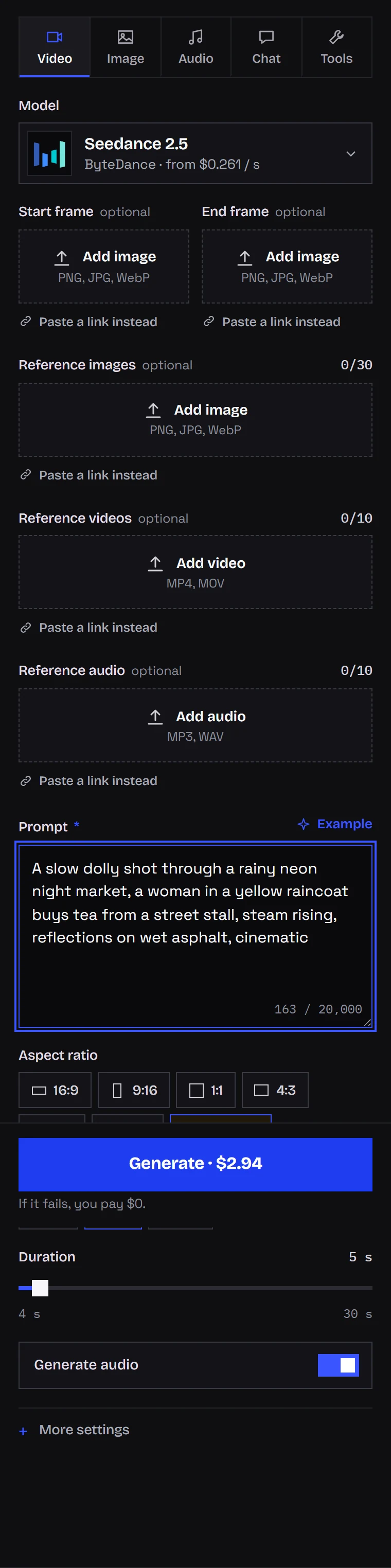
For scale: 5 seconds of Kling 3.0 at 720p without sound is 5 × from $0.0963 per second, and Seedance 2.5 at 480p is 5 × from $0.261 per second. Per-second rates across the catalog differ a lot, which is why I pick a model per stage of work rather than one for the whole project.
Want to know what the $10 minimum buys? Divide it by a row above. The low-rate models give you dozens of attempts; five-second Kling shots in 1080p, about sixteen silent or ten with sound.
A low-cost testing routine
- Compose on a still. Z-Image Turbo costs $0.02 per image per picture, so framing, colours and layout get decided on images long before any video is rendered.
- Rough motion, small size. That picture is animated in Seedance 2.0 Mini or Wan at the bottom resolution, two or three prompt versions at most.
- The keeper, rendered properly. Once frame and wording work, the strongest model gets them in 1080p.
- Audio last. Where sound is a surcharge (PixVerse, Kling) every draft stays mute.
The same test clip through the API, in Seedance 2.0 Mini:
curl https://kadraris.com/v1/generate \
  -H "Authorization: Bearer $KADRARIS_API_KEY" \
  -H "Content-Type: application/json" \
  -d '{
    "model": "seedance-2.0-mini",
    "input": {
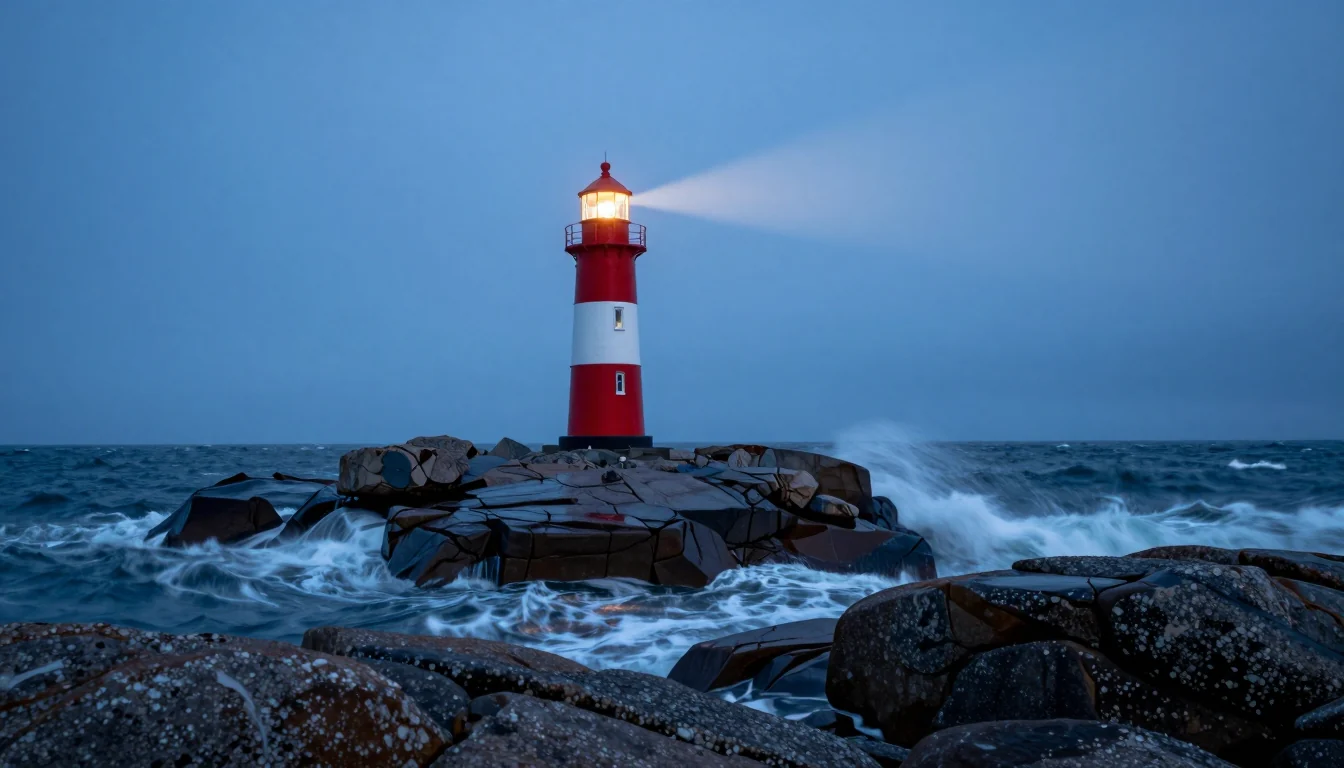
      "prompt": "Slow push-in on a red and white lighthouse on a rocky coast at blue hour, waves breaking below, cinematic",
      "image_url": "https://your-site.com/files/lighthouse.webp",
      "resolution": "480p",
      "duration": 5
    }
  }'
estimated_cost comes back immediately. With too little on the balance you get 402 and nothing runs, so you can never spend more than you loaded. All fields are in the generate docs.
For a full project budget, read cost per second of AI video and the video API comparison; for the workflow from idea to export, the step-by-step video guide. When you are ready, the AI video generator page lists every model.
Questions
Can I try Kadraris before paying anything?
You can open Studio without an account, choose a model, enter a prompt and see what the clip would cost. Generating requires an account and a balance; there are no free credits.
Will my clips have a watermark?
Kadraris adds none. Some model makers embed their own marks, such as invisible watermarks, according to their terms.
Is a free plan good enough for client work?
Usually not. Free plans often add a watermark, cap the resolution or exclude commercial use. Read the terms of the service, and for paid work check the model maker's terms before a campaign.
Is running a video model on my own GPU really free?
Only in that no one bills you per clip. The GPU and the power bill are yours, installing takes effort, and renders tend to take longer than on a hosted service.