























Comparison · Images
Imagen 4.0 vs Nano Banana Pro
Imagen 4 vs Nano Banana Pro: editing, 4K, aspect ratios, speed and price per image. Find out which Google image model gives you more for the money.
What each one accepts
| Imagen 4.0 | Nano Banana Pro | |
|---|---|---|
| Vendor | ||
| Type | Image | Image |
| Modes | text-to-image | text-to-image image-to-image |
| Released | 2025-05 | 2025-11 |
| Aspect ratios | 1:1, 4:3, 3:4, 16:9, 9:16 | 1:1, 2:3, 3:2, 3:4, 4:3, 4:5, 5:4, 9:16, 16:9, 21:9 |
| Prompt length | up to 4,000 chars | up to 32,000 chars |
| Resolutions | - | 1K, 2K, 4K |
| Reference images | - | up to 14 |
Rates and clip costs
| Model | Variant | Rate |
|---|---|---|
| Imagen 4.0 | - | $0.115 / image |
| Nano Banana Pro | 1K | $0.07 / image |
| 2K | $0.07 / image | |
| 4K | $0.075 / image |
Charged from a prepaid USD balance, no taxes added. A failed generation is $0.
These two Google models solve different problems. Imagen 4 makes a picture from a prompt and stops there: no input images, no resolution choice, five aspect ratios. Nano Banana Pro does that too, and also edits photos, mixes up to 14 references and renders in 4K. Oddly, it is also the cheaper of the pair here, so Imagen 4 earns a place only through speed or its particular style.
When to pick Imagen 4
- You need a simple 16:9 article image and have no source material.
- You are filling a moodboard with quick concepts.
- The picture holds a short line of text. Imagen 4 was among the cleanest at signage in my 32-model test.
- Waiting time matters more than features.
When to pick Nano Banana Pro
- You retouch your own photo or a product shot.
- A character or product has to appear in a new scene, built from several references.
- You need 4K, or formats such as 21:9 and 4:5.
- Cost matters on almost any job, because it is the cheaper model here.
Differences you will notice
- Price. Imagen 4.0 costs $0.115 per image whatever the ratio. Nano Banana Pro costs from $0.07 per image and charges 1K and 2K the same, with 4K only slightly higher. Imagen ends up about one and a half times dearer per picture, which makes the simpler model the more expensive one.
- What goes in. Imagen 4 accepts a prompt only. Nano Banana Pro accepts a prompt plus images, and can edit.
- Size and shape. Imagen 4 has no resolution field and offers 1:1, 4:3, 3:4, 16:9 and 9:16, defaulting to 16:9. Nano Banana Pro gives 1K, 2K or 4K across 10 ratios, among them 21:9, 4:5 and 2:3.
- Prompt length. Imagen 4 stops at 4,000 characters, in English or Chinese. Nano Banana Pro takes up to 32,000.
- Speed. In my 32-model test with another provider, Imagen 4 needed about 9-12 s per image and Nano Banana Pro about 21 s.
Each request returns one image in both models, and references never add to the price.
How to decide
Quality points both ways. In the 32-model test on the Polish blog both sat among the photorealism leaders, with calm, natural light, and Imagen 4 spelled an invented word on a sign correctly. Nano Banana Pro then posted the top average, 9.0/10, in my later image ranking, which left Imagen 4 out. So: for nearly everything, Nano Banana Pro; for a fast, plain prompt-to-picture job, Imagen 4. Prompting tips for both are in the AI image prompt guide, and other models are on the pricing page.
Questions
What should I use for photo edits instead of Imagen 4?
Imagen 4 takes no images or masks. Use Nano Banana Pro, or FLUX.1 Kontext [pro] for targeted edits.
Will Imagen 4 be just as fast here?
Maybe not. My timings come from another provider, so measure a few images yourself before you plan a deadline around them.
Do I pay for an image that fails?
No. A failed generation costs nothing, and the held amount returns to your balance in full.
Samples from the makers
Imagen 4.0
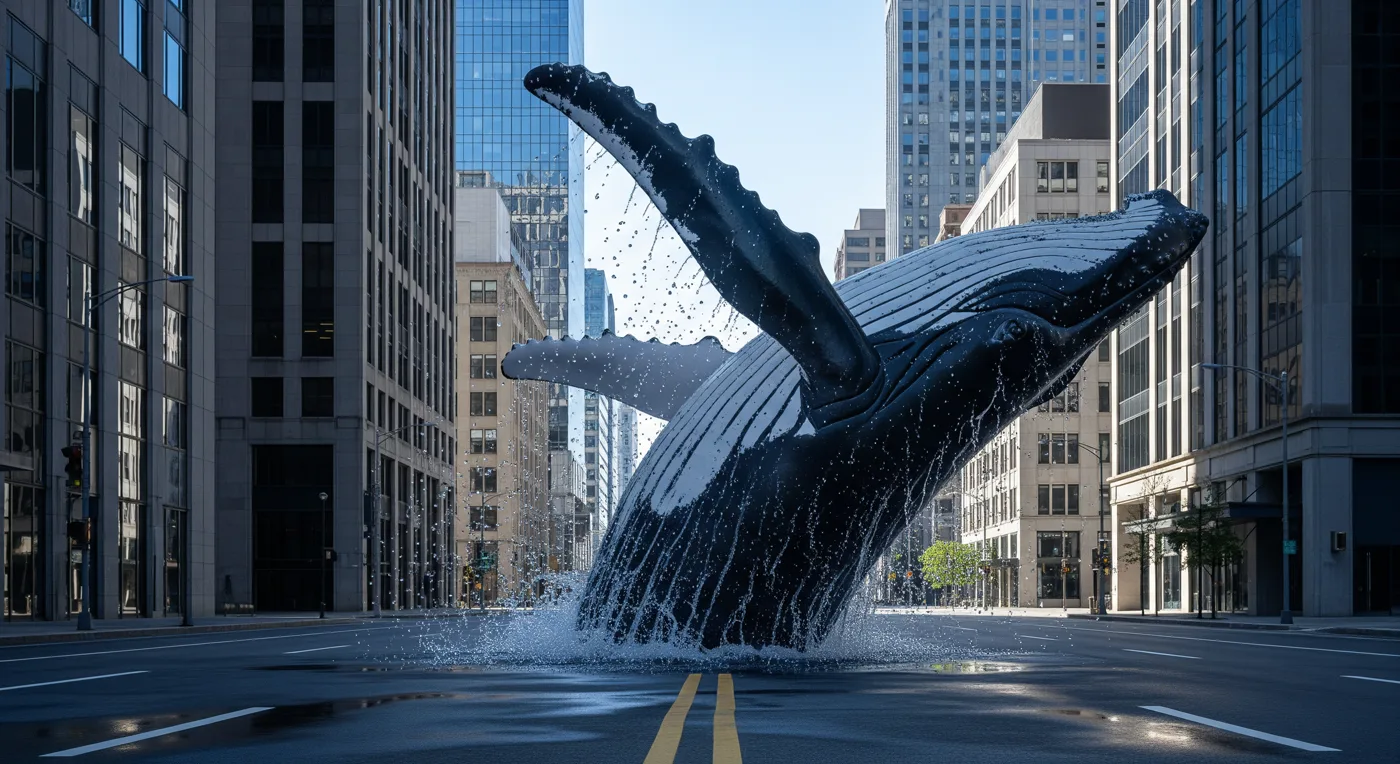
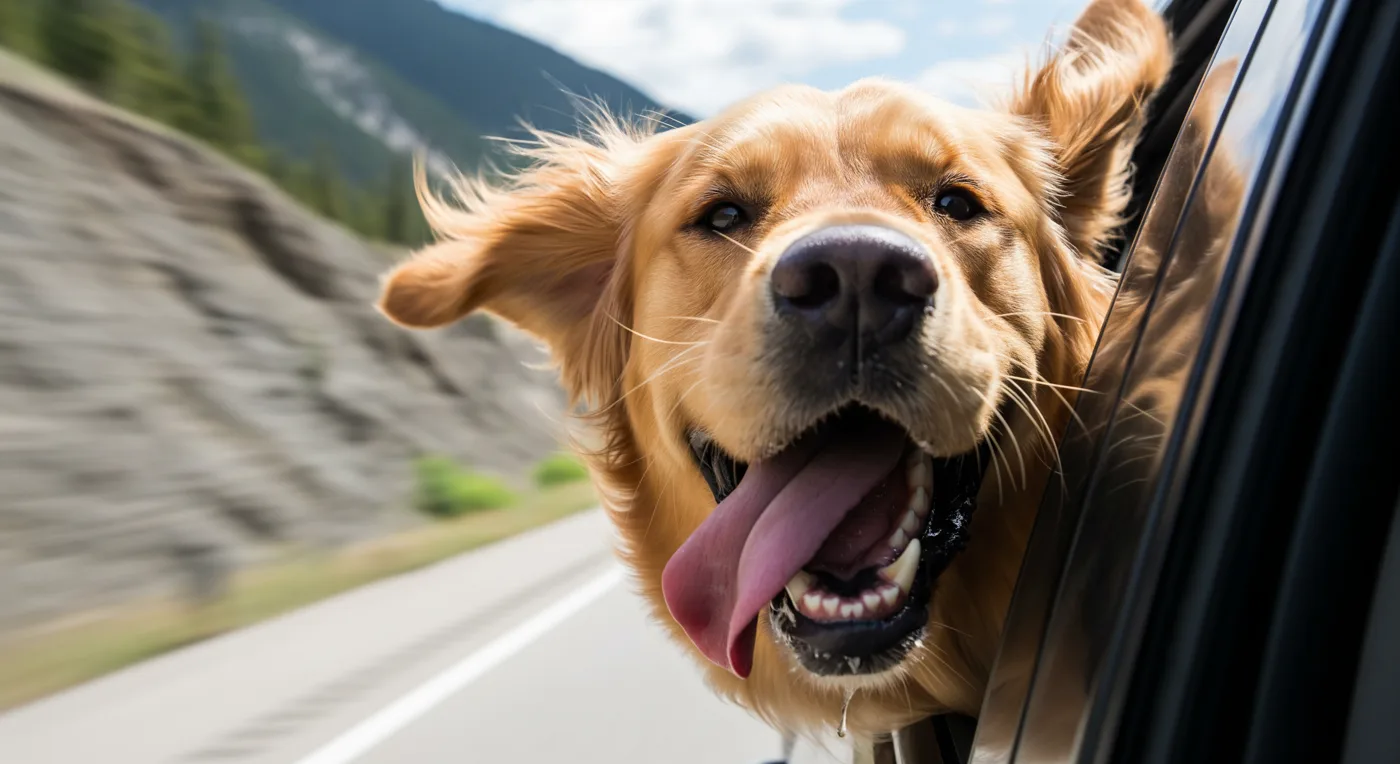
Nano Banana Pro

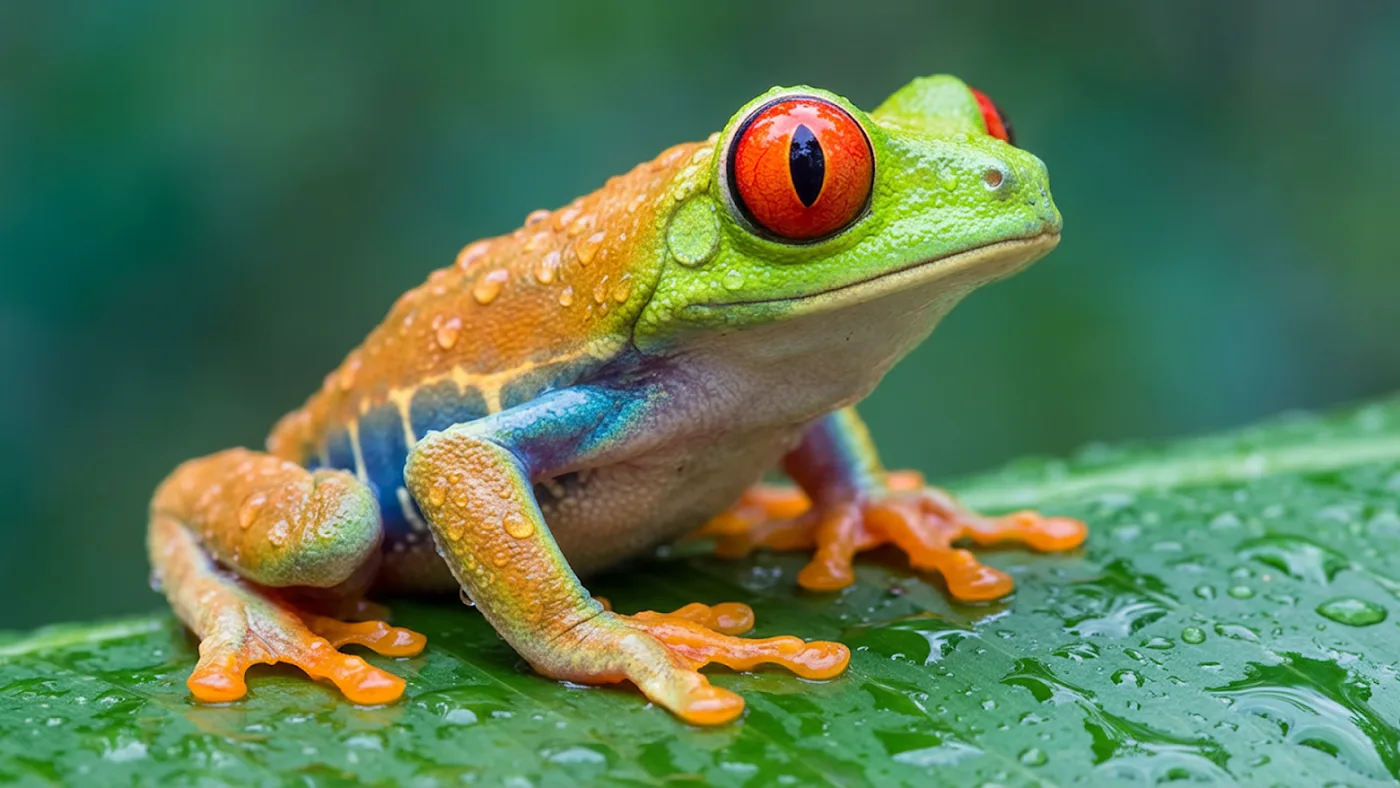
These clips and images come from the vendors, not from my runs.