























Comparison · Images
Z-Image Turbo vs FLUX.2 [pro]
Z-Image Turbo against FLUX.2 [pro]: very cheap text-to-image for volume and prompt tests, or 2K, 8 references and better realism for final work.
What each one accepts
| Z-Image Turbo | FLUX.2 [pro] | |
|---|---|---|
| Vendor | Alibaba | Black Forest Labs |
| Type | Image | Image |
| Modes | text-to-image | text-to-image multi-image-reference |
| Released | 2025-11 | 2025-11 |
| Aspect ratios | 1:1, 4:3, 3:4, 16:9, 9:16 | 1:1, 4:3, 3:4, 16:9, 9:16, 3:2, 2:3, auto |
| Prompt length | up to 1,000 chars | up to 5,000 chars |
| Resolutions | - | 1K, 2K |
| Reference images | - | up to 8 |
Rates and clip costs
| Model | Variant | Rate |
|---|---|---|
| Z-Image Turbo | - | $0.02 / image |
| FLUX.2 [pro] | 1K | $0.0688 / image |
| 2K | $0.0963 / image |
Charged from a prepaid USD balance, no taxes added. A failed generation is $0.
Z-Image Turbo is built for volume and for testing prompts: text in, picture out, one fixed size, and a rate far below FLUX.2 [pro]. FLUX.2 [pro] is what I use for images that get published, for 2K, or for compositions put together from reference photos. My tests gave it clearly better pictures.
When to pick Z-Image Turbo
- Large scripted runs of illustrations for a blog or an online store.
- Trying a prompt cheaply before running it on a more expensive model.
- Cheap backdrops for social video.
- A single English word on a sign or label.
When to pick FLUX.2 [pro]
- Lifelike product photography for a campaign or listing.
- Merging separate photos of a product, a model and a location into one frame.
- Files at 2K.
- Detailed prompts covering lighting, lens choice and composition.
Differences you will notice
- Price. Z-Image Turbo costs $0.02 per image, FLUX.2 [pro] from $0.0688 per image at 1K, a clear gap that widens at 2K. Over 100 images you feel it; over five you hardly notice. No reference fees in either.
- Inputs. Z-Image works from text only and cannot edit photos. FLUX.2 [pro] accepts up to 8 reference images.
- Size and format. Z-Image has no resolution setting and offers 1:1, 4:3, 3:4, 16:9 and 9:16. FLUX.2 [pro] has 1K and 2K and adds 3:2 and 2:3.
- Prompt and speed. Prompts: 1,000 characters in Z-Image, 5,000 in FLUX.2 [pro]. When I benchmarked 32 models through another API, Z-Image needed about 3.5 s per picture and FLUX.2 [pro] about 10-11 s.
- Quality and text. My image ranking gave FLUX.2 [pro] 7.6/10 against 5.7 for Z-Image Turbo, which I ran locally. Z-Image advertises lettering in English and Chinese; Polish accents went wrong in both.
How to decide
- Many images, drafts, tiny budget: Z-Image Turbo.
- One image that represents a brand, references or 2K: FLUX.2 [pro].
During the ranking Z-Image garbled the sign with accents and even reproduced a real magazine's title when asked only to imitate its look; FLUX.2 [pro] dropped accents on the same sign. In the earlier benchmark Z-Image got a made-up word right, while FLUX.2 [pro] sat near the top for realism. Further reading: the Z-Image Turbo guide and my three-way test of GPT Image 2.5, Nano Banana Pro and FLUX.2. Rates on /pricing.
Questions
What does a batch of 100 Z-Image pictures cost?
One hundred times $0.02 per image. Failed images are not billed.
Which model should write accented text?
Neither, based on my tests. For diacritics I would use Nano Banana Pro or GPT Image 2.5.
Can I start in Z-Image and finish in FLUX.2?
Yes, that is a sensible workflow. Shorten long prompts for Z-Image's 1,000-character limit, then expand them for the final render in FLUX.2 [pro].
Samples from the makers
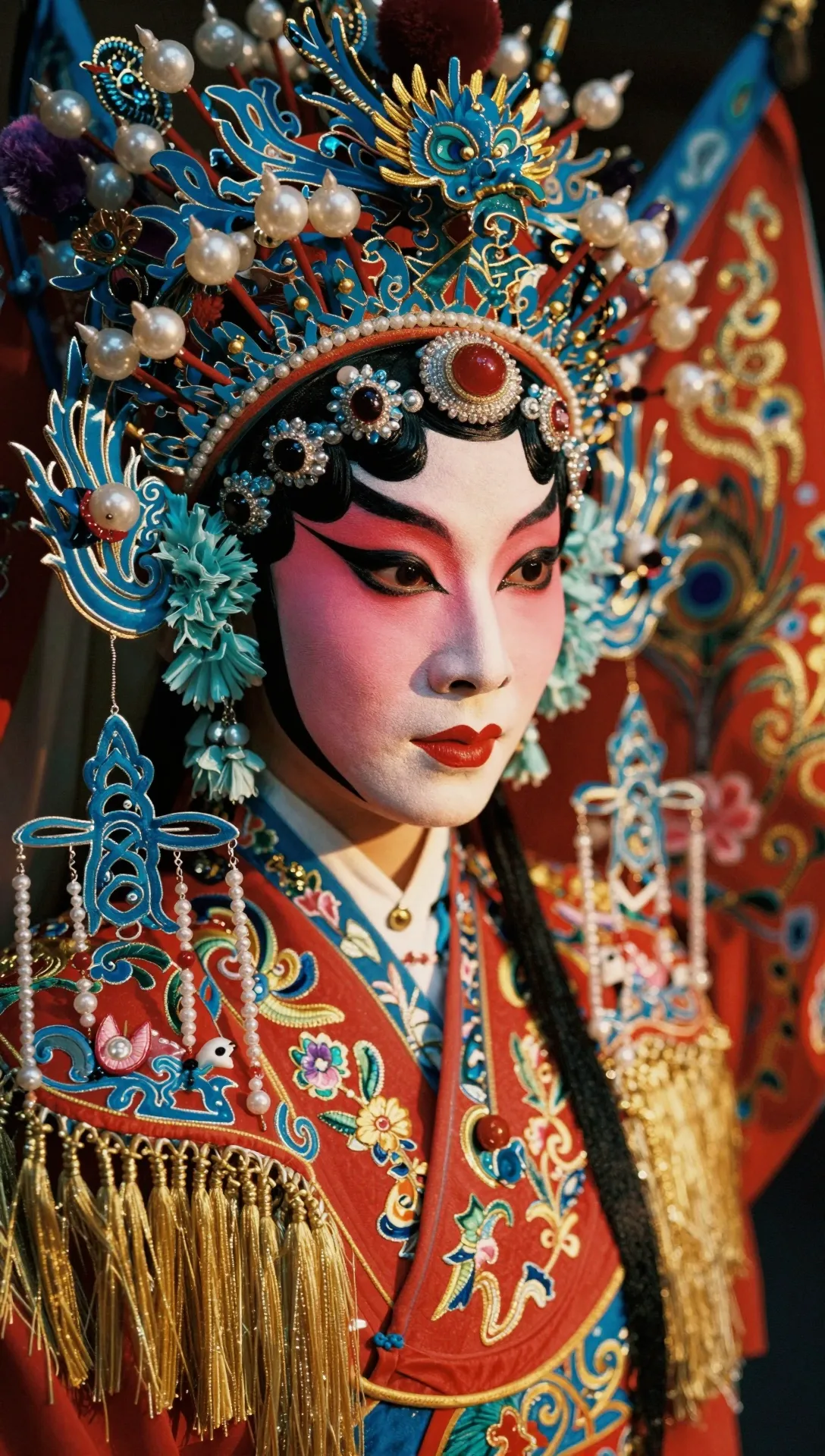
Z-Image Turbo

FLUX.2 [pro]
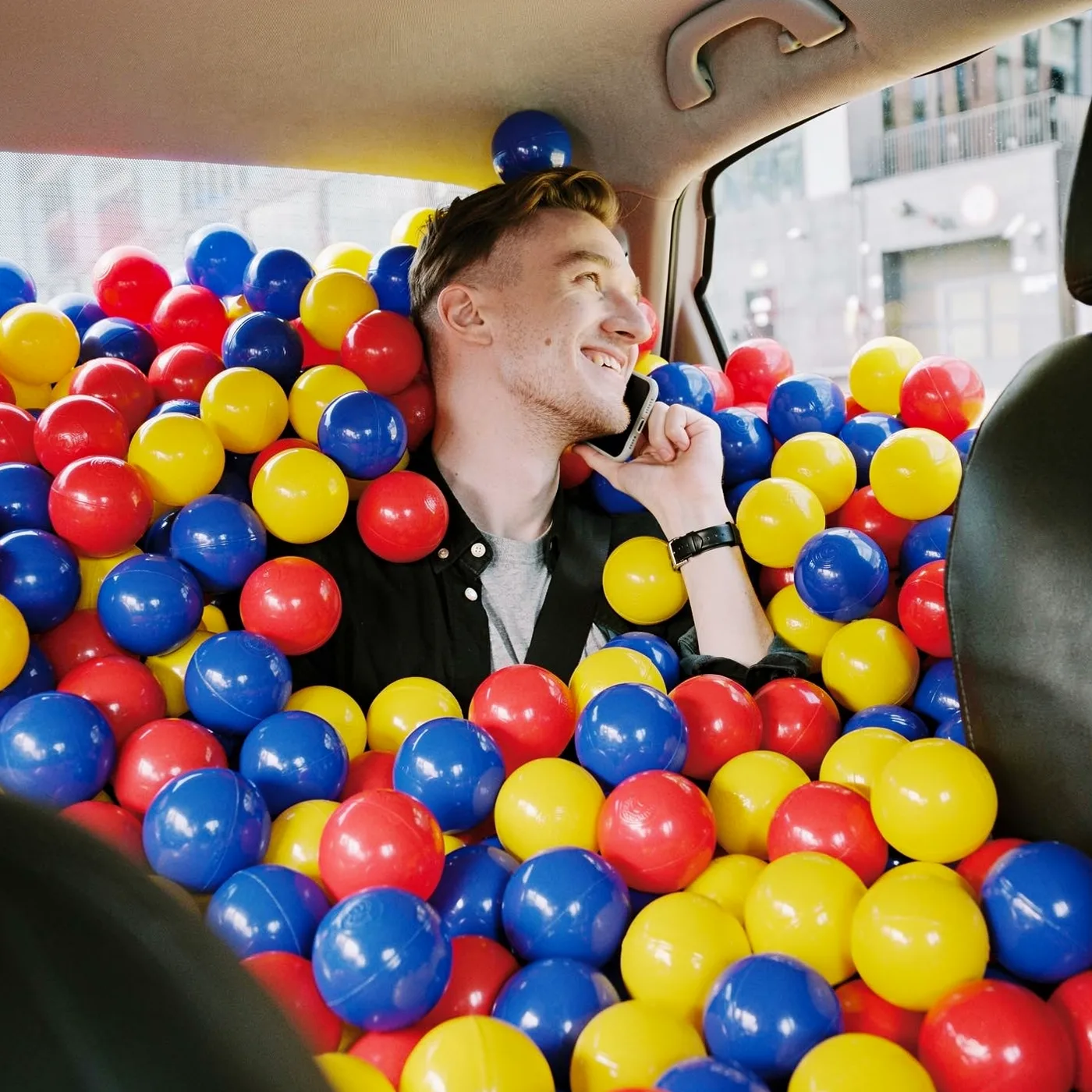
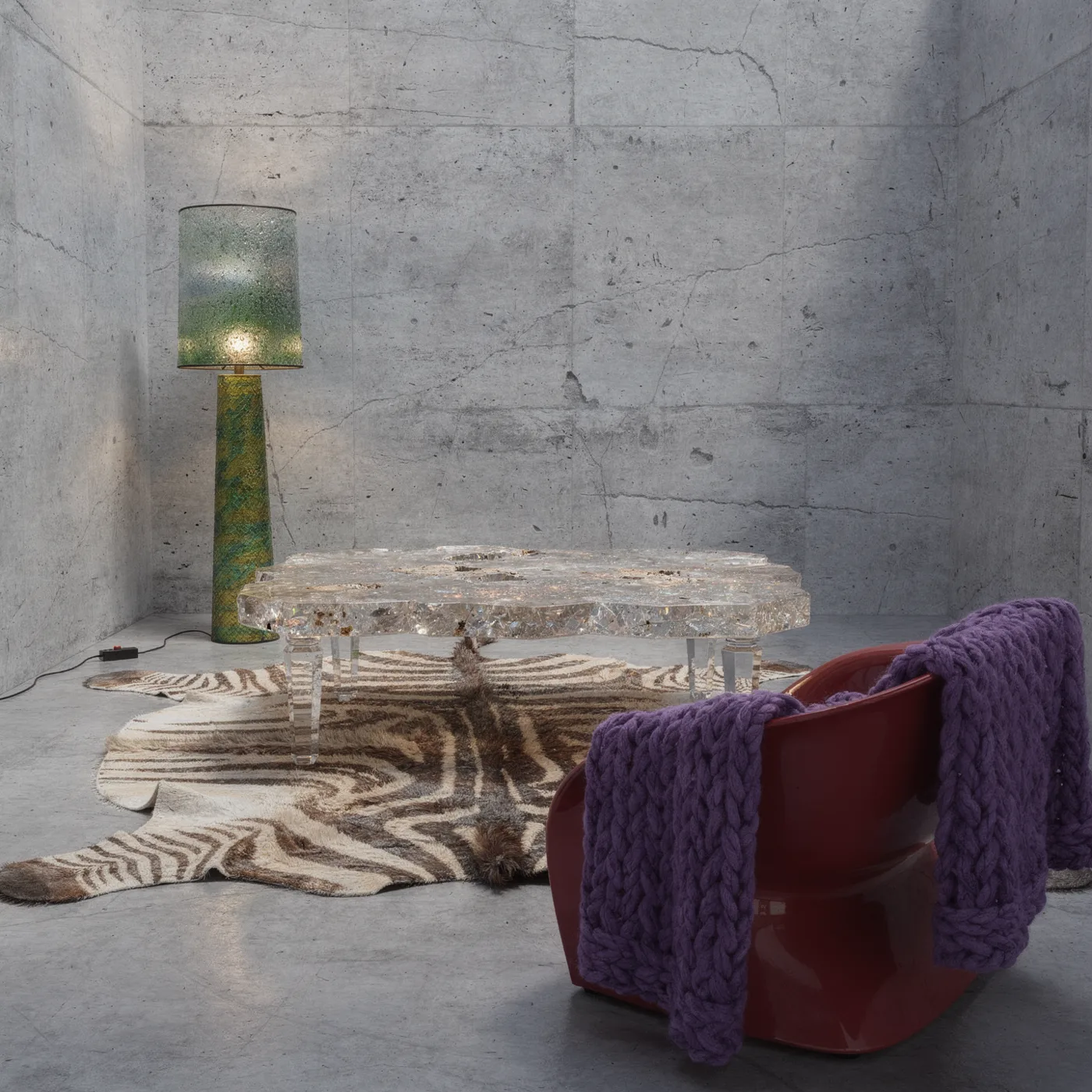
These clips and images come from the vendors, not from my runs.