























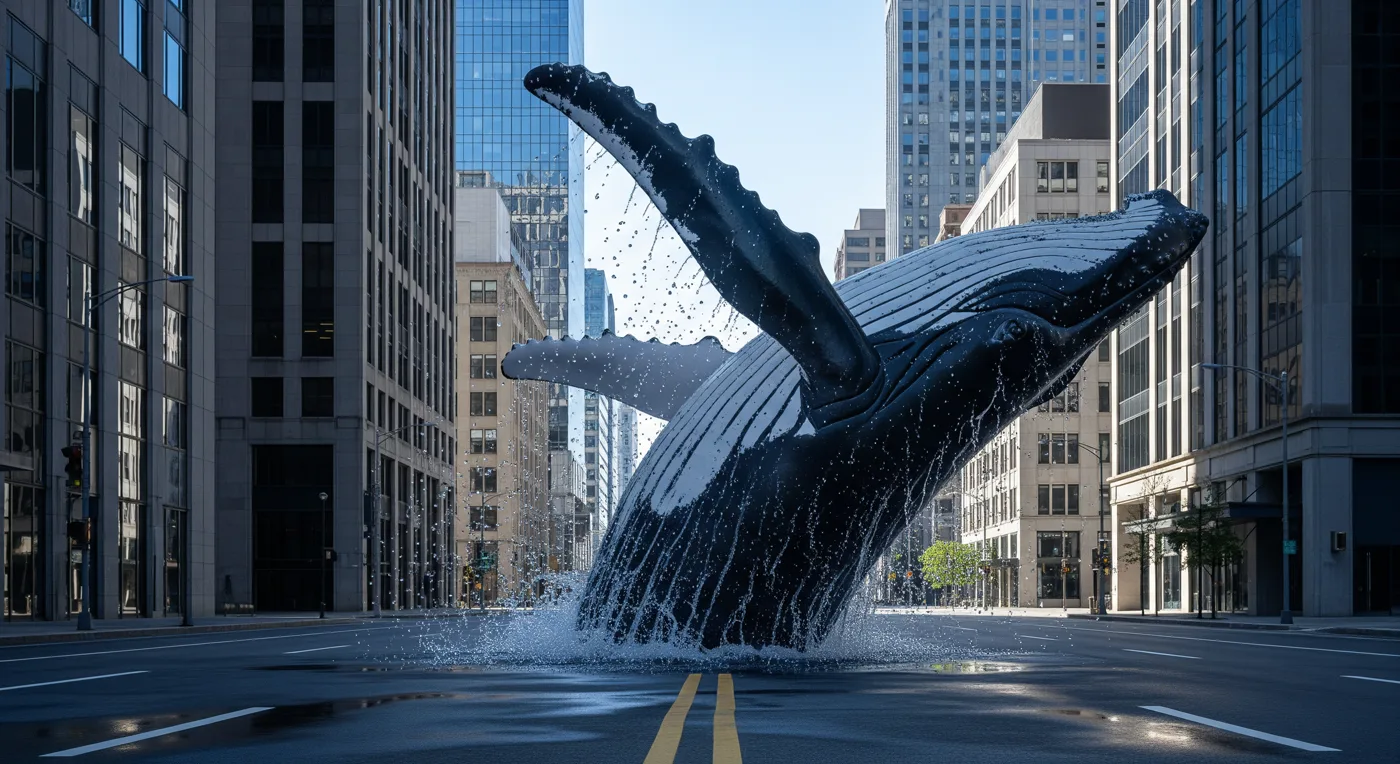
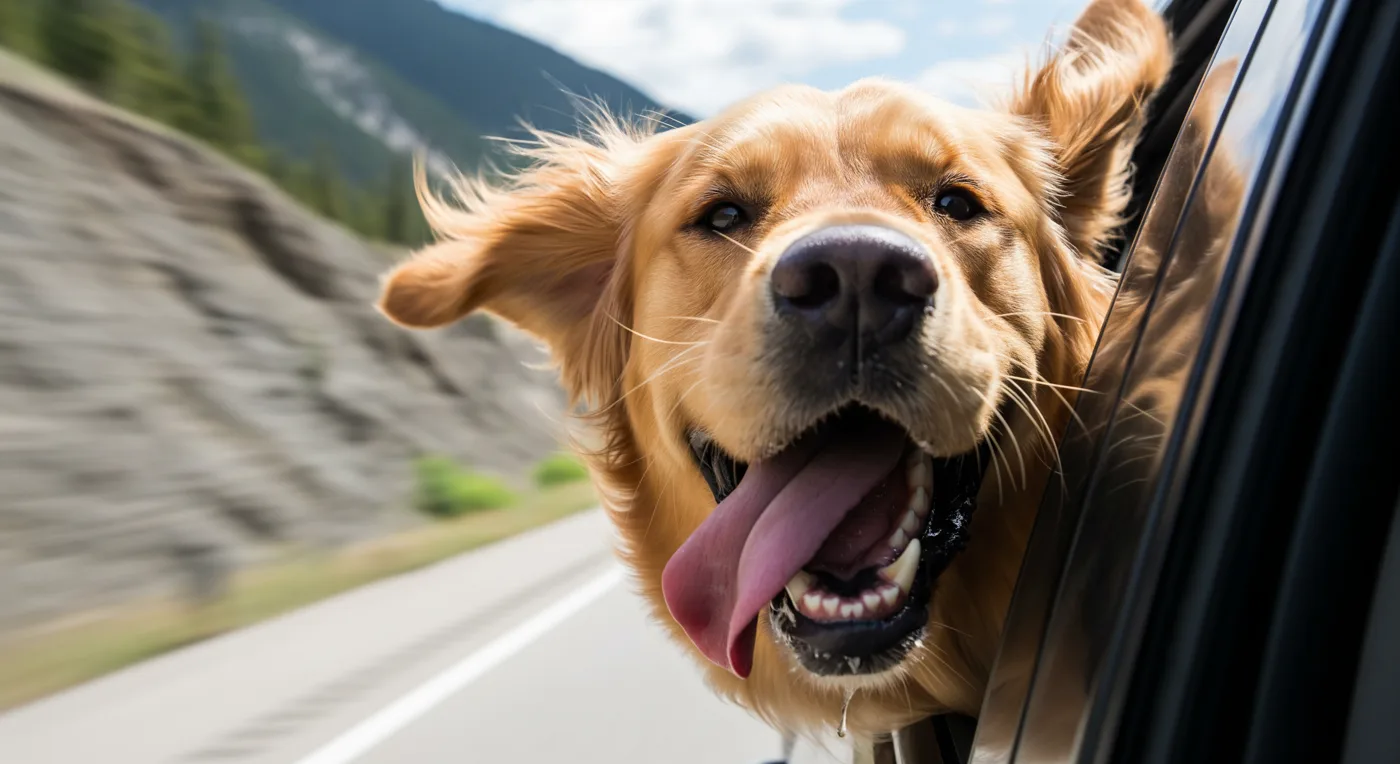
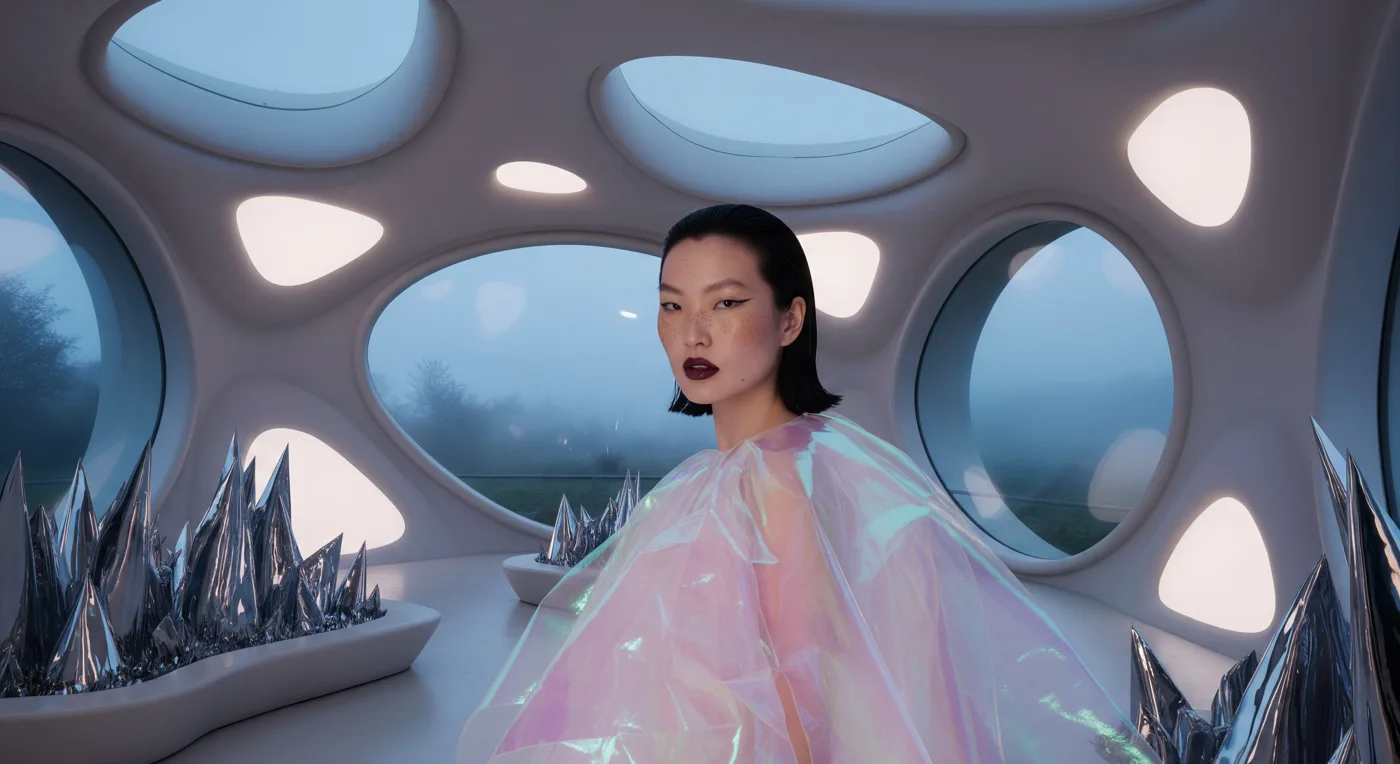

Imagen 4 does a single thing: you write a prompt and get a picture. Google released it in May 2025. There are no reference images and no masks, which makes it a clean fit for automated pipelines that start from a headline or a product description and nothing else.
Each request returns one image, and prompts can be up to 4,000 characters in English or Chinese.
What you can make
- Blog headers and article art generated from post titles
- Stock-style photos for landing pages
- Images for automated flows that only have text to work with
- Baseline results to compare with other text-to-image models
Settings that matter
aspect_ratio: 1:1, 4:3, 3:4, 16:9 or 9:16. If you leave it out you get 16:9, so set it on every call.- Build the prompt in order: subject, action, place, style, light, lens.
- Name the medium outright, such as "35mm film photo", "watercolor" or "3D render".
- There is no image input. To change an existing picture, use a model like FLUX.1 Kontext [pro].
Starter prompt
Editorial photo for an article on remote work: a laptop
on a balcony table at golden hour, potted herbs, city
roofs blurred behind, 35mm film look, warm tones
Replace the article topic and props, and keep the medium and light at the end of the prompt.
Questions
What does one Imagen 4 image cost?
$0.115 per image. A failed image costs $0, and your balance does not expire.
Can I edit a photo with Imagen 4?
No, it only works from text. For edits, use Nano Banana 2 or another model with image input.
How does it compare with Nano Banana?
See Imagen 4 vs Nano Banana 2 and Imagen 4 vs Nano Banana Pro.
Imagen 4.0 in your code
curl https://kadraris.com/v1/generate?wait=60 \
  -H "Authorization: Bearer $KADRARIS_API_KEY" \
  -H "Content-Type: application/json" \
  -d '{
  "model": "imagen-4",
  "input": {
    "prompt": "Packshot of a white linen sneaker on a concrete block, hard midday sun, crisp shadow, 85mm",
    "aspect_ratio": "16:9"
  }
}'
import os, time, requests
API = "https://kadraris.com/v1"
H = {"Authorization": f"Bearer {os.environ['KADRARIS_API_KEY']}"}
task = requests.post(f"{API}/generate", headers=H, json={
"model": "imagen-4",
"input": {
"prompt": "Packshot of a white linen sneaker on a concrete block, hard midday sun, crisp shadow, 85mm",
"aspect_ratio": "16:9"
}
}).json()
while task["status"] in ("queued", "running"):
time.sleep(3)
task = requests.get(f"{API}/tasks/{task['id']}", headers=H).json()
print(task["status"], task["cost"], [o["url"] for o in task["output"]])const API = "https://kadraris.com/v1";
const headers = { Authorization: `Bearer ${process.env.KADRARIS_API_KEY}`, "Content-Type": "application/json" };
let task = await (await fetch(`${API}/generate`, {
method: "POST",
headers,
body: JSON.stringify({
"model": "imagen-4",
"input": {
"prompt": "Packshot of a white linen sneaker on a concrete block, hard midday sun, crisp shadow, 85mm",
"aspect_ratio": "16:9"
}
}),
})).json();
while (task.status === "queued" || task.status === "running") {
await new Promise((r) => setTimeout(r, 3000));
task = await (await fetch(`${API}/tasks/${task.id}`, { headers })).json();
}
console.log(task.status, task.cost, task.output.map((o) => o.url));Input fields
| Parameter | Type | Allowed | Default |
|---|---|---|---|
prompt * | string | ≤ 4000 chars | |
aspect_ratio | string | 1:1 4:3 3:4 16:9 9:16 | 16:9 |
Fetch this list as JSON with GET /v1/models/imagen-4.