Store Product Photos With AI That Still Show the Real Item
Make AI product photos for your shop that match the real item: reference photos, white packshots, lifestyle scenes, a consistent series and the cost of 100.
 Piotr Olszewski2026-10-227 minPolski
A shopper buys the thing in the picture. If AI redraws your mug with a different handle, the returns will tell you. So every image in this guide begins with an actual photo of the item, attached as a reference (image_urls in the API). The prompt covers only what surrounds it: backdrop, light, setting. Use plain white for listings and the first image on a marketplace, and staged scenes for social posts and ads.
On Kadraris the main reference-friendly models are Nano Banana Pro (from $0.07 per image, 14 reference slots), GPT Image 2.5 ($0.05 per image, 16 slots) and FLUX.2 [pro] (from $0.0688 per image, 8 slots). The sections below cover packshots, lifestyle scenes, what my tests got wrong, how to keep a series uniform and what 100 photos cost.
Choose a model by the job
| Job | Model | Refs | Price |
|---|---|---|---|
| real product on white or in a scene, up to 4K | Nano Banana Pro | 14 | from $0.07 per image |
| new background or fixes on an existing photo | GPT Image 2.5 | 16 | $0.05 per image |
| one scene with several products, readable tags | FLUX.2 [pro] | 8 | from $0.0688 per image |
| text-instruction edits, no masks | FLUX.1 Kontext [pro] | 4 | $0.088 per image |
| several variants per call | Nano Banana 2 | 14 | from $0.07 per image |
| cheap layout and light drafts | Z-Image Turbo | none | $0.02 per image |
A note on sizes: GPT Image 2.5 is limited to a square and two 3:2 formats. Marketplaces with strict pixel rules need either a resize afterwards or a model offering 2K/4K output, like Nano Banana Pro. I compare the main contenders in GPT Image 2.5 vs Nano Banana Pro vs FLUX.2, and two of them directly in FLUX.2 Pro vs Nano Banana Pro.
When the model may invent, and when it may not
Give a model no reference and it will design an item of its own. That is fine for a mood board and wrong for a listing.
- Listings: reference photo every time, then verify outline, color, label wording and box contents.
- Ads and social posts: an imaginary setting is fine, an imaginary version of the product is not.
- Concept mockups before production: the one case where an invented package is acceptable, since the real one does not exist yet.
The reference does not need a studio. A sharp phone shot in daylight showing the whole item is enough. Complex objects benefit from a couple of extra angles.
White-background packshots
A packshot shows the item alone, without props, usually on white. Some marketplaces, Amazon for one, require pure white on the main image. My base prompt:
Packshot of this product on a pure white background, product centered and filling
about 80% of the frame, soft studio light from both sides, subtle shadow under
the product, no props, no other text, no logos
Practical notes:
- 1:1 suits most shops; 4:5 is better for an Instagram feed.
- I end with
no other text, no logosevery time, because models like to scatter tiny print around. - Got a good photo with an ugly background? Edit instead of regenerating. Send it to FLUX.1 Kontext [pro] or GPT Image 2.5 and ask for a pure white backdrop while leaving the item untouched.
Lifestyle scenes and what went wrong in my test
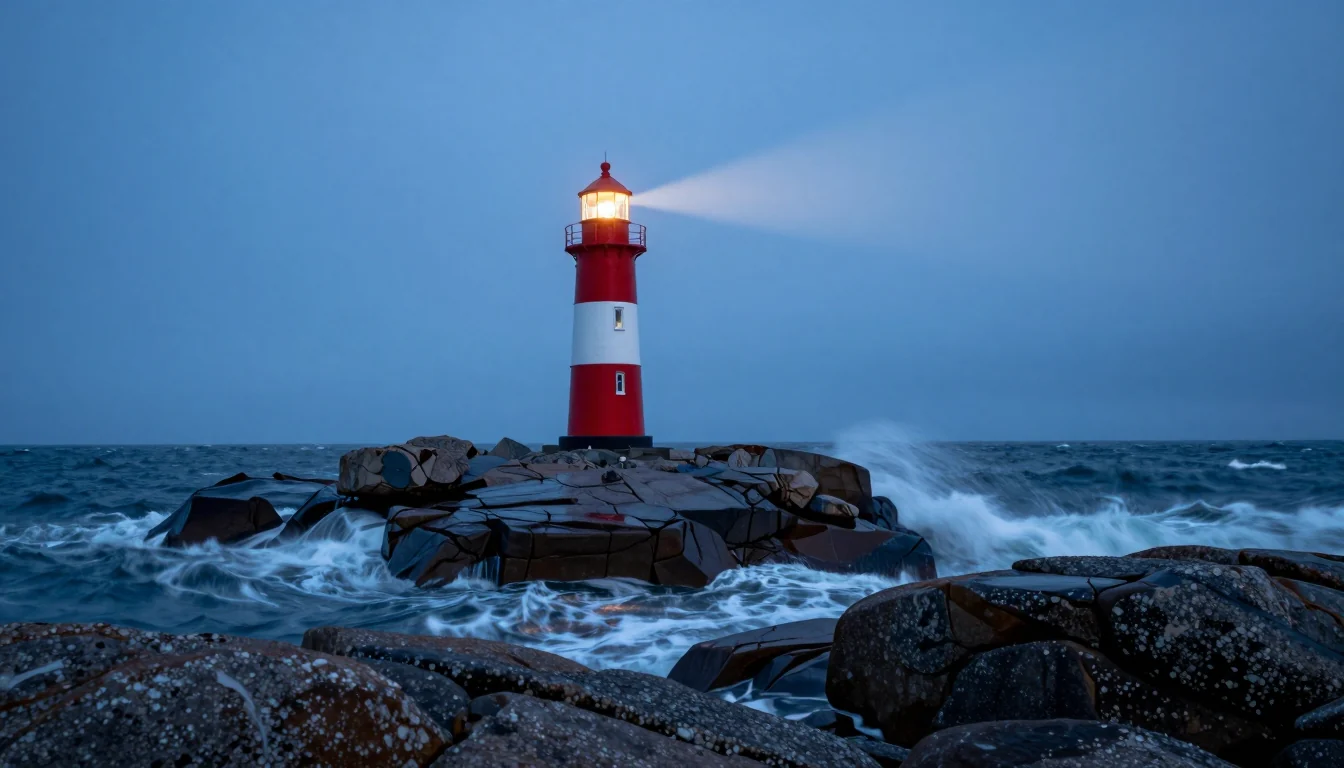
Lifestyle means context: a coffee bag next to a linen napkin, skincare on a stone plinth, a watch resting on wet rock by the sea. The more the model is allowed to invent, the more it can get wrong.
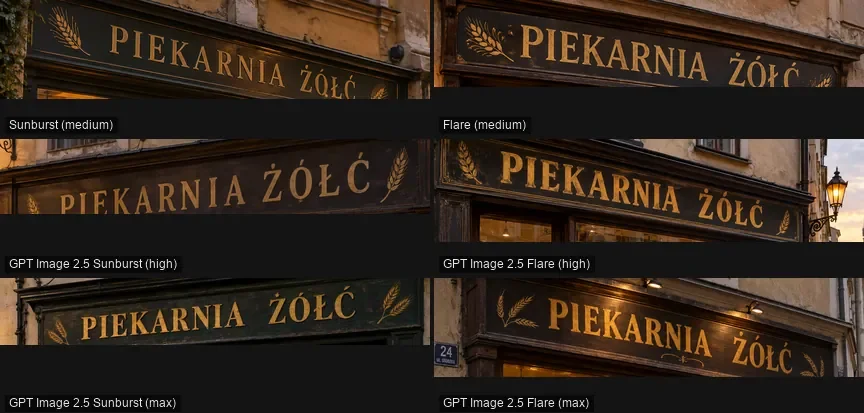
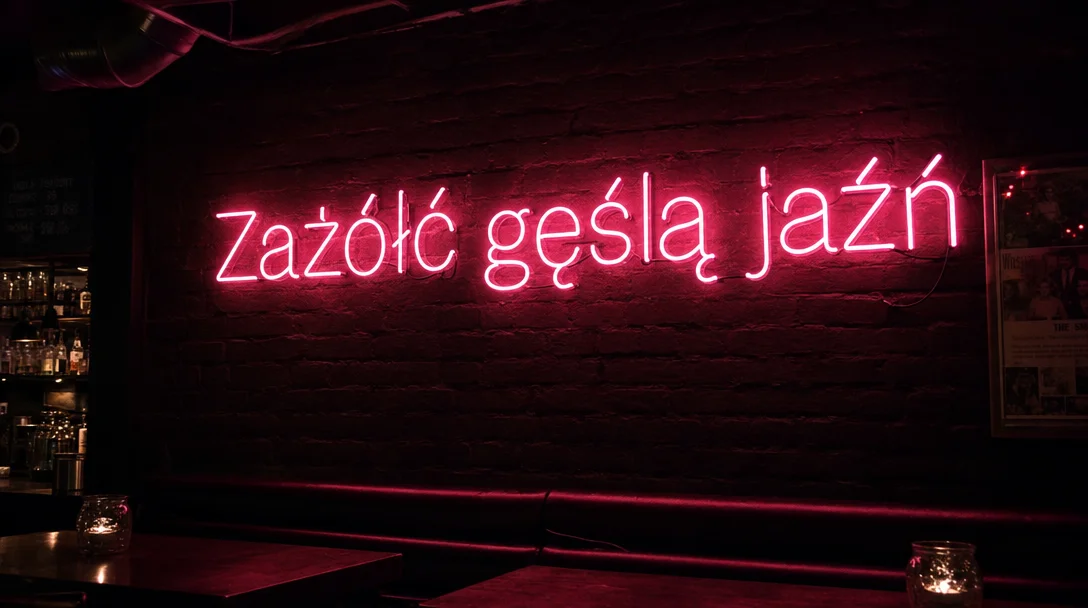
For my Polish blog I generated ten product visuals with FLUX 3 Image, no references, one try per prompt (write-up on promptowy.com). All headlines and main labels were spelled right, Polish accents included. The problems were smaller and easy to miss:
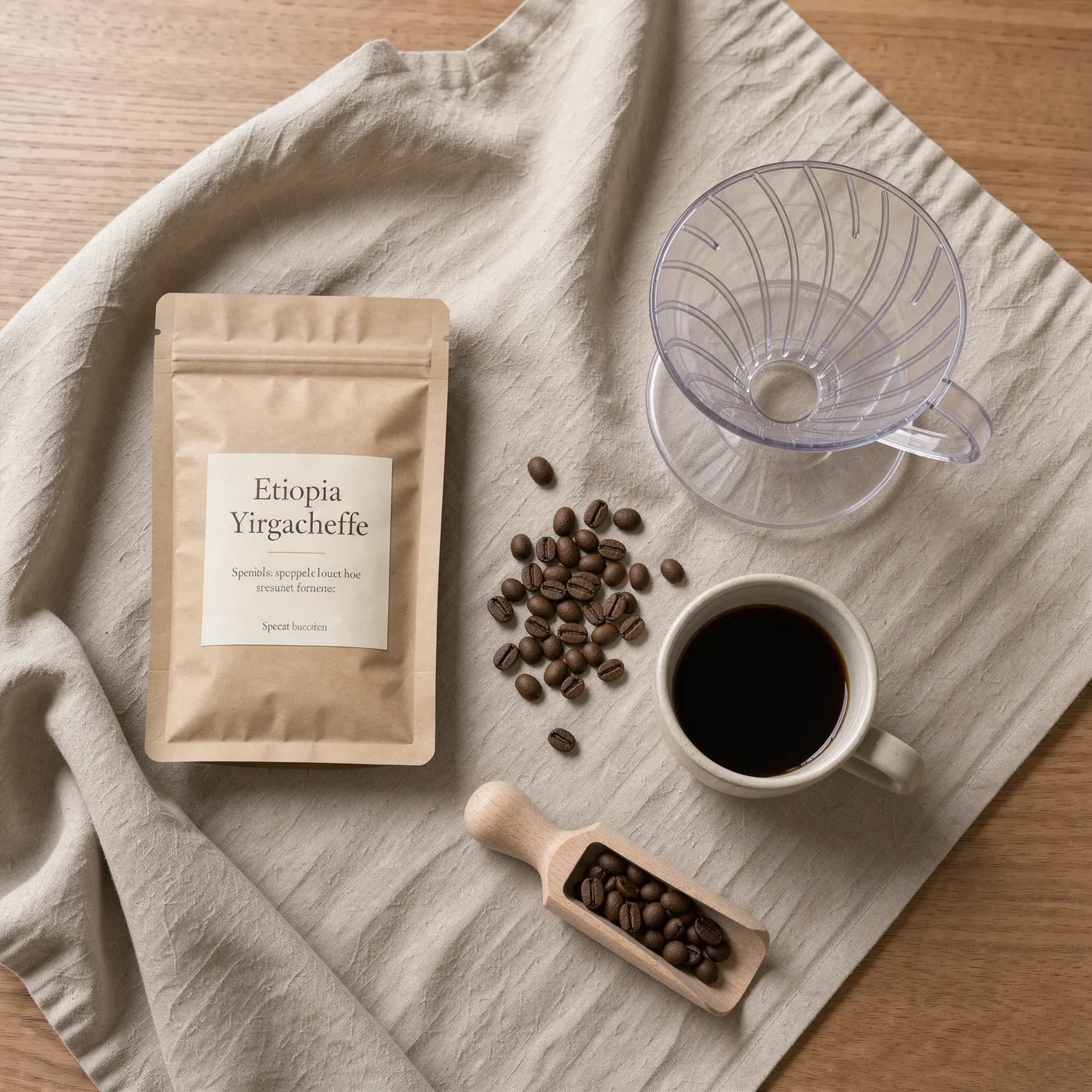
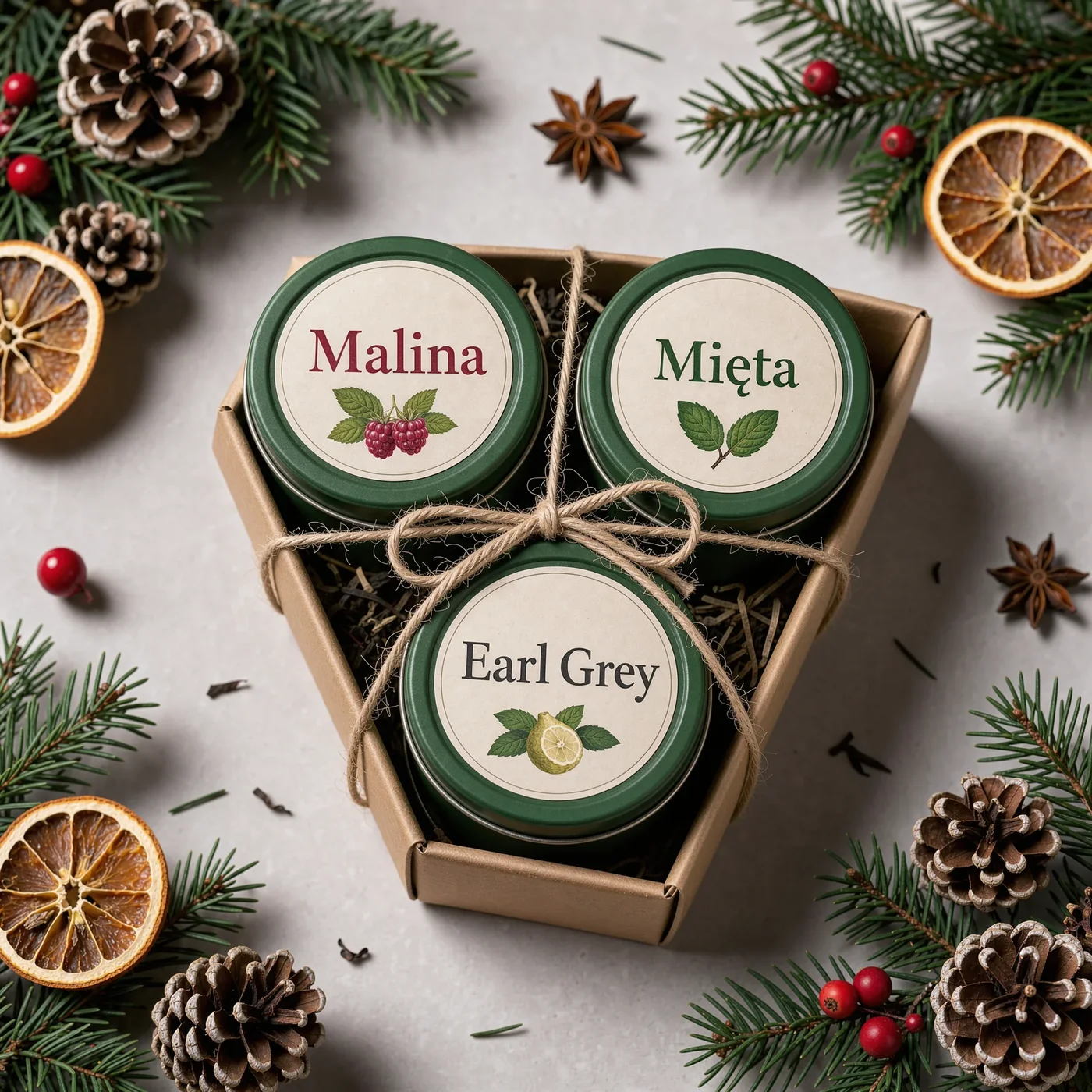
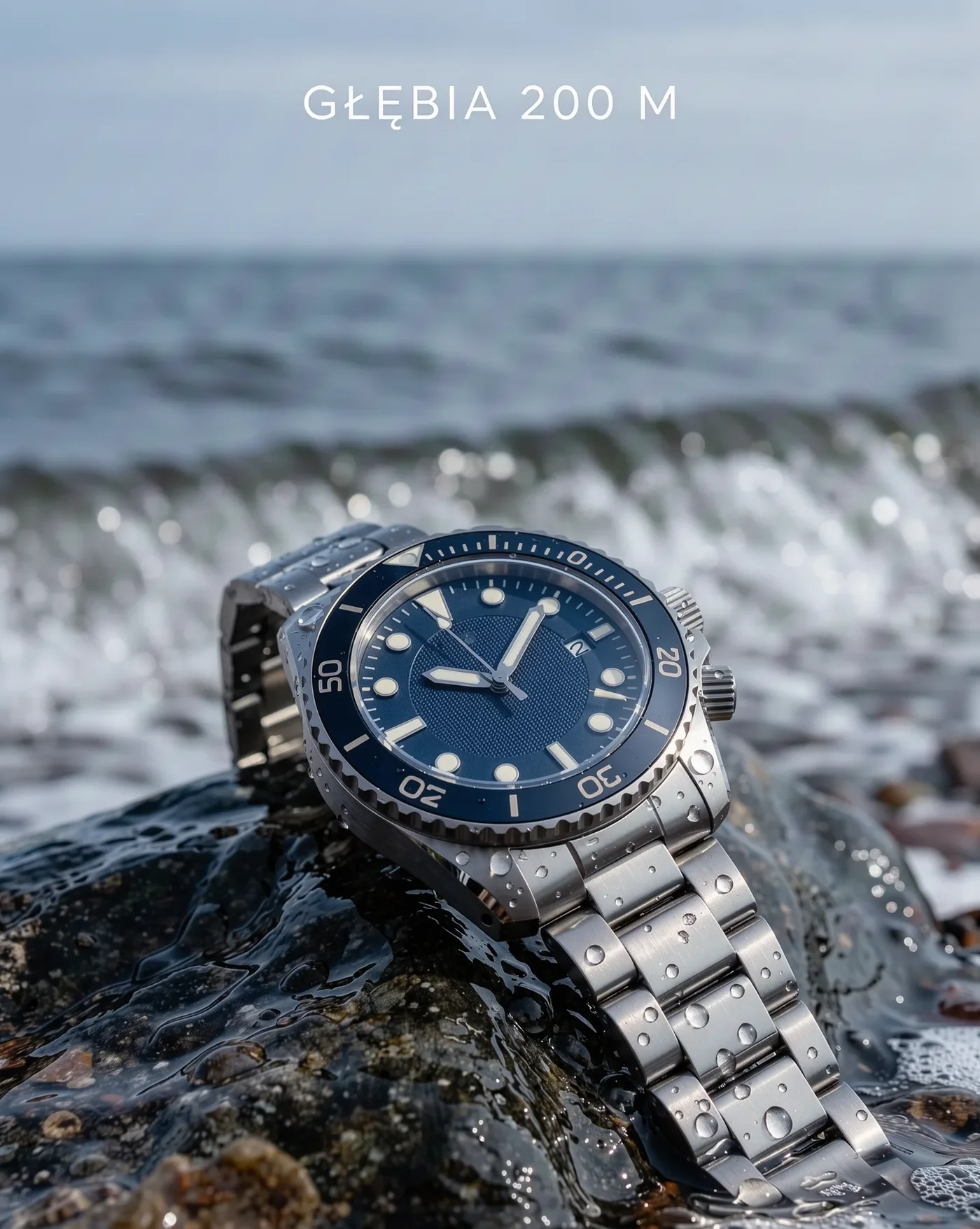
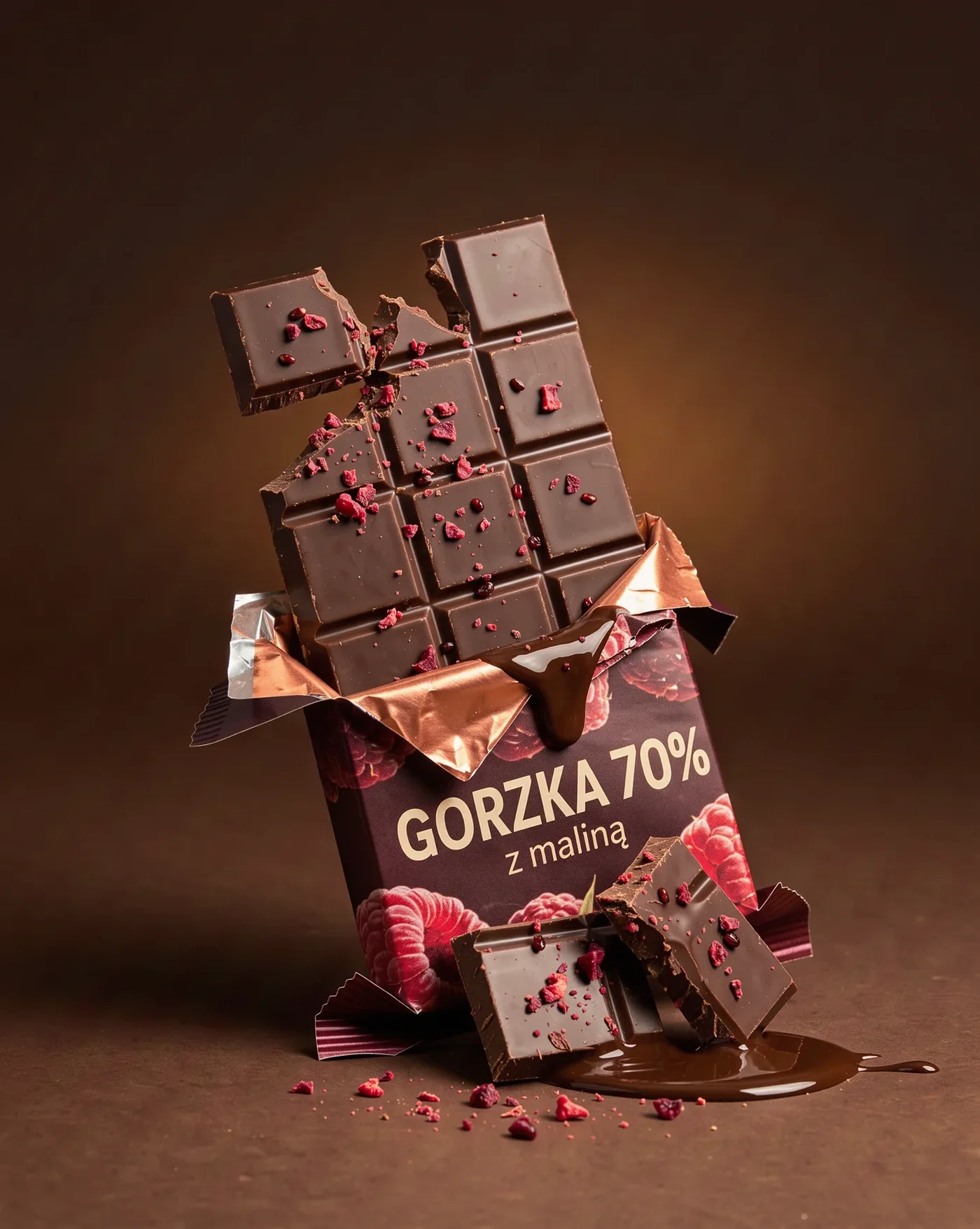
FLUX 3 Image was tested elsewhere; on Kadraris the FLUX family is represented by FLUX.2 [pro] and Kontext. But the same weak spots show up in every image model I have used:
- fine print beyond the quoted text tends to be nonsense,
- foreign logos: one picture carried an actual beer brand on its bottle, another drew marks that resembled famous sneaker brands,
- mechanical parts like watch bezels, clasps or the number of buttons need checking at full zoom,
- box and bottle shapes may be impossible to manufacture when no reference constrains them.
That is why I never let the model write a real product's label. The labeled item goes in as a reference with the line keep the product and its label exactly as in the reference image.
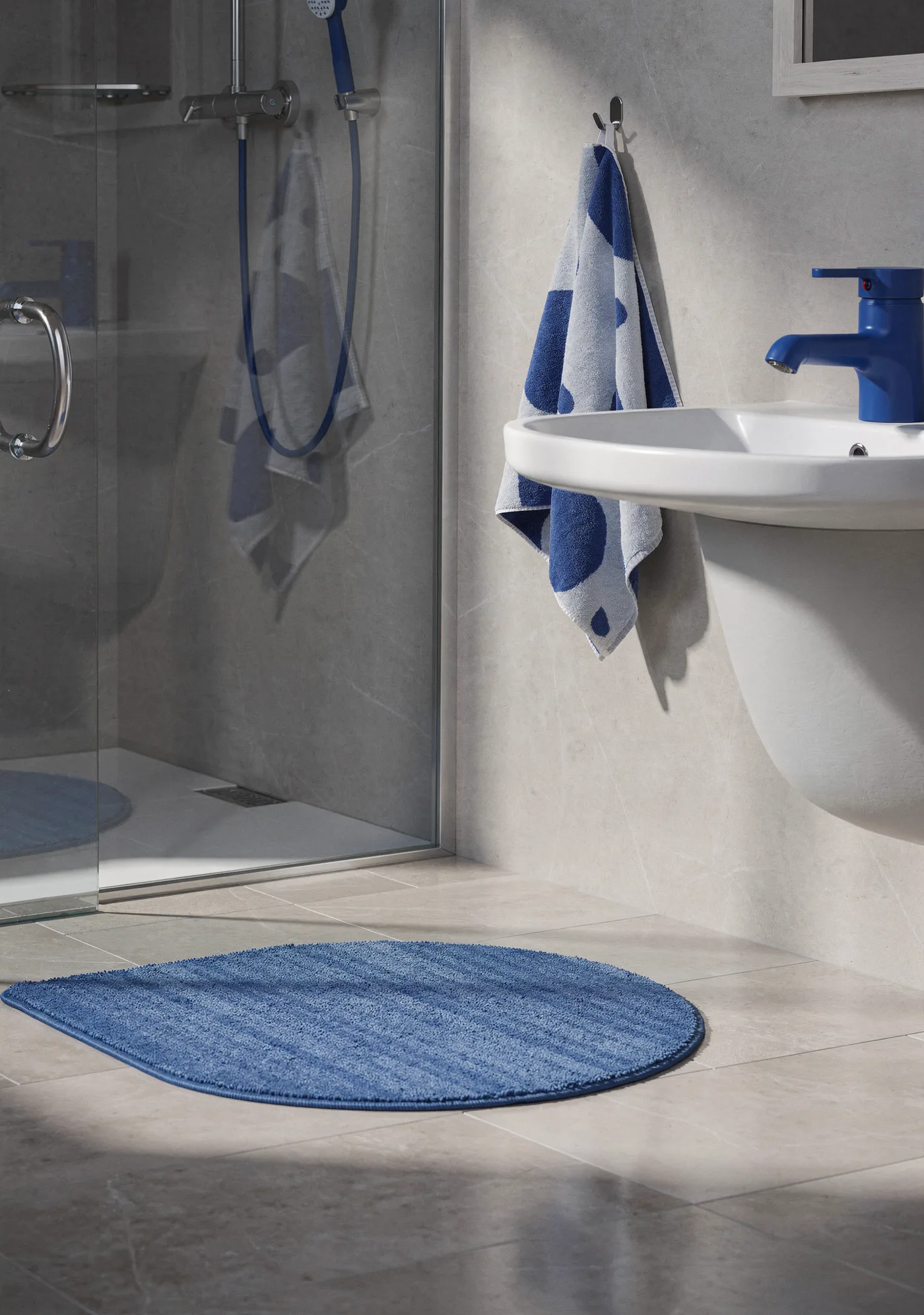
Black Forest Labs demonstrates FLUX.2 assembling one scene from several product references:
Making a whole series look like one shoot
Shoppers notice when one photo has a grey floor and the next a beige one. Since every generation starts from random noise, uniformity is something you build in:
- One template for all. Swap the item's name and nothing else; the descriptions of backdrop, lighting, viewpoint and crop are copied exactly.
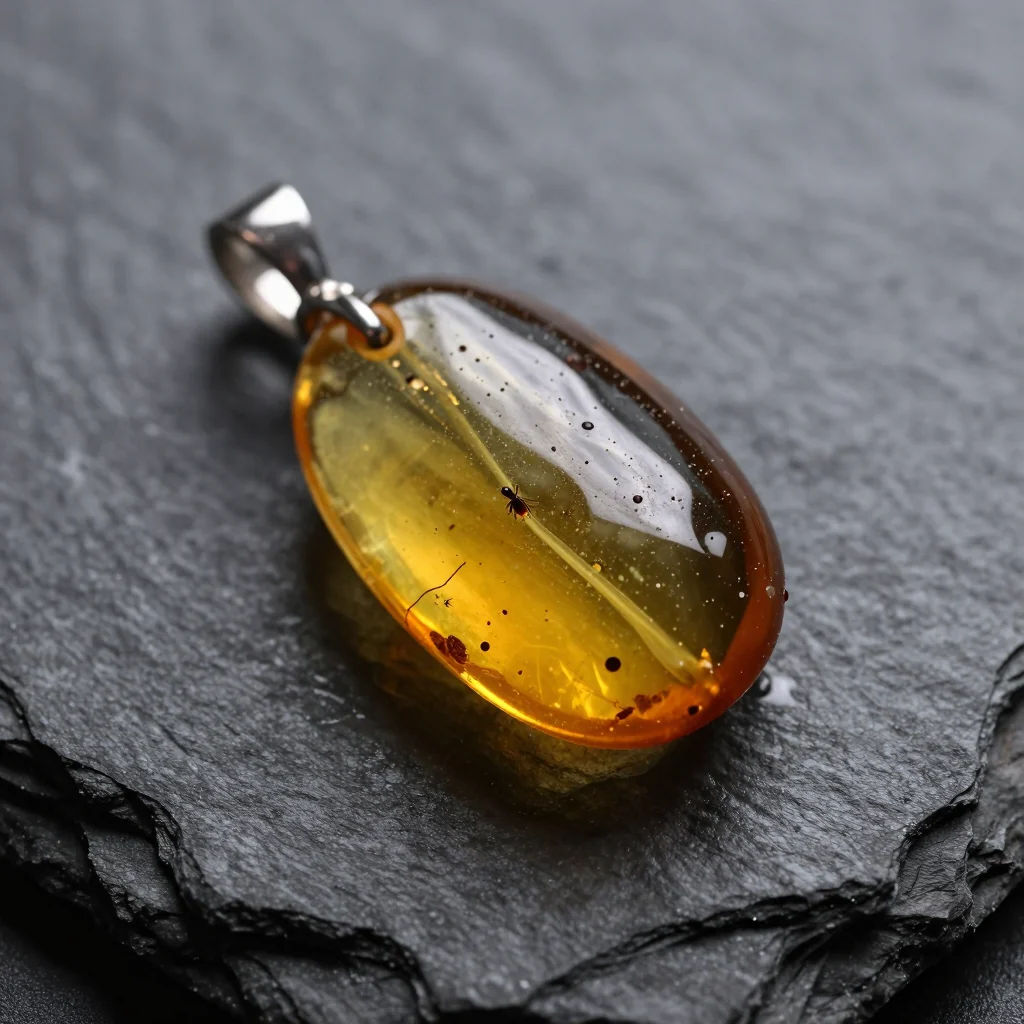
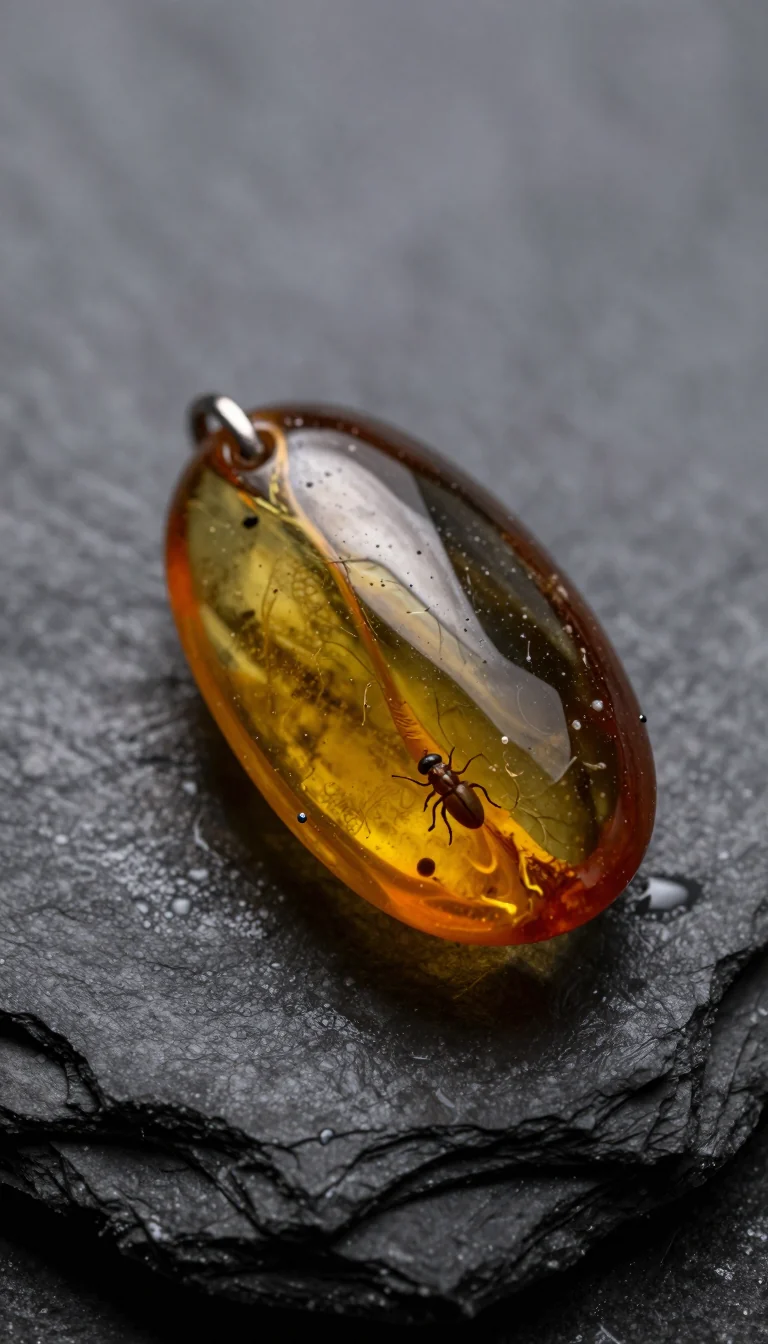
- One format. Switching format reshapes the whole composition. My Z-Image Turbo experiment shows it: identical prompt and seed, yet the square and tall versions contain different jewelry (pair below).
- A style anchor. Once you have one good result, attach it as an extra
image_urlsentry for every later item and tell the model to copy its backdrop, light and viewpoint. - Several outputs per request. Set
num_imageson Nano Banana 2 or Seedream 5.0 Lite to get as many as four; Seedream 5.0 Lite designs them to belong together. - A fixed seed, where available (FLUX.1 Kontext [pro], FLUX.2 [max], Wan 2.7 Image), to reproduce a good layout.
Budget for 100 photos
My planning assumption: a hundred keepers need about 150 runs, and I add 50 rough drafts on a cheap model to settle the layout.
| Model for the keepers | Runs | Cost |
|---|---|---|
| Nano Banana Pro | 150 | 150 × from $0.07 per image |
| GPT Image 2.5 | 150 | 150 × $0.05 per image |
| FLUX.2 [pro] | 150 | 150 × from $0.0688 per image |
| Nano Banana 2 | 150 | 150 × from $0.07 per image |
| Z-Image Turbo (drafts) | 50 | 50 × $0.02 per image |
Prices marked "from" apply to the smallest output size. References are included in the image price for these models, so ten references cost the same as one. Nothing is charged for failed runs; the first top-up can be $10 and unused money stays put. The pricing page breaks rates down by resolution.
Processing a catalog with a script
Once you have more than a handful of items, code beats clicking. The script below loops over your catalog and asks Nano Banana Pro for a white-background shot of every SKU:
import os, requests

API = "https://kadraris.com/v1"
KEY = os.environ["KADRARIS_API_KEY"]
HEADERS = {"Authorization": f"Bearer {KEY}"}

PROMPT = (
    "Packshot of this product on a pure white background, "
    "product centered and filling about 80% of the frame, "
    "soft studio light from both sides, subtle shadow, "
    "keep the product and its label exactly as in the "
    "reference image, no other text, no logos"
)

catalog = [
    {"sku": "MUG-01", "photo": "https://your-store.com/photos/mug-01.jpg"},
    {"sku": "MUG-02", "photo": "https://your-store.com/photos/mug-02.jpg"},
]

for item in catalog:
    body = {
        "model": "nano-banana-pro",
        "input": {"prompt": PROMPT, "aspect_ratio": "1:1",
                  "resolution": "2k",
                  "image_urls": [item["photo"]]},
    }
    task = requests.post(f"{API}/generate", params={"wait": 60},
                         headers=HEADERS, json=body,
                         timeout=90).json()
    if task["status"] != "succeeded":
        # still running or failed: check GET /v1/tasks/{id}
        print(item["sku"], task["status"], task.get("error"))
        continue
    url = task["output"][0]["url"]
    ext = url.split("?")[0].rsplit(".", 1)[-1]  # format from URL
    with open(f"{item['sku']}.{ext}", "wb") as f:
        f.write(requests.get(url, timeout=60).content)
    print(item["sku"], task["cost"])
Reference photos need public URLs. Output links expire, which is why the script writes files immediately. For more Python examples, see generate images with Python. To animate a finished packshot into a spot, follow my AI product ad workflow. Other models are listed on the AI image generator page.
Questions
What kind of photo should I use as the reference?
A sharp, evenly lit photo that shows the whole product, label facing the camera. A phone in daylight is fine. For bottles, bags or anything with sides that matter, add two or three angles as extra references.
Is it honest to sell with AI-made photos?
Yes, if the photo shows exactly what arrives in the box. Generate from the real item, compare shape, color, label and contents, and do not add accessories that are not included.
Why did the model change my label text?
Without a reference, labels are invented, and even with one, small print can drift. Put the real labeled product in image_urls, add "keep the product and its label exactly as in the reference image" and zoom in on every result.
Can I get four matching variants in one go?
Yes. Nano Banana 2 and Seedream 5.0 Lite return up to four images per request with num_images, and Seedream 5.0 Lite designs them as a set. There is no free plan for testing this, but failed runs are not charged.