A Krea AI Alternative for Pay-Per-File Work: Images and Video on One Balance
Krea AI alternative for people who mostly use third-party models: Nano Banana Pro, GPT Image 2.5, FLUX.2, Z-Image, Kling and Veo, billed per file on Kadraris.
 Piotr Olszewski2026-10-227 minPolski
Krea AI is an app that puts its own image models (Krea 1 and Krea 2), live generation and a long list of models from other labs under one subscription measured in compute units. Some people use it mostly for those outside models. If that is you and you would rather pay for each file, Kadraris runs the same or similar models directly.
For stills: Nano Banana Pro (from $0.07 per image), GPT Image 2.5, FLUX.2 [pro], Seedream 5.0 Pro and the low-cost Z-Image Turbo ($0.02 per image). For clips: Kling 3.0, Seedance 2.5 and Veo 3.1 (Quality). Everything draws from one prepaid balance that has no expiry date.
Is this switch right for you?
Krea is good at visual, back-and-forth work: you sketch, watch the image react live, and train your own style. If your days look like that, Krea is a sensible place to stay.
Paying per file tends to work better when:
- Your volume jumps around. A monthly unit allowance resets, while a Kadraris balance waits for you indefinitely.
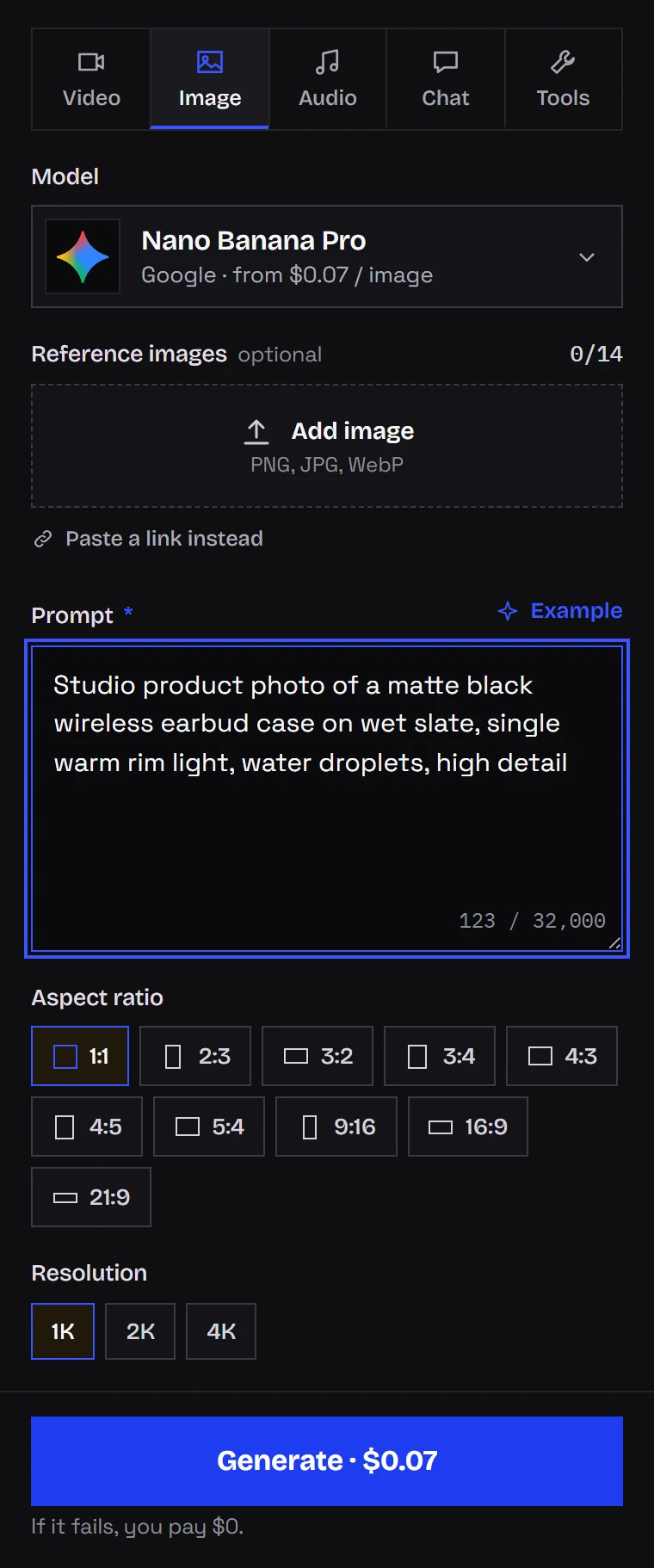
- You want a fixed price per file. Each model has a rate per image or per video second, visible on the button before you generate.
- Stills, clips, music and chat should share a key. One API key and one balance cover every category.
- You do not use Krea's own features. No need for live mode or LoRA training.
- You dislike paying for errors. A task that ends as
failedis not charged.
Krea's setup at a glance (October 2026)
Summarized from Krea's pricing and API pages, checked October 2, 2026. Their plans change, so confirm on krea.ai.
- A free plan gives a daily ration of compute units and partial tool access, no card needed.
- Paid tiers such as Pro and Max include a monthly unit allowance. Leftover units on these tiers do not carry over; carry-over begins at Business and Enterprise.
- Own models: Krea 1 and Krea 2 for images, plus real-time models for quick sketching.
- Outside models: for stills, names like Flux, Nano Banana, ChatGPT, Ideogram, Qwen, Seedream, Wan and Z-Image; for video, Kling, Seedance, Veo, Wan, Runway and others.
- Extras: image upscaling (to very large sizes on paid tiers) and training your own LoRA.
- An API billed per generation, separate from the app plans.
Image models I would reach for
| Model | Lab | What it does well | Price |
|---|---|---|---|
| Nano Banana Pro | finished frames, text, 1K to 4K, 14 refs | from $0.07 per image | |
| Nano Banana 2 | fast, 14 ratios, 4 images per call | from $0.07 per image | |
| GPT Image 2.5 | OpenAI | long prompts, edits from up to 16 refs | $0.05 per image |
| FLUX.2 [pro] | Black Forest Labs | photoreal scenes from up to 8 photos | from $0.0688 per image |
| FLUX.1 Kontext [pro] | Black Forest Labs | mask-free edits by prompt, 4 refs | $0.088 per image |
| Seedream 5.0 Pro | ByteDance | text-heavy posters, layers, 10 refs | from $0.0783 per image |
| Qwen Image 3.0 | Alibaba | lettering, negative_prompt, 3 refs | from $0.0576 per image |
| Z-Image Turbo | Alibaba | quick, cheapest, for drafts, no refs | $0.02 per image |
Where a price says "from", larger outputs cost more. Direct match-ups: Nano Banana Pro vs GPT Image 2.5, FLUX.2 Pro vs Nano Banana Pro, Z-Image vs FLUX.2 Pro.
My own split:
- Exploring layouts: Z-Image, a small fraction of what large models cost.
- The final cover or ad image: Nano Banana Pro.
- Prompts where every listed element must show up: GPT Image 2.5.
- Small fixes to a finished picture, like "concrete background instead" or "steam over the mug": FLUX.1 Kontext.
- Images with lots of words on them: Seedream 5.0 Pro.
All image models are listed on the AI image generator page.
No live mode, but a fast loop
Krea is famous for the canvas that redraws while you sketch. Kadraris has nothing like that. The nearest equivalent is speed on a cheap model: try several layouts in Z-Image, then send the winner to a bigger model.
Three takes of one prompt in Z-Image Turbo, run on my own RTX 4090 at 4 to 5 seconds each. On Kadraris the time depends on load and may differ.
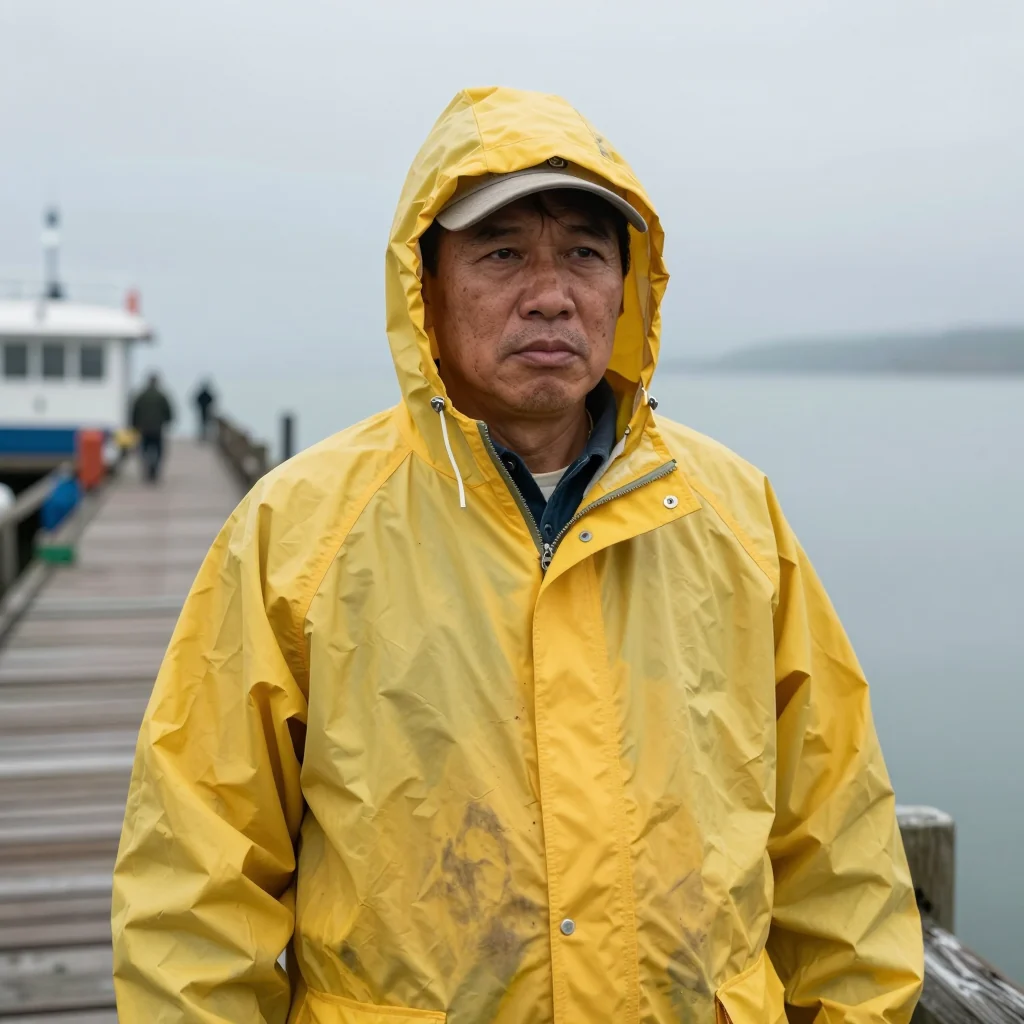
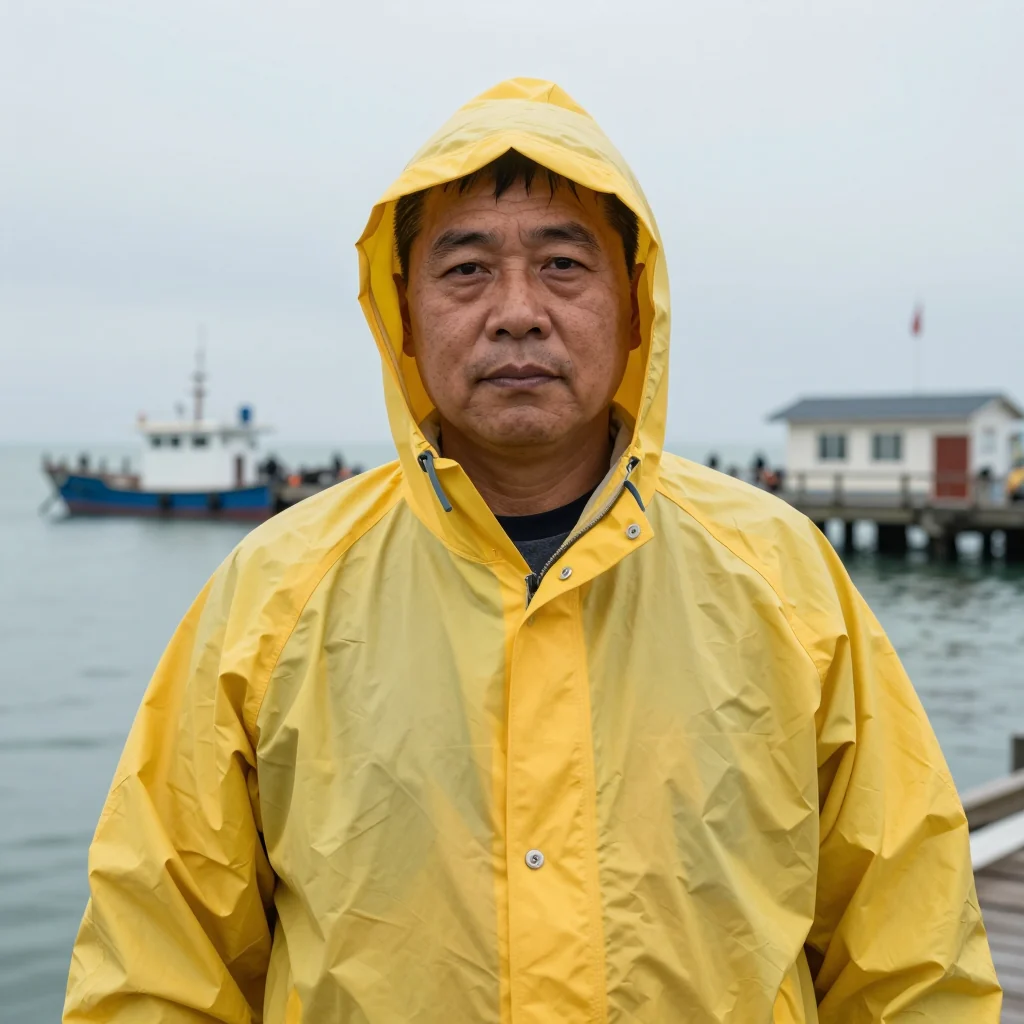
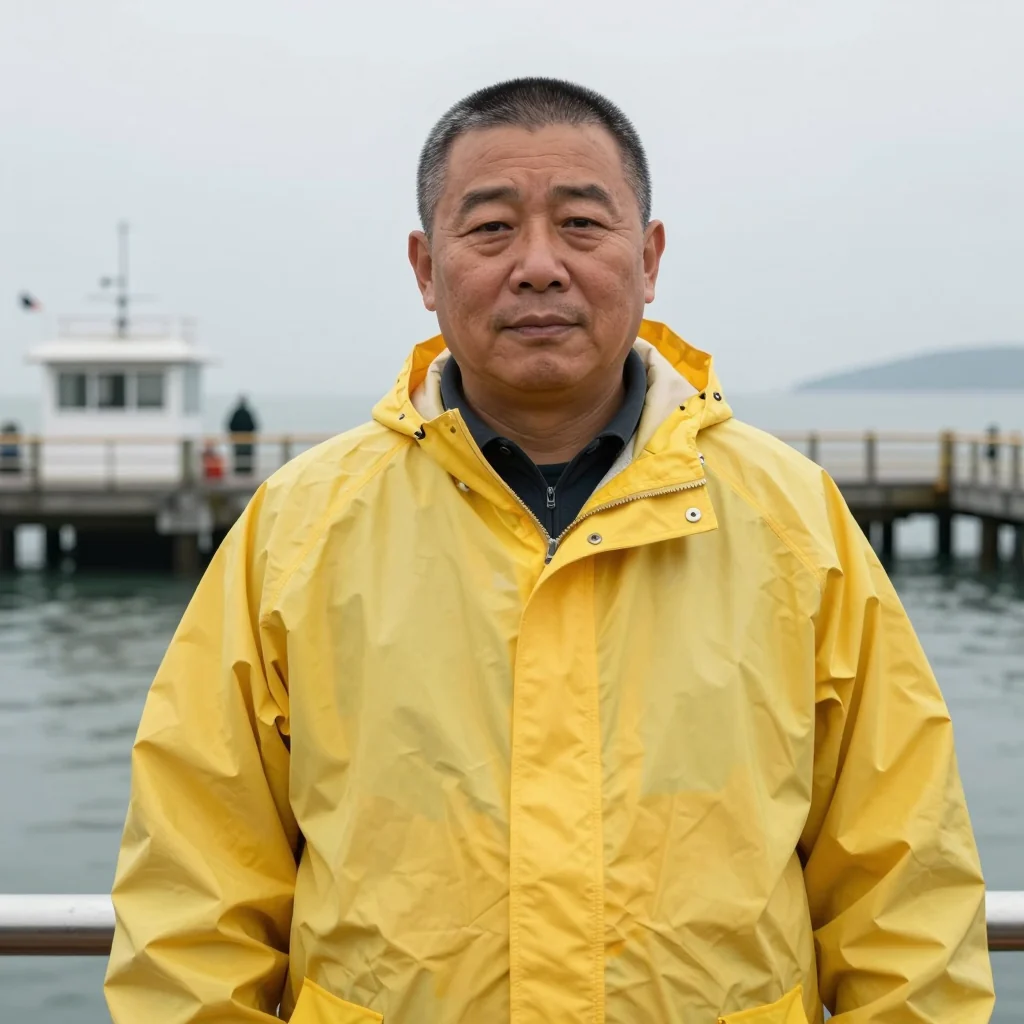
Details on this model: Z-Image Turbo API guide.
A quick look at quality: my sign test
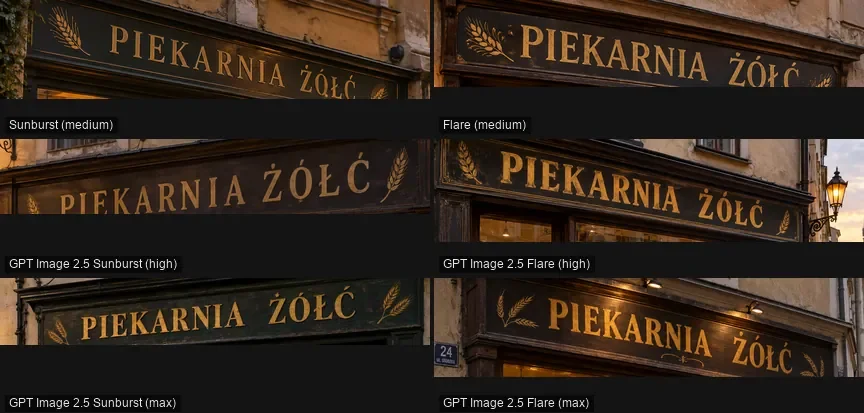
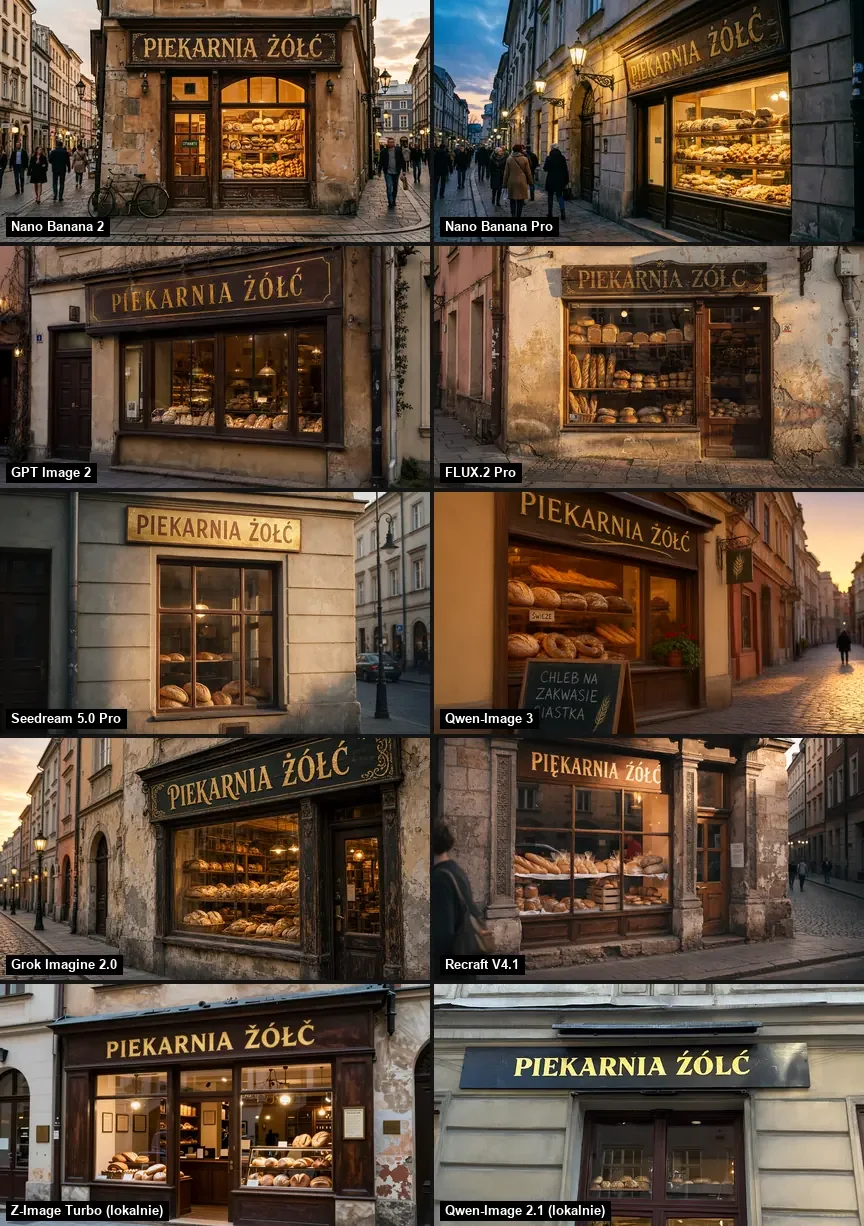
On September 27, 2026 I sent a set of identical prompts to several image models. One of them was a bakery window with the sign "PIEKARNIA ŻÓŁĆ", which is packed with Polish accents. Each model got one try. Across the whole ranking, Nano Banana Pro averaged highest at 9.0/10, Nano Banana 2 got 8.6, and FLUX.2 [pro] got 7.6 after two wrong letters. The full report: Nano Banana Pro, GPT Image 2.5 or FLUX.2.
Edits, upscaling and video
Like Krea, Kadraris covers stills and video from the same funds.
- Editing a finished image: FLUX.1 Kontext, or GPT Image 2.5 with the picture in
image_urls. - Video: Kling 3.0 (from $0.0963 per second), Seedance 2.5 (from $0.261 per second), Veo 3.1 (Quality), Wan 3.0 and MiniMax H3.
- Sharpening a finished clip: Topaz Video Upscaler or Enhance Video 1.0.
- Upscaling a still: there is no dedicated tool for images. Choose a larger output instead, such as 4K in Nano Banana Pro.
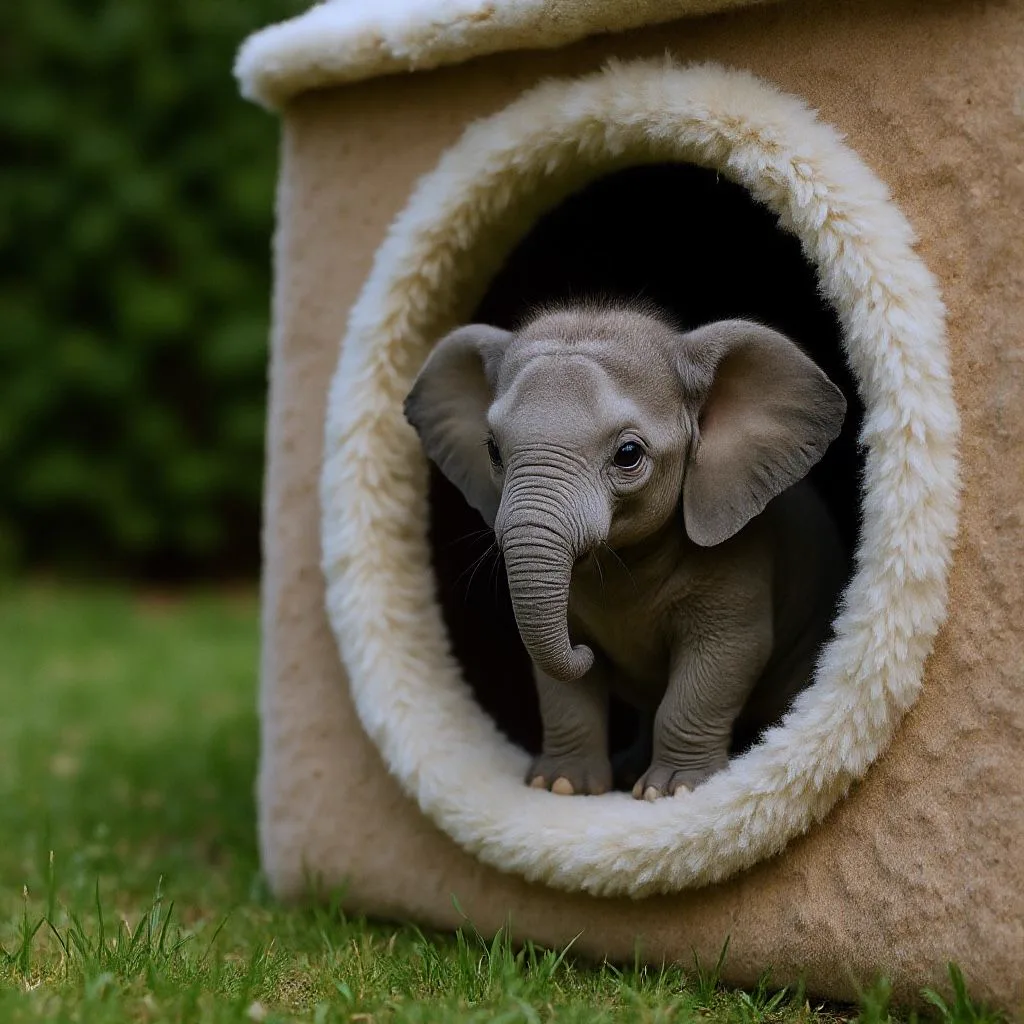
Wan 3.0 can also turn a product shot into a clip, for example a vertical lip gloss swatch:
From photo to clip step by step: image-to-video guide. The video models are collected on the AI video generator page.
Bringing a project over
- Carry over prompts, not app settings. A described scene works in any model. Turn sliders and presets into words about technique, light, lens and colors.
- Use references where you had a LoRA. Instead of training, attach 3 to 5 example images in
image_urlsand say what must stay the same: the character, the palette or the layout. More in consistent characters in AI video. - Cheap first, premium last. I try layouts in Z-Image and render the keeper in Nano Banana Pro or GPT Image 2.5.
- Save files immediately. Result links last a limited time; history stays in Studio.
Prompt craft in general: AI image prompt guide.
Budget example
Kadraris has no subscription and no units. You add funds from $10 and pay per file. One month of a design project might look like this:
| Item | Count |
|---|---|
| 200 Z-Image drafts | 200 × $0.02 per image |
| 40 final Nano Banana Pro images | 40 × from $0.07 per image |
| 20 FLUX.1 Kontext edits | 20 × $0.088 per image |
| 5 Kling 3.0 clips of 5 s | 25 seconds × from $0.0963 per second |
| failed jobs | $0 |
A plan is a fixed fee for a block of units; a balance is charged file by file. Which one costs less depends on how much you make each month. Rates: pricing. Estimates: cost calculator.
The API version
Adding ?wait=60 keeps the connection open until the picture is done, so the image arrives in the same response:
curl "https://kadraris.com/v1/generate?wait=60" \
  -H "Authorization: Bearer $KADRARIS_API_KEY" \
  -H "Content-Type: application/json" \
  -d '{
    "model": "z-image",
    "input": {
      "prompt": "Macro product photo of a raw Baltic amber pendant with a tiny insect inclusion on dark wet slate, warm backlight, shallow depth of field",
      "aspect_ratio": "16:9"
    }
  }'
When the draft looks right, change model to nano-banana-pro and add "resolution": "4k". A Python script that also saves files: AI image generation in Python. All fields: generate docs.
Questions
Can I use Krea 1 or Krea 2 on Kadraris?
No. Those are Krea's own models. Kadraris carries models from Google, OpenAI, Black Forest Labs, ByteDance, Alibaba and other producers.
What replaces a custom LoRA for a consistent style?
Reference images. Nano Banana Pro accepts up to 14 in image_urls, GPT Image 2.5 up to 16. Describe in the prompt what to take from them.
How do I get large prints without an image upscaler?
Generate at a higher resolution from the start, for example 4K in Nano Banana Pro. For video there are dedicated upscalers.
Can I try it for free?
Kadraris has no free plan or signup credit; you start with a $10 top-up that does not expire. Z-Image also has open weights, so you can run it on your own strong GPU, which is how the drafts above were made.